
Known Participant
August 2, 2023
Question

SDK getDevelopSettings() from selected photo and applyDevelopSettings() to other selected photos

  • August 2, 2023
  • 1 reply
  • 991 views

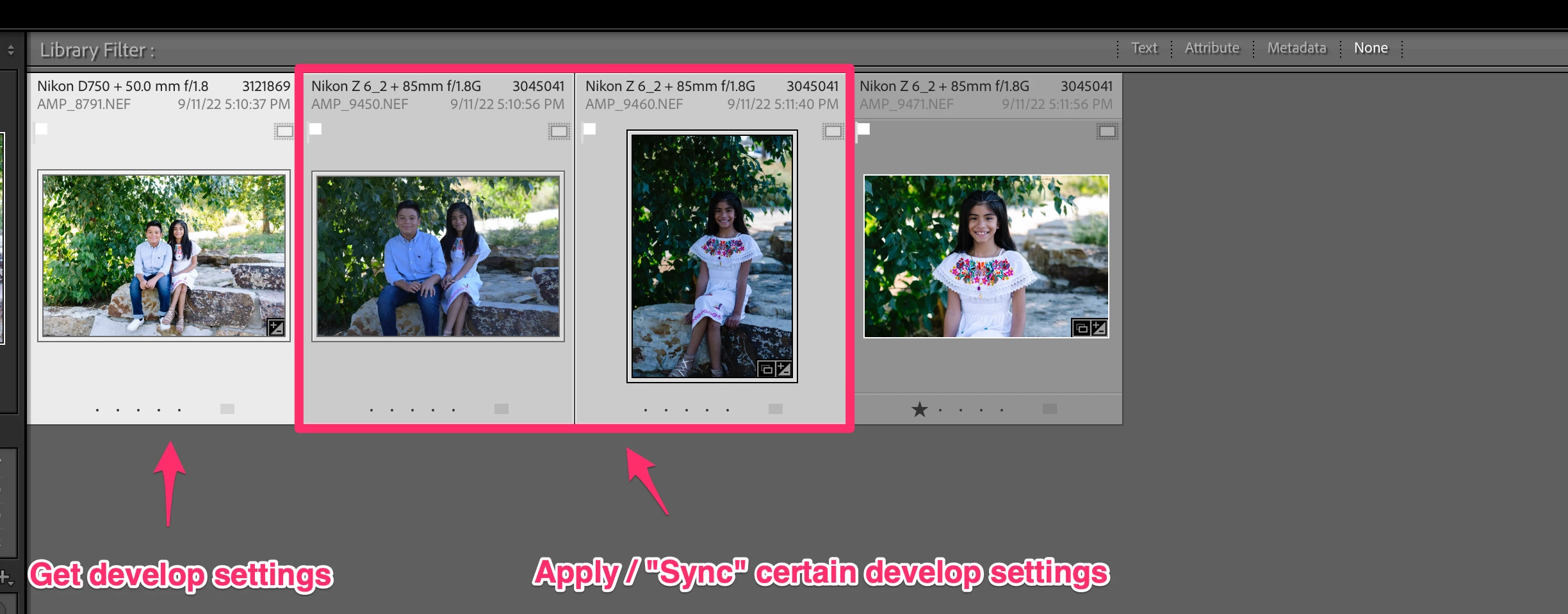
I have figured out how to use photo:getDevelopSettings() and photo:applyDevelopSettings() to make adjustments to one image or a group of images. But I am trying to get the develop settings from the most selected photo and then apply those settings to the remainder of the selected photos. Essentially, I am trying to recreate the Sync functionality that can be done via the UI in a script. I am using this as a starting point to manipulate the applied settings per image based on various criteria of the images.


Please see the screenshot below.


This topic has been closed for replies.

1 reply

johnrellis
Legend
August 2, 2023

Something like this:

local targetPhoto = catalog:getTargetPhoto ()
local settings = targetPhoto:getDevelopSettings ()
for _, photo in ipairs (catalog:getTargetPhotos ()) do
    if photo ~= targetPhoto then 
        photo:applyDevelopSettings (settings)
        end
    end
cwurzbachAuthor
Known Participant
August 2, 2023

Thanks @johnrellis 

cwurzbachAuthor
Known Participant
August 24, 2023

@johnrellis this has been very helpful. I've been able to create a plugin that syncs all the develop settings except for "Profile". I can't find documentation in the SDK on how to get or apply profiles (such as Adobe Color, Adobe Standard, etc). I know this can be a bit more complicated. Any insight on how to get and apply profiles?