


Participant
August 5, 2026
Answered

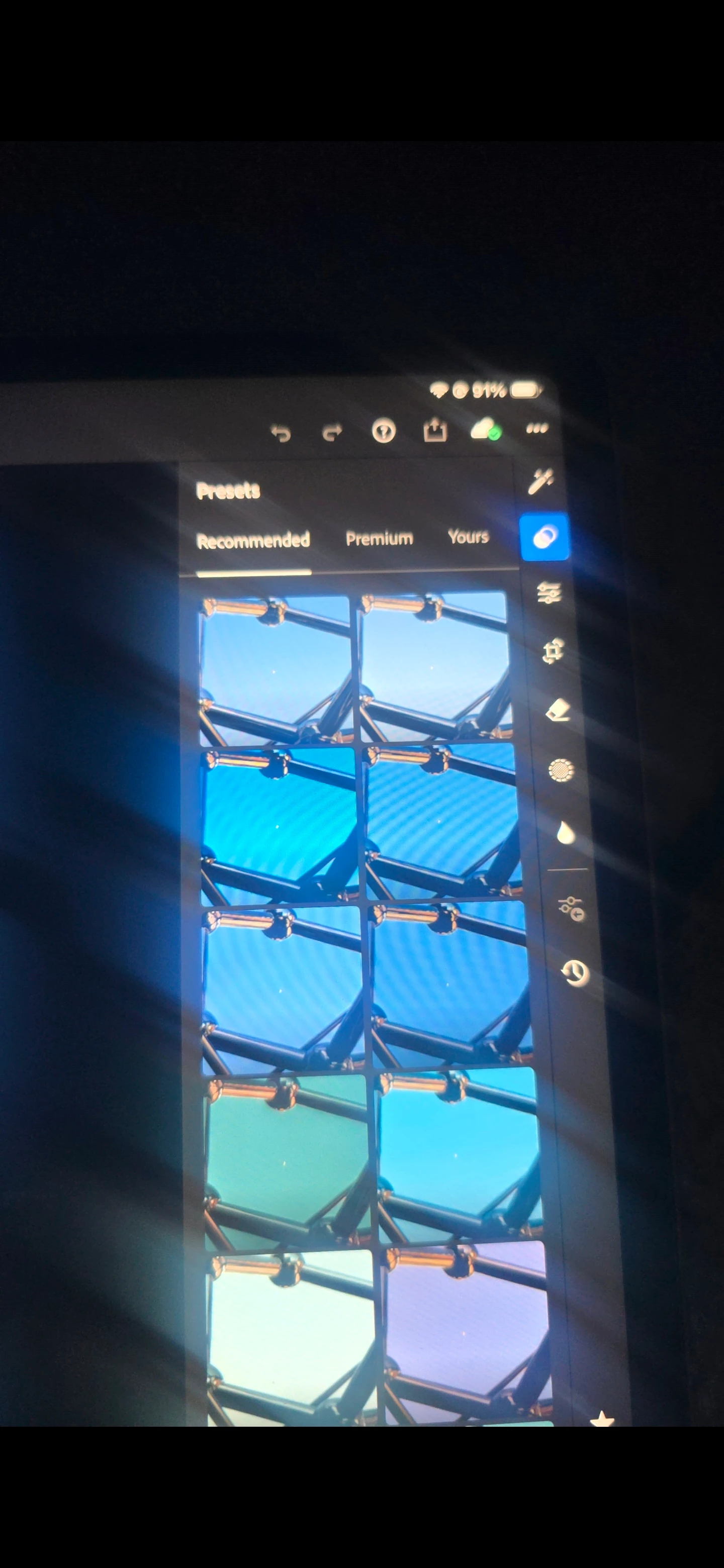
P: (Mobile) Presets panel, under Recommended, I do not see the preset categories (Warm, Dark, Bright, Cinematic, HDR, etc.)

  • August 5, 2026
  • 100 replies
  • 1447 views

In the Presets panel, under Recommended, I do not see the preset categories (Warm, Dark, Bright, Cinematic, HDR, etc.) that appear in Adobe's documentation and other users' screenshots. The app is fully updated, I've already compared it with Lightroom on my phone, and the feature is missing only on my iPad. I'd like to know if this is a bug, a staged rollout, or an account-specific issue.

 

    Correct answer Rikk Flohr-Retired

    The Android release 11.5.30 should be rolling out now with an update for this issue. It may take several days for it to appear in the Google Play store but should be immediately available in the Samsung store. 

    100 replies

    Participating Frequently
    August 26, 2026

    Same here!! They took it out with the last update & no plans to fix it either. This forum is a waste of time & don’t even try contacting support they are more clueless than the self proclaimed “professionals” here. 

    Participant
    August 26, 2026

    The subtle presets were my favorite edits in Lightroom and this is a major downgrade. 

    The new recommended presets are way too high contrast and you cannot adjust them =( I’m super unhappy with this update.  

    Participant
    August 26, 2026

    I have an active subscription for Adobe Lightroom on my Android device and the coolest and most useful feature is gone after deleting and reinstalling the app because of a malfunction of the app that wouldn't go away. 

    The presets used to be grouped into categories (Dark, HDR, Cinematic, Black and White, Etc...) and each category had about 20 or more presets. Now if I try to apply a preset Lightroom will only show me a bunch of predetermined presets (exactly 20) without names. I don't know if this is just a bug or if it is something done on purpose and is part of the new update. 

    The image I just uploaded shows that where I put the *??* there used to be preset categories that are now gone. 

    If I go to the premium tab the presets are still categorized, it's just my recommended (empfohlen) Tab that seems to have the issue. 

    I can still access previous edited photos and restore them to their original versions. 


    My app is in German so In this case the tab "recommended" actually says "empfohlen".


    This is one of the preset categories found under the "Premium" tab, this tab doesn't appear to have changed.

    Participant
    August 26, 2026

    I am very frustrated by Adobe’s decision to remove the preset categories under the recommended Presets, specifically categories like Dark, Bright, Warm, Cool, Cinematic, HDR, etc.
     

    Please restore them. Thank you. 

    Participant
    August 25, 2026

    All of the recommend pre sets are missing all the b/w ones cinematic ones basic everything is missing why? How can this be fixed I use Lightroom for work. 

    Participating Frequently
    August 23, 2026

    Thx for the info! Got the question directed at the right group. Community Expert? “<“ is not an option in the app. lol

    Participating Frequently
    August 23, 2026

    When uploading a new photo or using an older image on the LR app on IPhone. After clicking the Presets Tab the “Recommended Presets” are not there since the latest update. Example: Subtle, Dark, B&W, HDR, Cinematic, Etc. I’ve signed out, uninstalled, reinstalled, signed in & spent over an hour with support which determined the problem isn’t with my application or IPhone. The problem is on Adobe end. 

    JohanElzenga
    Community Expert
    Community Expert
    August 23, 2026

    Tap on the < on the left above your presets to go to the overview. There you still have the Recommended presets.

    BTW, this is the Lightroom Classic forum. For questions about Lightroom Mobile you need to be in the Lightroom ecosystem forum.

    -- Johan W. Elzenga
    Participating Frequently
    August 23, 2026

    When uploading a new photo or using an older image on the LR app on IPhone. After clicking the Presets Tab the “Recommended Presets” are not there since the latest update. Example: Subtle, Dark, B&W, HDR, Cinematic, Etc. I’ve signed out, uninstalled, reinstalled, signed in & spent over an hour with support which determined the problem isn’t with my application or IPhone. The problem is on Adobe end. This bug is Redundant. 

    Participant
    August 22, 2026

    Had this issue too, came and saw it was a deliberate choice.   What a terrible move.  Rethinking my entire adobe subscription now.   You got rid of the best part of that app, and replaced it with what?  A long ass waite why your shitty AI analysis the image.   Wrf is wrong with Adobe?