


geekformante
Participant
December 22, 2023
Answered

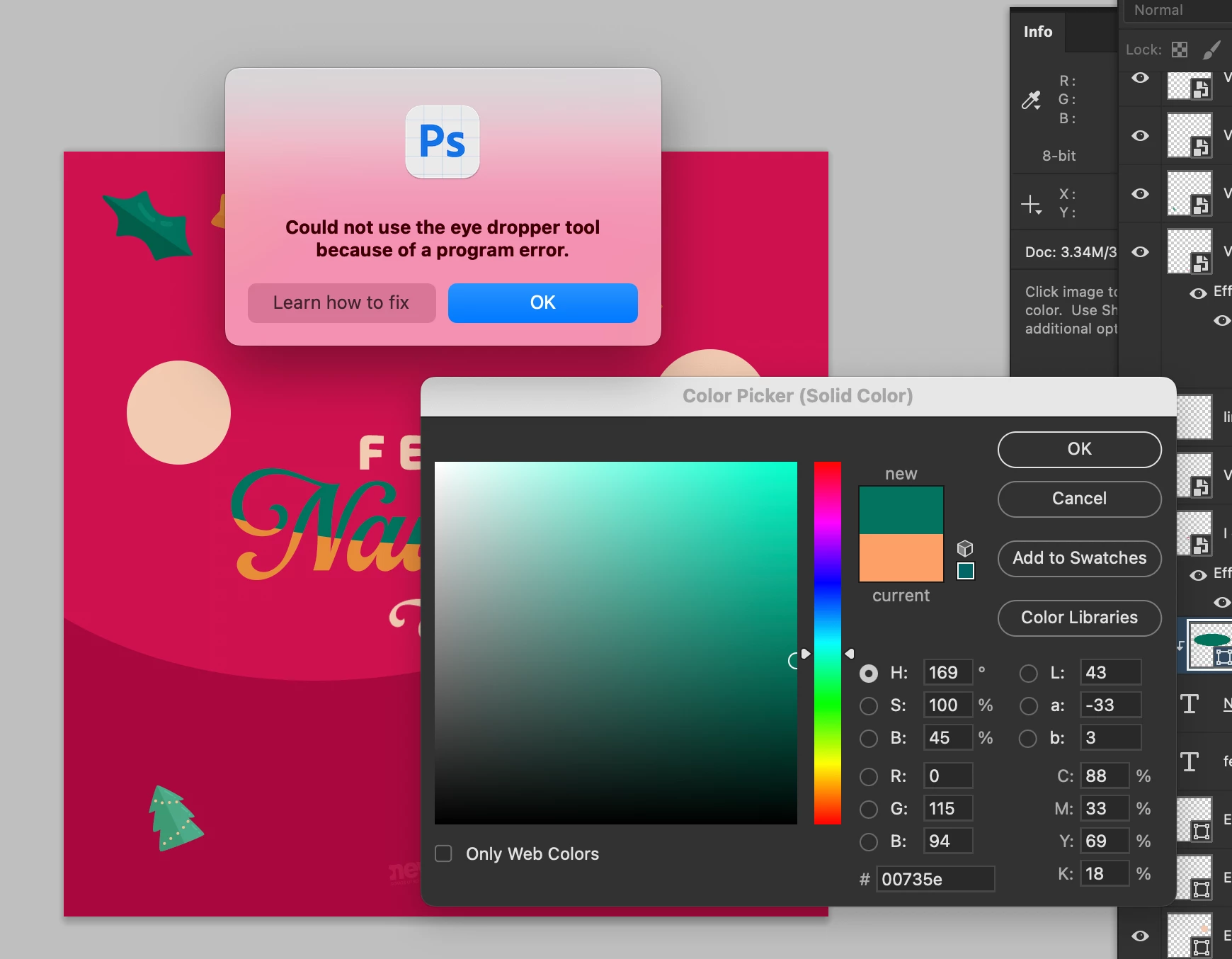
Eye dropper error: Could not use the eye dropper tool because of a program error

  • December 22, 2023
  • 102 replies
  • 35759 views

Hi.


Does anyone know how to fix this error? I can't pick colors from with the eye dropper. I have the most recent versión of Photoshop Beta: 25.4.0


I tried reseting preferences, erase them, hidding layers, etc.


Here is a capture of the problem:


102 replies

Oliver Bennett
Participant
January 31, 2024

This happened to me running the latest PS 25.4 (OS 13.6.3), so I reinstalled the previous version 25.3.1 (OS 13.6.3) and it is working again.

Participating Frequently
January 31, 2024


Photoshop 25.4


Okan5CA7
Inspiring
January 30, 2024

Magpie Marketing UK
Participating Frequently
January 30, 2024

Have reinstalled 2023 version 25.1 to make the eye dropper work.
Come on Adobe stop breaking things we all need when updating
the software. If it's not broken and all that...

Please can you also fix the snap to point in Illustrator and Photoshop,
these are vital for precision graphic and web design projects and
what we all pay you annual subscriptions for.

Stas3d2
Participant
January 30, 2024

windows 11. Same problem. Up.

truongh11289640
Participating Frequently
January 30, 2024

up, what wrong with adobe? 

Participant
January 30, 2024

Yes me too, its realy frustating,, why this happen?!!

EthosWhippet
Known Participant
January 29, 2024
Yes, ALL the current versions-Beta, released, and Intel versions. Eye
dropper tool problem, liquify problem, and now I can't load any textures
without jacking up my ram use to 36 gb.
Participating Frequently
January 29, 2024

Well, I'm not in beta anymore, this is the released "Stable" version and this problem is occurring. 

timz67519437
Inspiring
January 29, 2024

I am also having this eyedropper issue. I love how we are paying to beta test Adobe's software for them.
