Known Participant
October 2, 2023
Answered

Photoshop 2024 [v25.1] - Color Sliders don't work [Color picker issue -merged]

  • October 2, 2023
  • 142 replies
  • 50830 views

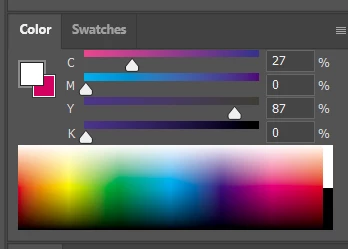
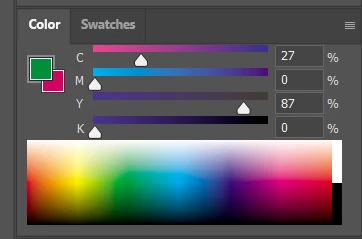
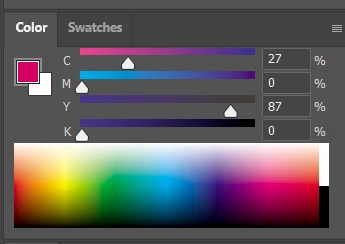
Color Sliders in my new Photoshop 2024 don't work at all - they don't change when i pick a color from the Spectrum or when i change Foreground/Bacground color with X key.

I reset Preferences, reinstaled PS and nothing works. Any ideas?

Photoshop 25.1.0, Windows 10.


This topic has been closed for replies.
Correct answer Kevin Stohlmeyer

@robzartworx there is a phased roll out for update 25.2 happening globally.

If you are in a managed environment (Enterprise/Teams/Edu) you may have to reach out to your plan admin to allow access to new updates within 30 days of release.

142 replies

Delkin525
Known Participant
November 10, 2023
This. How was this not instantly hot fixed?
jakeM17166197
Known Participant
November 10, 2023

I replied to another bug that was reporting on the color sliders not updating which is essentially the same problem reported here. But I would also like to lodge my complaint as well with Adobe management. Please fix this, it's like shipping a word processing program but they disabled the ability to use the space bar. It's so essential. 

Inspiring
November 10, 2023

This is incredibly frustrating. Using the eyedropper tool doesn't change the color wheel. So if I want to modify a color, I have to play a guessing game and eyeball it. 


I'm using a 2017 Imac with Ventura 13.6 as my OS. My Adobe suite is totally up to date. 


This has completely disrupted my workflow. Anybody else experiencing this? 

silk-m
Community Expert
Community Expert
November 10, 2023

This issue is fixed in Photoshop (Beta) 25.2 m.2388.
Photoshop (beta) was updated today to 25.3 m.2393, and the issue is fixed in 25.3 m.2393 as well.

--Susumu Iwasaki
artichoked
Inspiring
November 10, 2023

November 9th – Same issue here. This COMPLETELY kills my process for digital painting. Gonna have to rollback to previous version. Come on Adobe.

Legend
November 9, 2023

Hue is measured in degrees.

Participant
November 9, 2023

In my color wheel window, the color picker will sucessfully change the color, but the color wheel will remain in the previous color. Also next to my hue slider is a dot, where as with brightness and saturation, there is a

percentage. How do I fix this?

Participant
November 9, 2023

In Photoshop 2024 v25.1, when selecting a color using the eye dropper tool in photoshop the sliders on the color panel aren't affected compared to previous versions. One of the solutions put out by Adam Lucid Duff was to install a previous version of photoshop. I think I'll be doing that until Adobe fixes this issue. Just putting this out there.

Ged_Traynor
Community Expert
Community Expert
November 9, 2023
Kevin Stohlmeyer
Community Expert
Community Expert
November 9, 2023

@deebaroo agreeed - migrating to 25.0 is a workaround, not a solution. I've removed that as a correct answer. The team is aware of this and if there is a solution posted to an updated version of PS - this thread will be updated with that news.

Participating Frequently
November 9, 2023

Does a thread exist where "re-install to the previous version" isn't the accepted solution? That's all I've been finding so far.


What I'd like to do is follow a thread to get a notification when the bug is addressed with an update to Photoshop 25.