




🗞️ Photoshop Newsletter - 2024

Photoshop 2024 update
First Newsletter of the year! Time to get caught up again with everything Photoshop! Check out the latest updates and read our latest tips, blog posts, and news.
You can find links to previous newsletters on our Photoshop Newsletter home page. If you have an older version of Photoshop and need help updating, visit this article for instructions: Keep Photoshop up to date.

What's New?
We've added Generative Fill and Generative Expand to the Photoshop iPad. In addition, Generative credit limits were introduced on select plans, including but not limited to Adobe Firefly. To learn more about Generative credits, check out the Generative Credits FAQ.
Photoshop on desktop
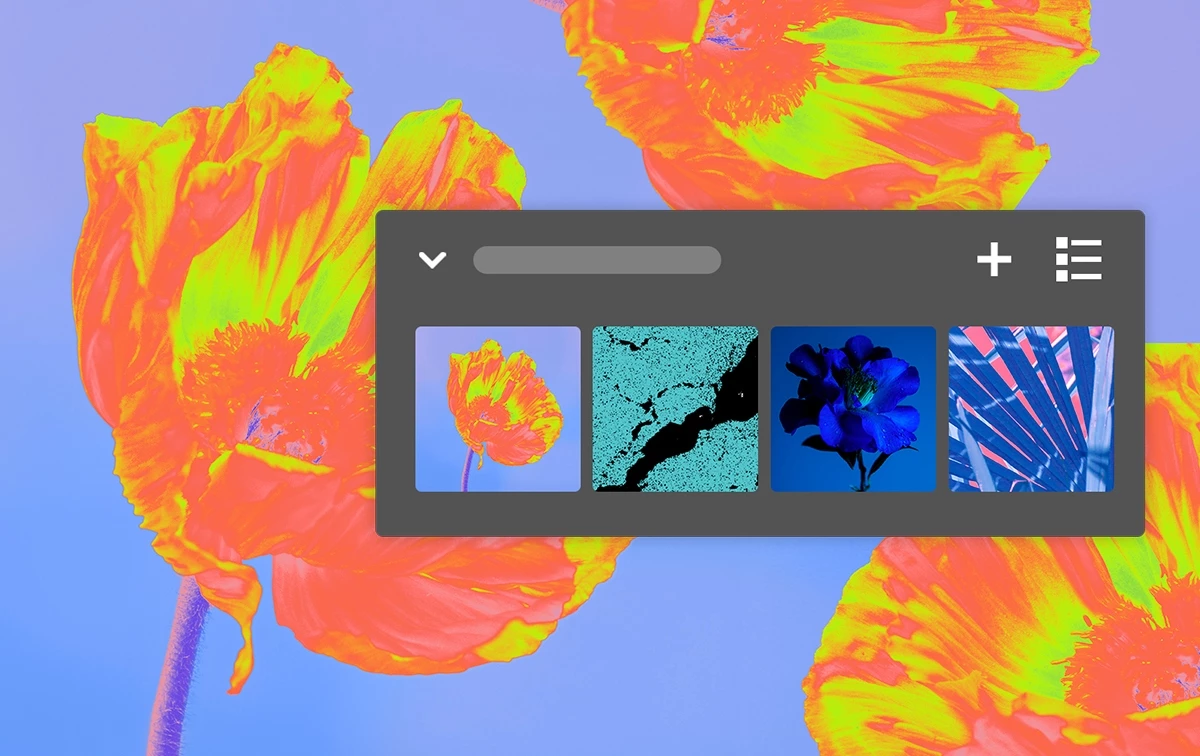
Do more with custom Adjustment Presets

Work with new Type options in the Contextual Task Bar

Create your own Adjustment Presets to export and share with others
Other enhancements, changes, and Fixed Issues
To update Photoshop to 25.6, click "Update" in the Creative Cloud desktop app next to Photoshop. More detailed instructions for updating
Photoshop on the iPad

New interactions in the Remove tool
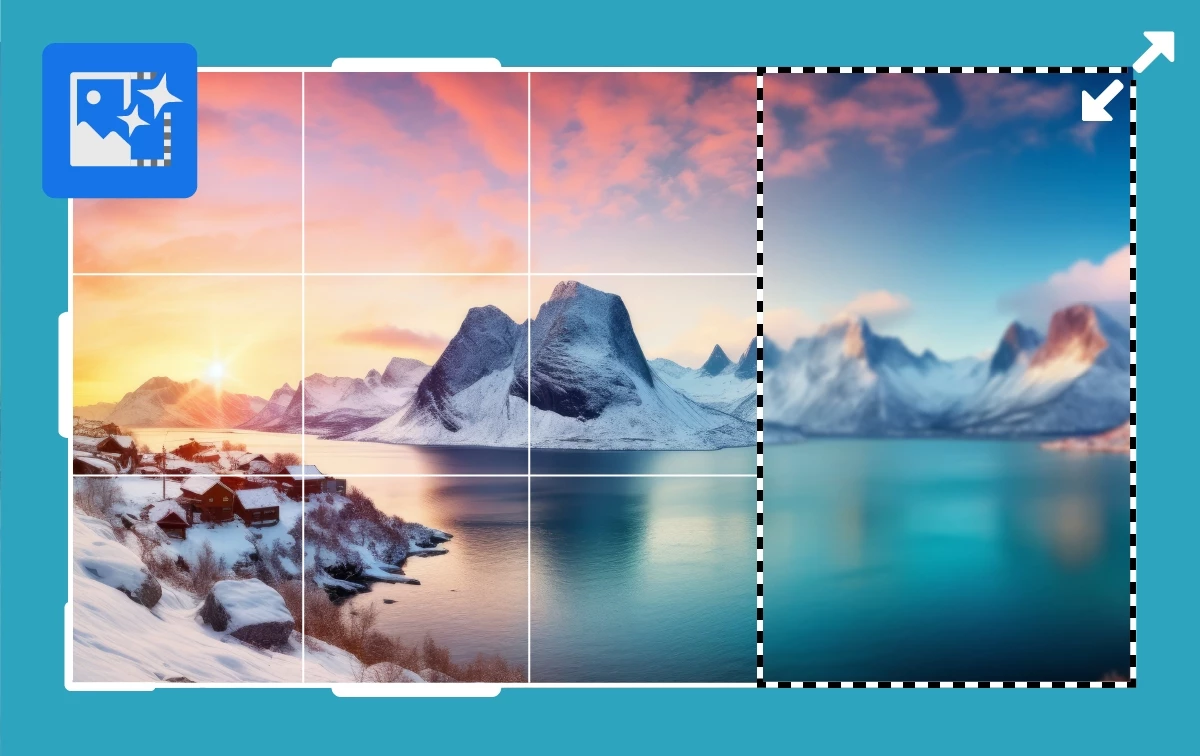
Firefly-powered Generative Expand now available in Photoshop on the iPad
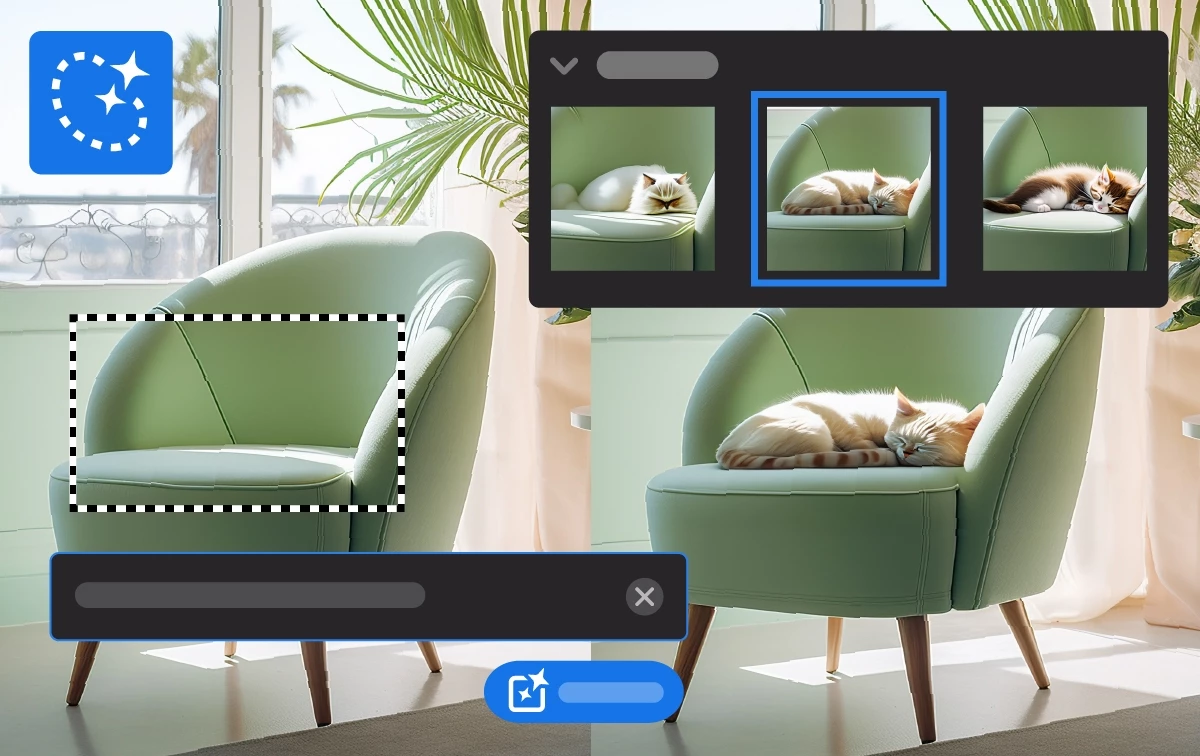
Create powerful edits with text prompts using Generative Fill on the iPad
To update Photoshop on the iPad to v5.5, check out how to update the apps manually
Learn Something New
Check out these awesome tutorial videos to learn something new:
Quickly Remove Distracting Elements Using Generative Fill in Photoshop - Julieanne Kost
Photoshop for Web Timelapse - Paul Trani
Generative Fill and Generative Expand Come to Photoshop on iPad - Terry Lee White
How To Combine Multiple Group Photos So That Everyone is Looking - Terry Lee White
Quick Tips


Generate new objects or delete and fill areas using AI
Create or remove objects using Generative AI on the iPad: Ps iPad Quick Tip
News and Blog Posts
AI trends 2024: Predictions for the next wave of business innovation
Adobe Summit 2024: Expanding access for Content Credentials to enterprises, brands and consumers
Helpful Links
Check out all the Photoshop Quick Tips
See the list of Fixed issues in Photoshop
Learn more about what's in each Release: What's new
See the list of known issues: Known issues in Photoshop
Learn more about Photoshop: Quick Tips and Photoshop User Guide
Curious about your storage? See Find out how much cloud storage you have
Read helpful articles about troubleshooting, and more: Handy Photoshop Links
If you want to learn about Photoshop on the web, check out Introduction to the workspace
Are you curious about what's going on with our other apps? Check out their Newsletters, too:
Photoshop | Lightroom | Lightroom Classic | Illustrator | InDesign | Premiere Pro | After Effects
 AdChoices