

kristinaplasgard
Participating Frequently
March 23, 2024
Question

Rotating my drawings make them pixelated and blurry

  • March 23, 2024
  • 3 replies
  • 337 views

Hi! I have the same problem. Suddenly this happened, that the images are blurry when I rotate them, before it wasnt at all like that. 
I have set the transformation tool to "bicubic automatic" but it does not help. 

This first image show sharp edges of the flower. 
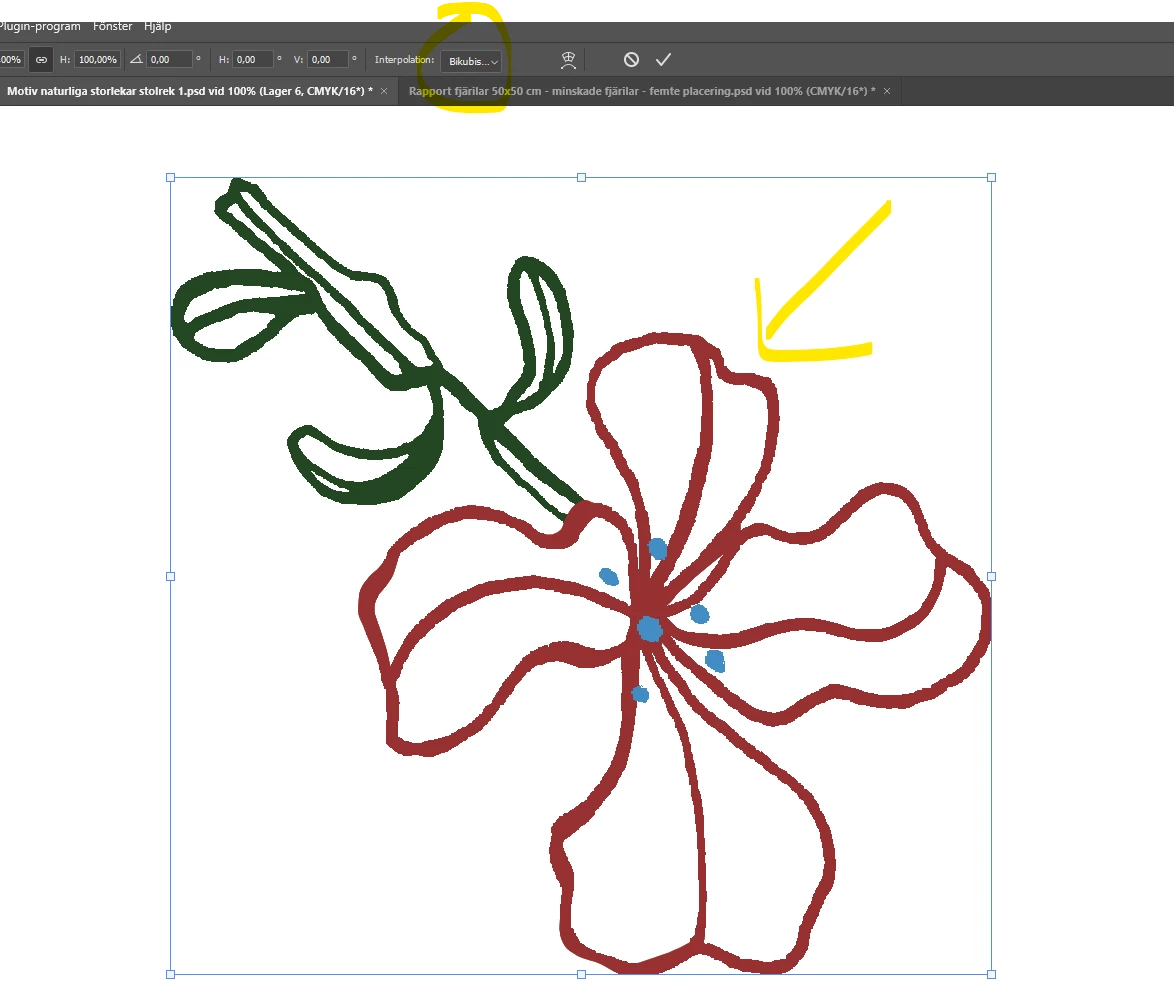
then, after rotating: the edge is blurry. 
Would be extremly greatful for help! thank you so much in advance!


This topic has been closed for replies.

3 replies

Bojan Živković11378569
Community Expert
Community Expert
April 10, 2024

My $0.02, always judge at 100% view.

Stephen Marsh
Community Expert
Community Expert
April 10, 2024

@kristinaplasgard 


What are the pixel dimensions of the canvas (image > image size) or the layer bounds (properties panel)?

Sameer K
Community Manager
Community Manager
April 9, 2024

Hey, @kristinaplasgard. Welcome to the Photoshop Community. As it is a slightly older post, I'll separate your message into a separate post. I'll need more info to help you figure this out. 


Thanks for attaching the screenshot. The images may appear slightly pixelated during the Transform; try committing the Transform action by clicking on the arrow or pressing CTRL/CMD + Enter & the elements should not appear as pixelated. 


Let us know how it goes. Thanks!
Sameer K