



Answered
How do I create a custom color swatch ".aco" file?
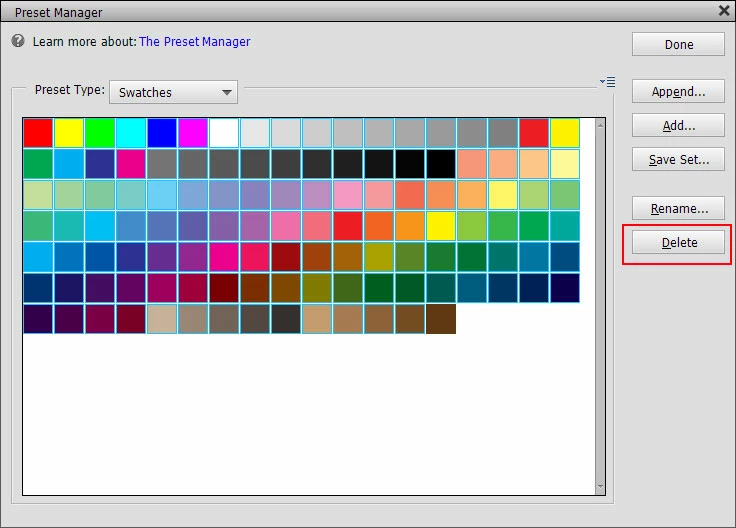
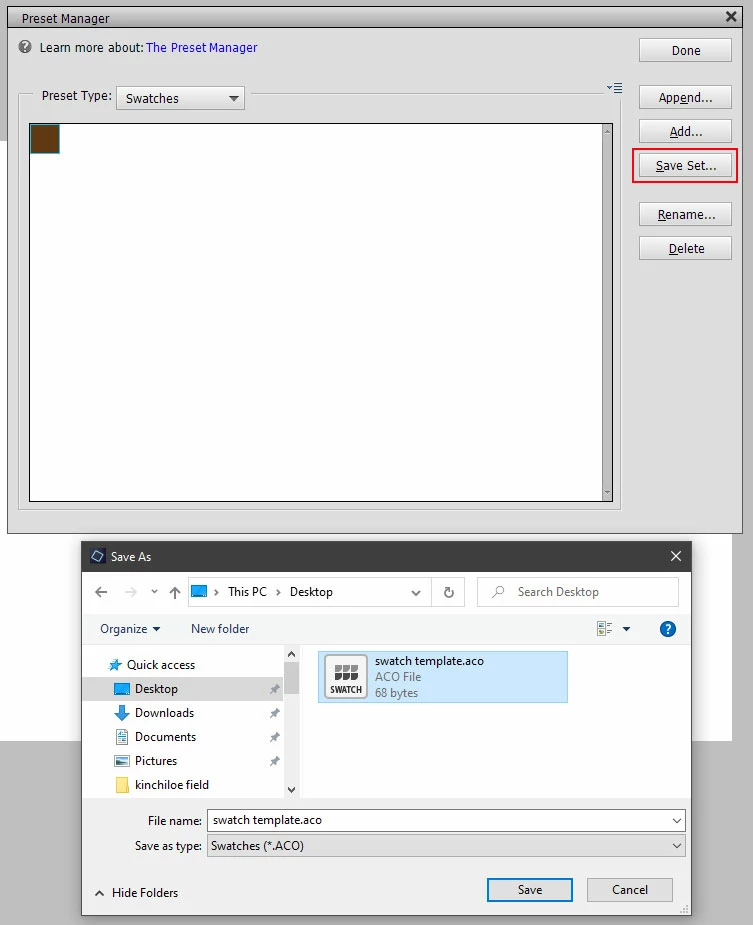
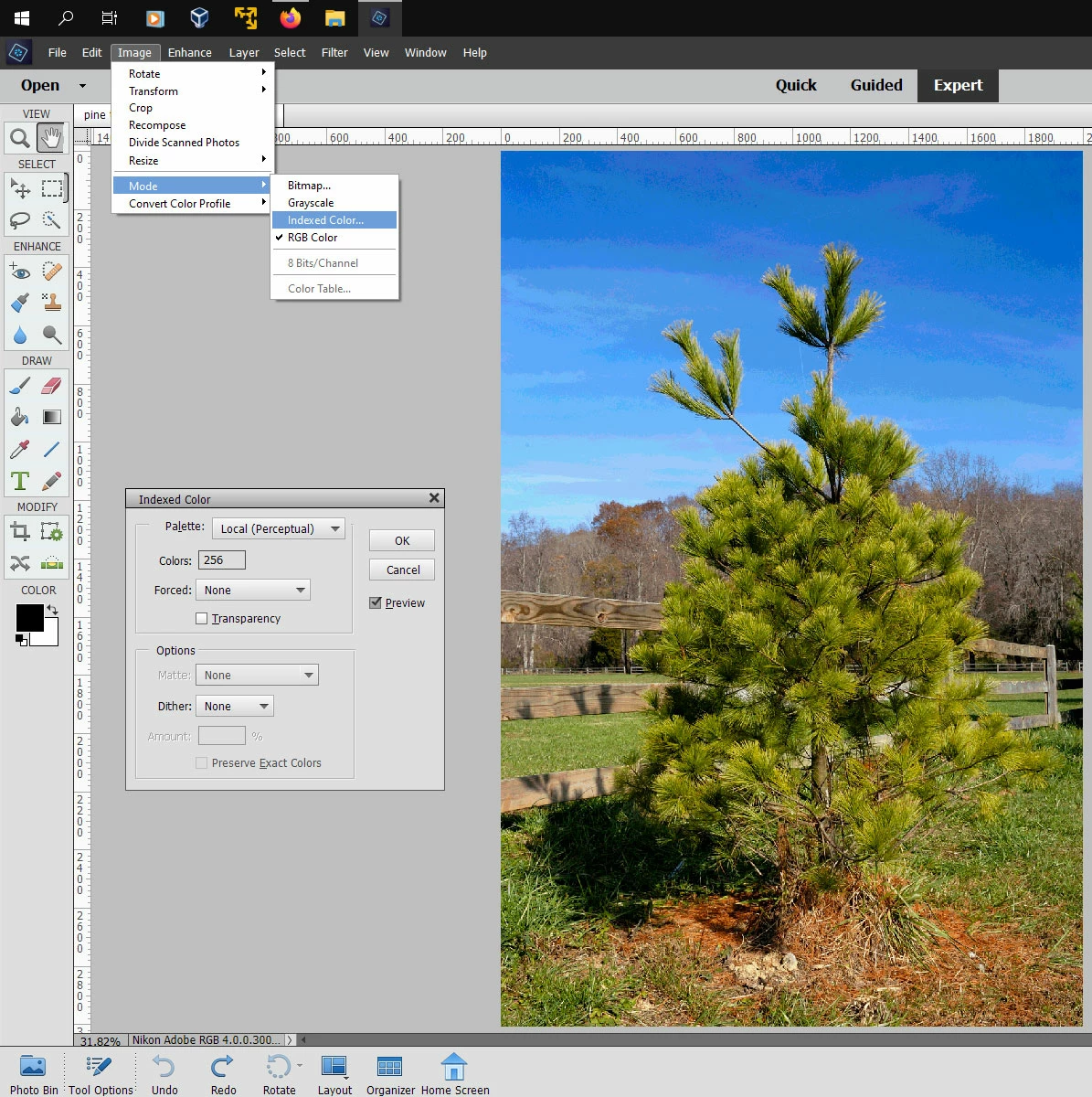
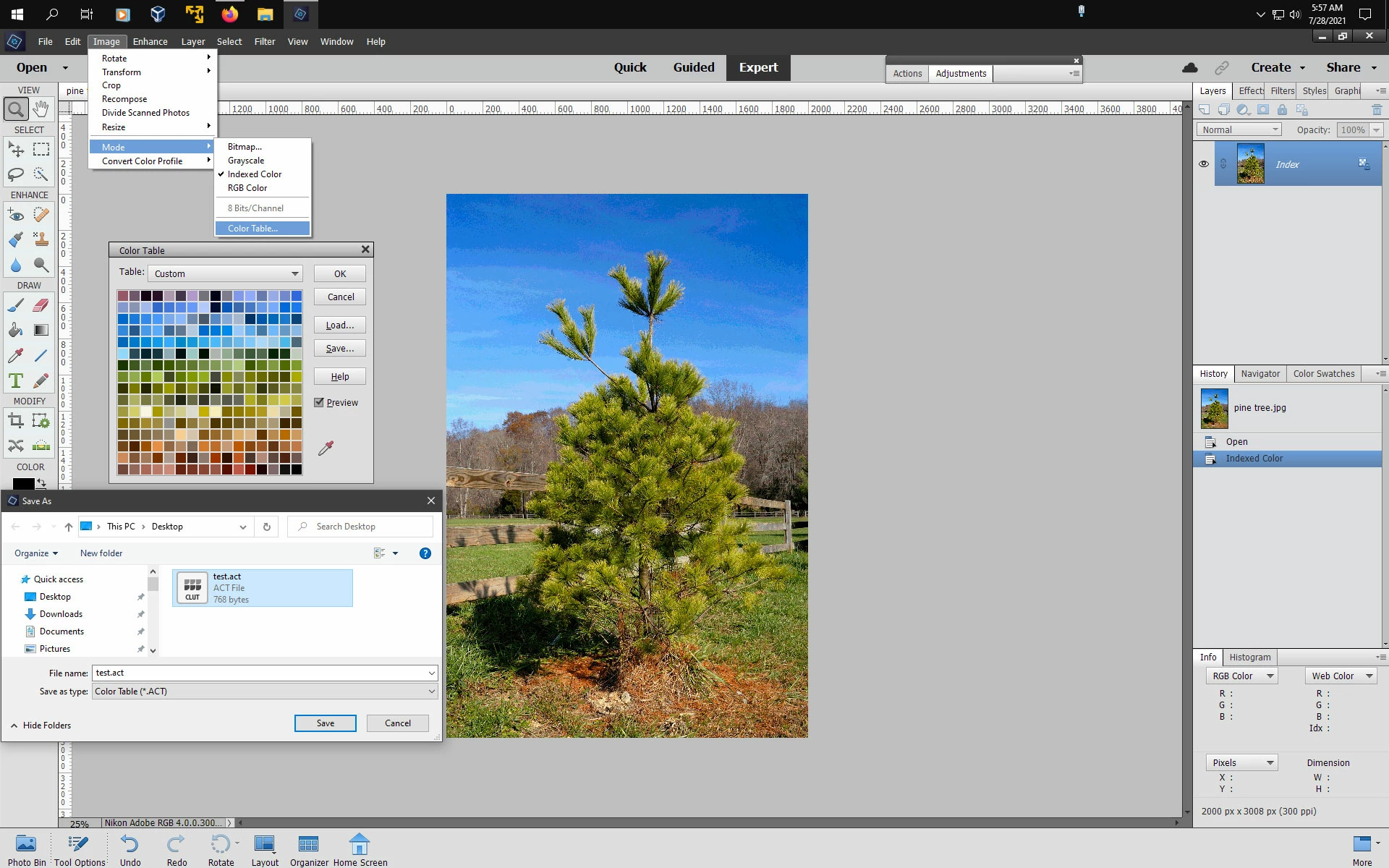
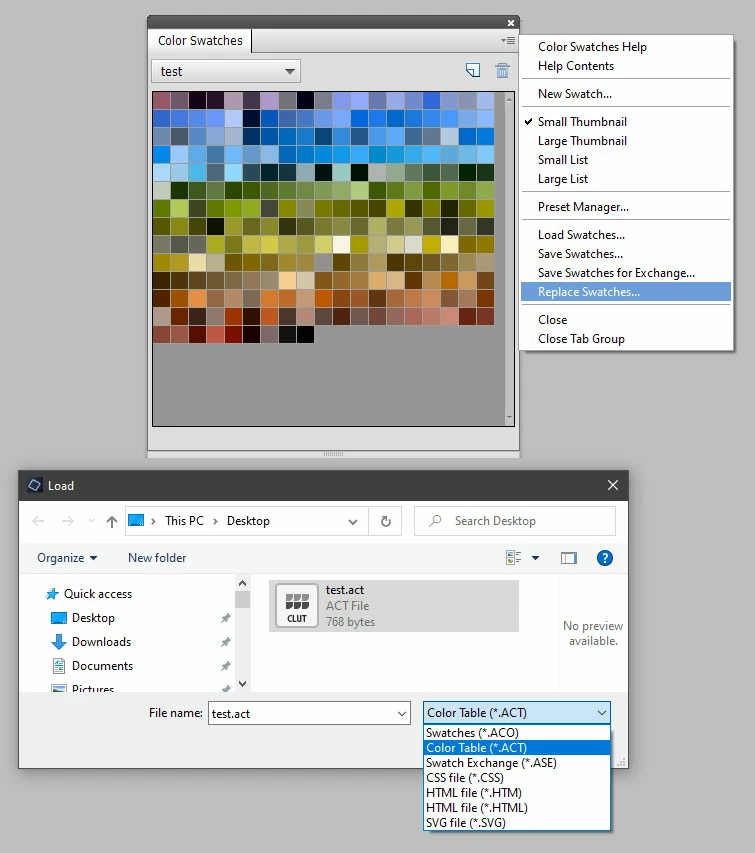
I want to create a custom ".aco" file in my color swatch library, and the only way I can figure out how to do that is take the "Photo Filter Colors" file (it has the fewest number of existing swatches), create a set of new colors from a photograph with the eye dropper and the bucket, delete all of the original ones, and then save the new set ... which seems way too complicated. Is there a standard process for creating a new collection?
 AdChoices