
Participant
May 16, 2022
Answered

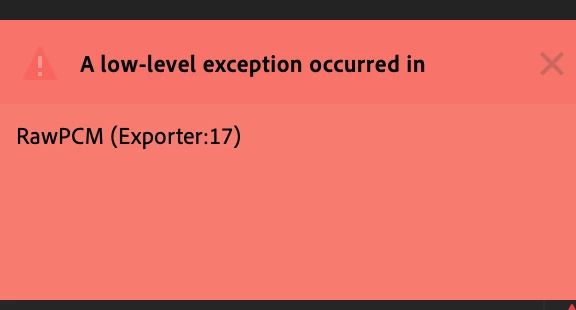
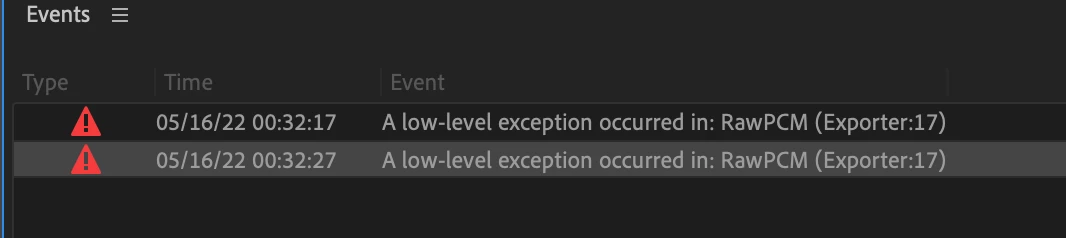
A low level exception occured RawPCM Exporter: 17

  • May 16, 2022
  • 31 replies
  • 27383 views

I am trying to automatically translate my audio sequence into Spanish (as I did before) and when I click on "Create Transcription" it generates the error: "A low level exception... Exporter 17"


Only with the Spanish language. 


does anyone know how to fix it? has happened to them?


Thanks a lot!
This topic has been closed for replies.
Correct answer yosoyelcapi

I found an origin that generates the problem in my case... I solved it by removing the effects of the Audio Track Mixer, clean audio and I can only generate the subtitles without error.

In case of having effects, it keeps giving me an error.

31 replies

Participating Frequently
June 30, 2022

Absolutely fed up of the errors and problems with PP. I have been using for over a decade and it seems to be getting worse. I have deadlines and I am struggling with this error that was not there in previous versions


Participating Frequently
June 30, 2022

having to export audio - open PP 21, re open project in 22, import transcription. Thank goodness i keep older versions! Come on adobe. Stop breaking things that work!!!


Participating Frequently
June 30, 2022

PS file transcribed in PP 21 just fine(to the cloud) Its a workaround anyway

Participating Frequently
June 23, 2022

I have/had the same problem with german language.

It worked, when I cleared my In- and Out Points in the timeline and just had the checkbox "Recognize when different speakers are talking" marked.

yosoyelcapiAuthorCorrect answer
Participant
June 10, 2022

I found an origin that generates the problem in my case... I solved it by removing the effects of the Audio Track Mixer, clean audio and I can only generate the subtitles without error.

In case of having effects, it keeps giving me an error.

Participant
June 14, 2022

Thank you, yosoyelcapi! Deleting thirdparty audio effect (RX9) from the track works for me with 22.4.0.

Disabling does not. So I duplicate the timeline and then delete RX9 effect from it temporal purpose.

Inspiring
June 10, 2022

Resolved without having to roll back.. unfortunately don't know how I did it.

Somehow Premiere couldn't find the English Language pack. I opened the "Spell Check Settings" box under the Text Panel, there were no language to select from. I don't think trashing Preferences did anything, but I did uncheck "Check Spelling" box and restarted Premiere. When I opened the Spell Check Settings box later, the English language options had returned.

Inspiring
October 13, 2022

I could solved it unchecking "Spell Check Settings"

Participating Frequently
June 10, 2022

Same issue, Australian English.

Participant
June 8, 2022

having the same issue!

Participating Frequently
June 8, 2022

i am having the same issue with American english. clear media cache, swap playback engine...normal stuff not fixing it.

Participating Frequently
June 8, 2022

well going back to 22.0 fixed it. why are there so many versions if so few work? i'm no Bob Gates but maybe just make a couple versions that all work

Participant
June 5, 2022

I can transcribe one sequence successfully but then have to quit Pr and reopen and then transcribe the next sequence. If I try to transcribe more than one seq consecutively, it fails with the same RawPCM error

Inspiring
November 20, 2022

This solution worked for me! thank you

Participant
May 31, 2022

Still happening in 22.4, but only occasionally...One project file works fine, the next one won't run...

Participant
May 18, 2022

believe it's the new Premiere update!

I managed to solve it by returning the version (22.0.0 Build 169)

Participating Frequently
May 18, 2022

I wish we could have a stable version at once.