
Participant
May 16, 2022
Answered

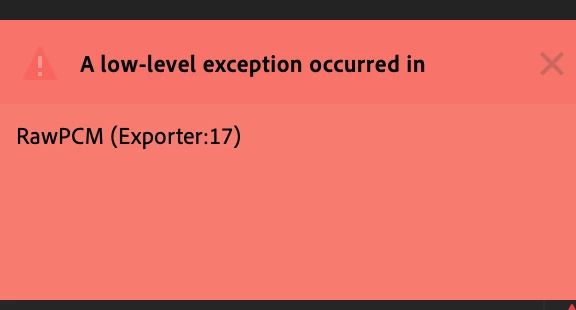
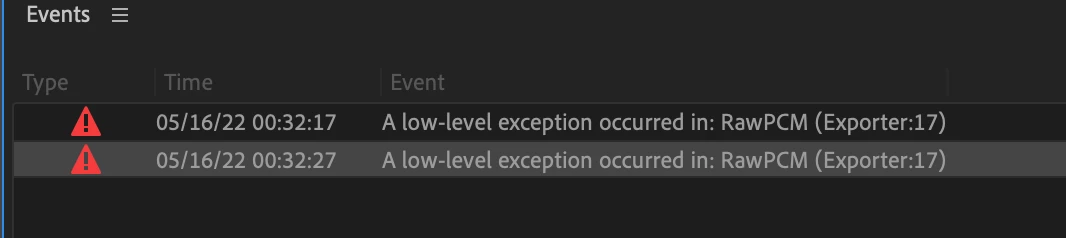
A low level exception occured RawPCM Exporter: 17

  • May 16, 2022
  • 31 replies
  • 27383 views

I am trying to automatically translate my audio sequence into Spanish (as I did before) and when I click on "Create Transcription" it generates the error: "A low level exception... Exporter 17"


Only with the Spanish language. 


does anyone know how to fix it? has happened to them?


Thanks a lot!
This topic has been closed for replies.
Correct answer yosoyelcapi

I found an origin that generates the problem in my case... I solved it by removing the effects of the Audio Track Mixer, clean audio and I can only generate the subtitles without error.

In case of having effects, it keeps giving me an error.

31 replies

Known Participant
November 23, 2022

EI ADOBE, sou SUPER FÃ dos lançamento, e gostaria de pedir um favor.

Quando lançarem alguma novidade, vamos cuidar para nao com o que ja estava funcionando? Minhas sinceras desculpas pelo linguajar, mas não adianta gastar milhões em dollares para fazer o show acontecer se NOVA FERRRAMENTAS ESTRAGAM AS QUE JA ESTÁVAM FUNCIONANDO.

AGUARDO.

Kevin-Monahan
Community Manager
Community Manager
November 24, 2022

Hi Ricardo,

Please give the developers the following information: How do I write a bug?

Use the template if you don't mind.


Thanks,
Kevin

Kevin Monahan - Sr. Community & Engagement Strategist – Pro Video and Audio
Participant
November 23, 2022

I had the same issue. Simply saving and rebooting Premiere worked for me. 

Known Participant
November 22, 2022

Same problem and same message with new version of Premiere Pro installed 15 days ago. Very annoying not to be able to use this function directly. I need to do an audio export and then it work. 

Participant
November 7, 2022

Mine is doing the same thing, but I've tried it once or twice and it goes, without having to remove the effects or move to a new audio track.

Participating Frequently
October 27, 2022

Yep.  That fixed it completely.  Thanks! I've only been having this issue since the update.  Working on English language. 

andrewtregoning
Participant
October 27, 2022

I resolved it by copy and pasting the clips into a new sequence

Participant
October 7, 2022

Cria a legenda com o áudio limpo, sem efeito. Resolveu aqui.


guidor90921662
Participant
September 30, 2022

I had the same issue with American English. When I turn of "check spelling" the error goes away

Participant
September 14, 2022

Found a workaround that worked for me. (Apply the "dialog" tag in Essential Audio, then use that option when generating transcripts.)

  1. Select all the clips that have the dialog in them.
  2. In Essential Sound > click on "Dialog" to apply that tag to all the clips.
  3. In the Text panel > Transcript > Click on generate transcript (or whatever it says), and in the popup, choose the option that only looks at the clips that have the dialog tag applied.

That worked for me.


If you want to untag the clips after, you can easily select all clips that have the tag applied by clicking the dialog tag in Essential sound with nothing selected, and it will select all, then you can click "Clear Audio type".

Saraave
Known Participant
August 17, 2022

I am also getting this error (but English, so maybe different) but as posted above, the only thing that works is to remove all of the audio effects.  Doesn't matter whether they are plug ins or Premiere.  It's defnitely a PITA! Would love to see this fixed asap.