


February 4, 2022
Question

Effect bug premiere pro

  • February 4, 2022
  • 5 replies
  • 610 views

Hi, I've been editing this video for a while and I ran into an issue while switching to GPU acceleration.


(GPU acceleration OFF)
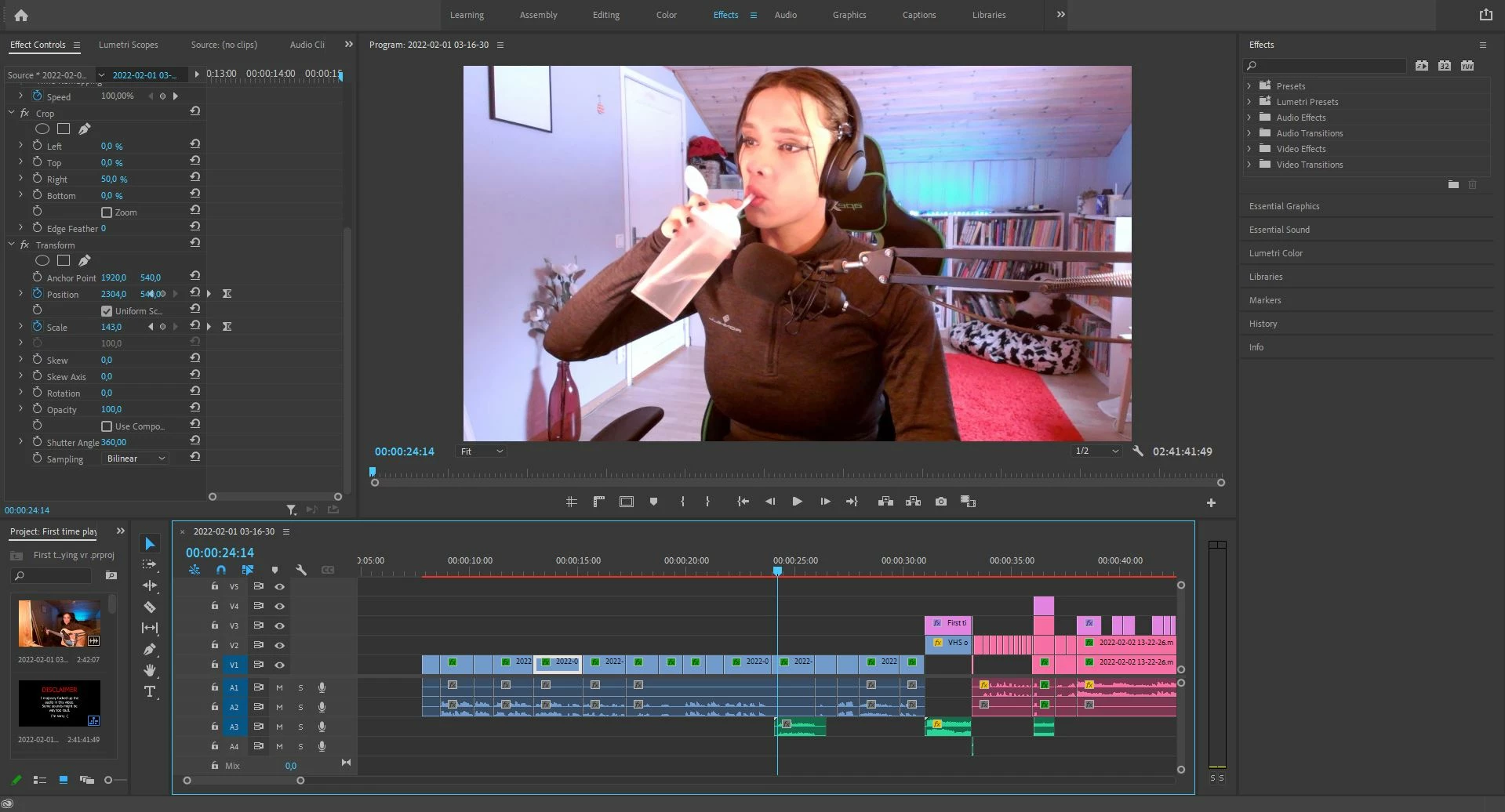
 

(GPU acceleration ON)
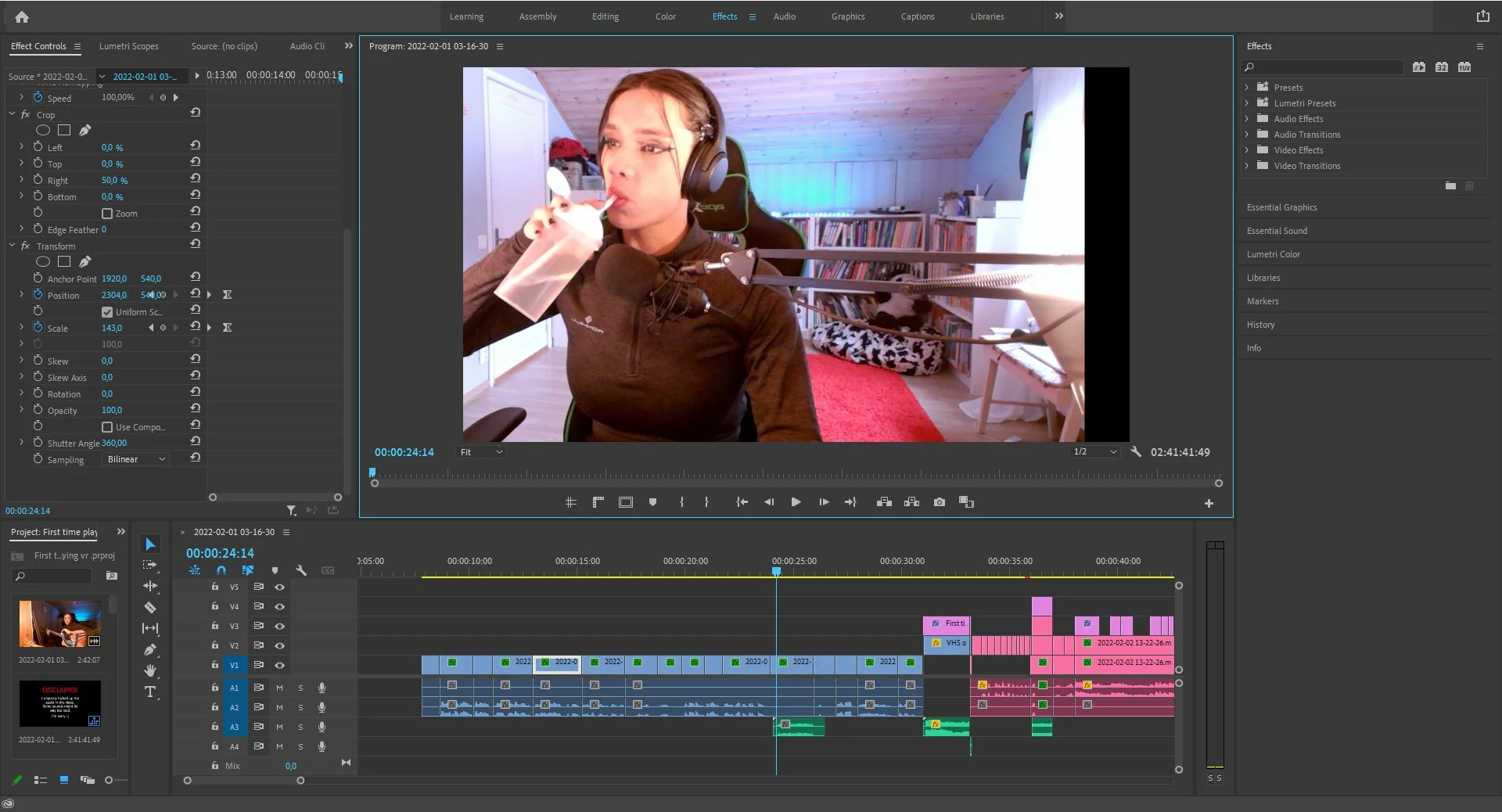
So far I haven't been able to find any other solution than redoing all the effects.

This topic has been closed for replies.

5 replies

April 21, 2022

So a little bit of an update! I manage to figure out what made this happen. There reason the effect moves is because of anchor points. Nesting the clip you're trying to edit before applying effects will fix the problem.
At least that worked for me! Also this problem only happend when using the transform effect with motion blur.

R Neil Haugen
Legend
February 5, 2022

I think I'm with Ann on this one ... switch the order or apply the crop, nest, then apply movement.


Neil

Everyone's mileage always varies ...
Legend
February 5, 2022

Neil, the user attached screenshots marked: 1) the GPU accelerator is turned off and 2) the GPU is turned on. What's that got to do with it??? The question is, how does enabling GPU acceleration affect frame cropping?

R Neil Haugen
Legend
February 5, 2022

Because the math and processing order can actually change between CPU and GPU encoding. Weird as it may seem to us, it does matter.


Hence ... the use of nesting the first part of the work done on a clip to clearly set the next steps correctly.


And is also useful when doing multiple heavy effects on a clip, say Warp and Lumetri. Do Warp, nest, do Lumetri. Or maybe even do Warp, a complete render & replace, then do Lumetri.


Neil

Everyone's mileage always varies ...
Legend
February 5, 2022

How could GPU acceleration affect the Crop of your frame?

Inspiring
February 5, 2022

You are saying it cropped the video? 

Ann Bens
Community Expert
Community Expert
February 4, 2022

All I can think off is switch order of effects.