With all due respect if 8GB of Vram and a i7-6700K is not enough to render a 1080 60fps video in Premiere than this program is coded much worse than I imagined. I spent a lot of money on this computer for 2 reasons, Playing video games at the highest level and working on Videos without long render times and higher visuals while editing. 8GB VRAM is more than enough to tackle anything Premiere has to offer. If it doesn't, that just tells me Adobe needs a new way of developing programs.
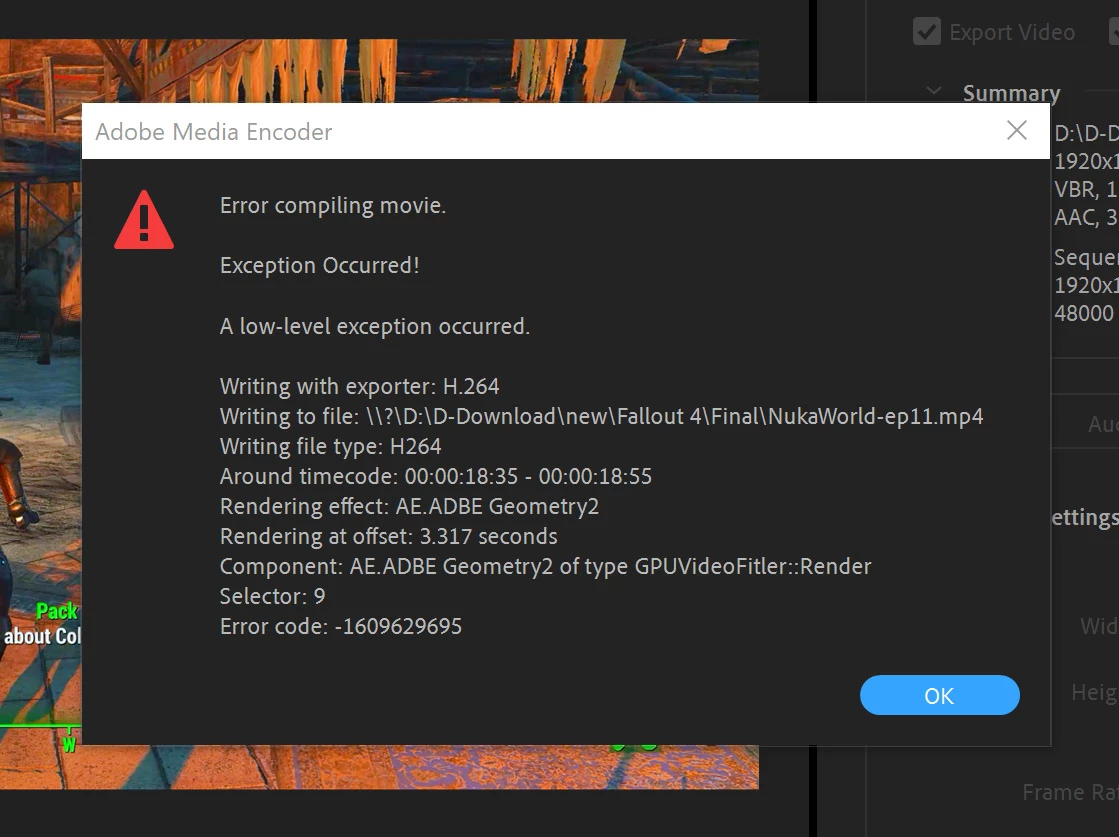
Someone on Toms said that I should look into the time code and see if I can manipulate that "filter" so Premiere can understand it better. Copy and pasted:
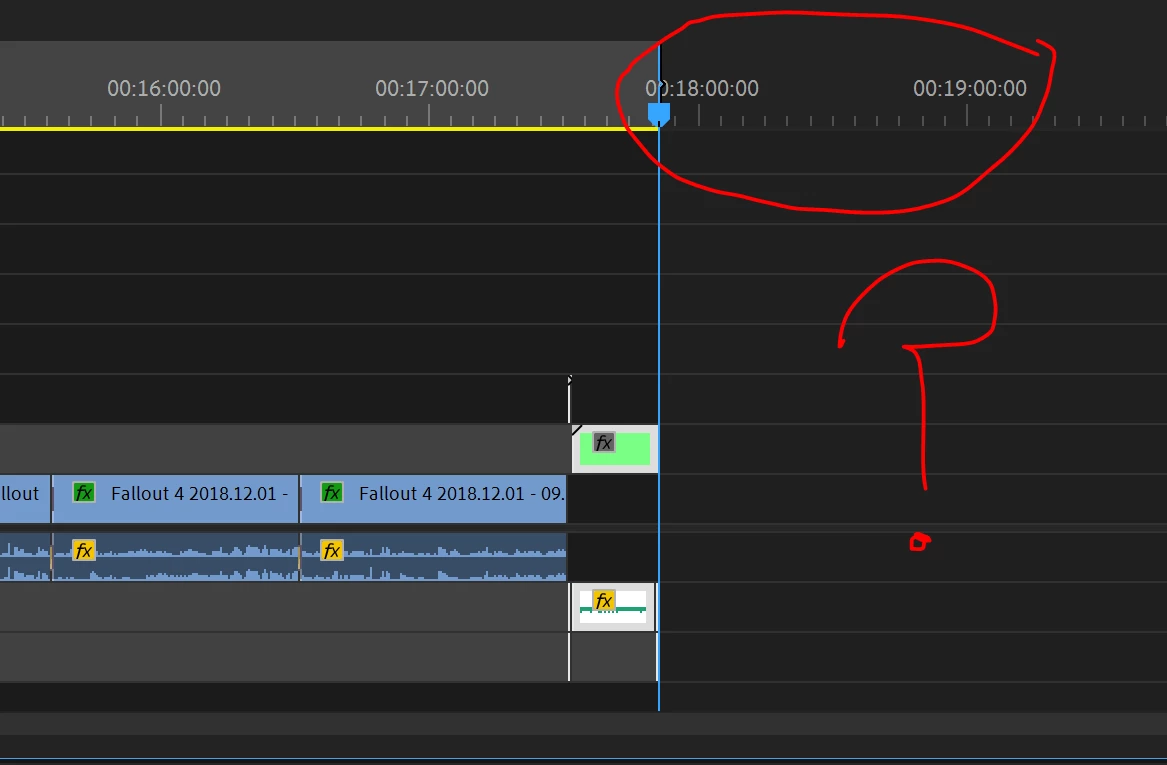
"It is not the exporting in general, it is an Adobe process (or filter as you called it) in Premiere that is causing this error. Find that area in the timeline, remove it, and try rendering again. If it proceeds without issue, you know what caused it. Then your task is to recreate what you did in a way that this program will understand. I know, it's a "work around" but at this point, do you have much choice?"
To also add to the discussion, I have rendered over 100 videos just like this without issue in regards to how I capture and edit, why all of a sudden does Premiere take a crap with this? Have my 1070 GTX and i7-6700K failed? No other program or games are having any issues, just Premiere. I know its a question that can't be answered, but I will not receive compensation for the time I have wasted trying to figure out something that should not be having issues... not to mention the frustration!
The truth of the matter is Premiere in general is having a lot of issues (for quite some time), between Toms, this forum and Reddit, I have found hundreds of issues just like this one. Their #1 solution? A different program. Most of them have left, just like my work pulled the license to 6-7 of my coworkers because they spent too much time keeping Premiere running while paying for it monthly. If they had a better solution for Photoshop, we would be Sans-Adobe at my work.
I do appreciate the help, and I apologize for the snarkiness. Hopefully tomorrow morning I can get this figured out. I have way too much to do, and I am falling way behind now. Thank you.
I called on my friends to assist me further, most of them in the industry, many of them I worked with on 48 hour film festivals. They gave me some ideas.
The first idea was to export the "error zone" as they called it using the alternate non GPU acceleration. Holy crapola it worked! It took 9 minutes 3 seconds. My estimations, it will take 2 hours 27 minutes to render a 19 minute video that normally took 14 minutes to render. Thats not an option.
But I brainstormed further, and after taking an aspirin, I took that rendered video, and replaced it in the "error zone" as I am now calling it replacing the evidently too complex sequence, and it finally exported that section without an error. (This is the timestamp area where the errors keeping generating from)
It worked! I am now in my 2nd video I have to render and so far * knock on wood * its working.
It comes down to this, coming from people in the industry, and above my pay grade. The complex text editing I did was too much for Premiere's antiquated encoding program to handle. I should be using AE for that type of thing. They had no argument that Premiere should be able to handle this. None of them had any answer for the fact it rendered 10+ times before, but all of a sudden just stopped working. That is the most frustrating thing about this...
So there you have it. I do appreciate all the help people offered despite my sometimes frustrated saltiness.
Now I have to be diligent and stop hoping Adobe will have this program fixed anytime soon and find an editor that is reliable.
Thanks again!


 AdChoices