Participant
May 8, 2017
Answered

Essential Graphic scrolling text and "Leading" selectes text.

  • May 8, 2017
  • 1 reply
  • 1417 views

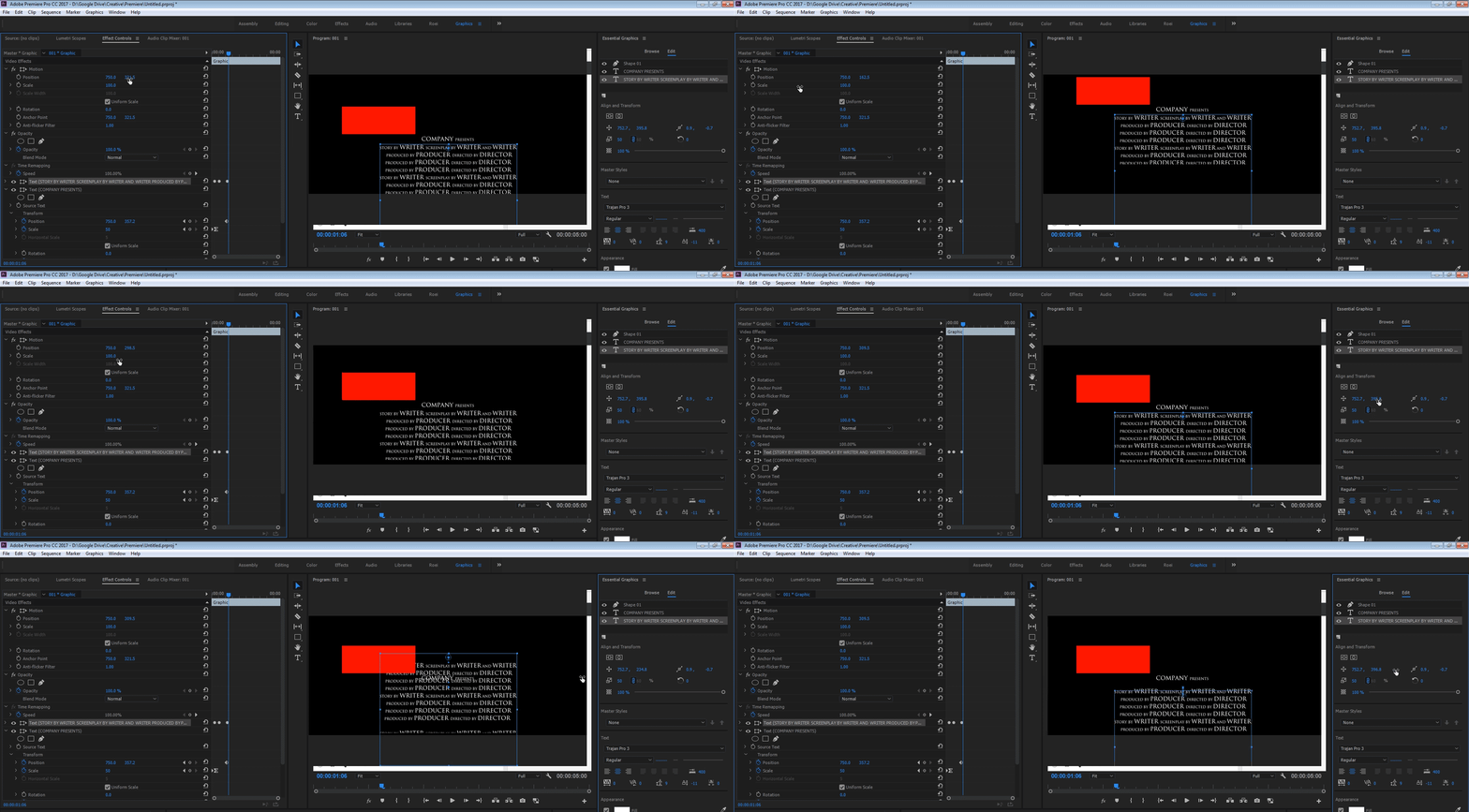
Hello, I create long credits titles in Essential Graphic and I want to scroll it from behind frame.

I can do it by transform layer in Essential Graphics and key frames.

But I also put there graphic files. So I make new layers but how I can move it together?

Transform position in Effect Controls don`t work because text is also out of frame and it is not visible when scrolling.

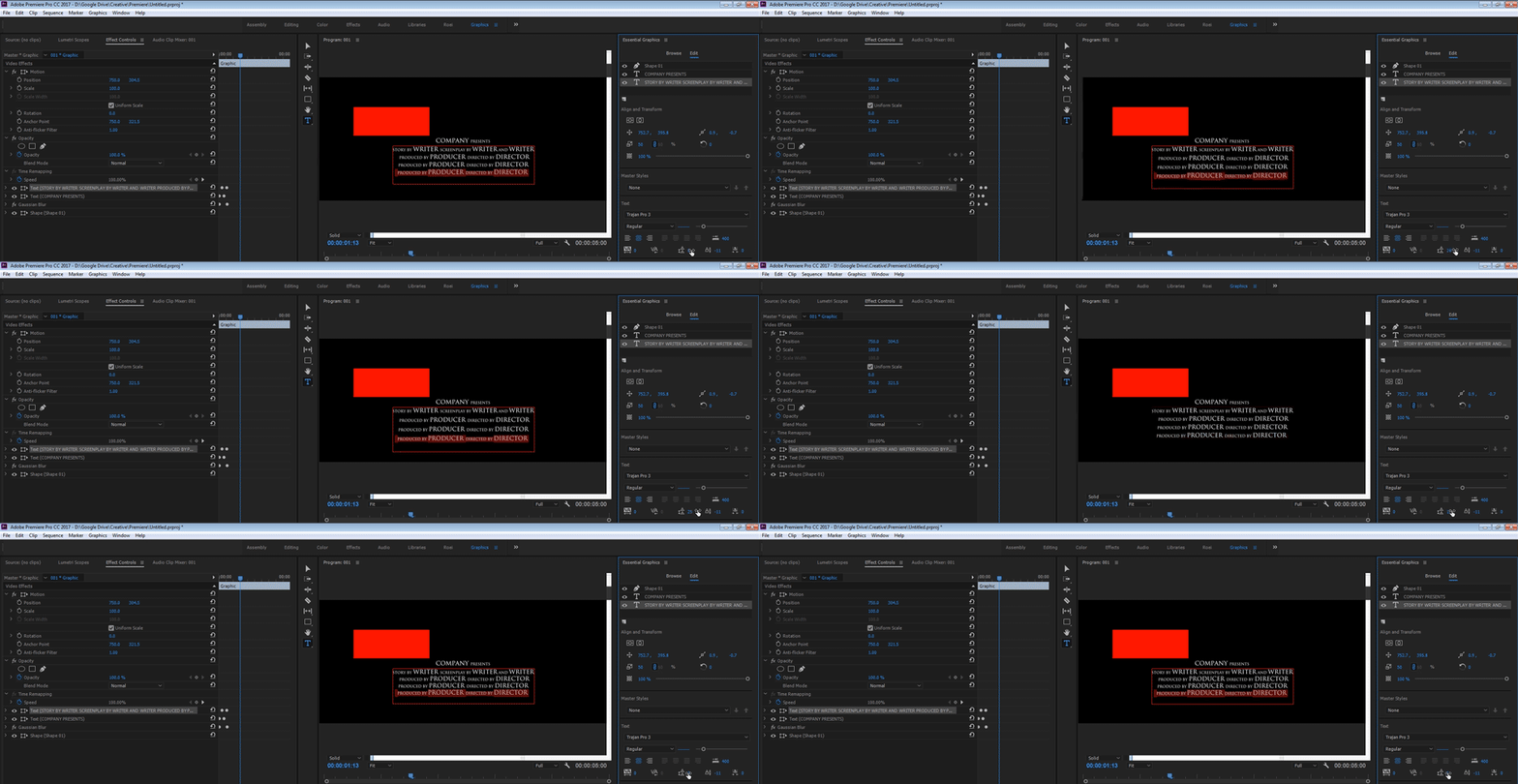
And second qestion - how can I change "Leading" text but not all text, only selected text in one layer?

Thanks,

Marci
    This topic has been closed for replies.
    Correct answer Roei Tzoref
    But I also put there graphic files. So I make new layers but how I can move it together?Transform position in Effect Controls don`t work because text is also out of frame and it is not visible when scrolling.

    good question. when the you got graphics out of frame, you can't move it with a global control because they they affect what's seen in the program monitor

    you are forced to keyframe those together... this is messy. oh well, it's the old titler for you. file->new->legacy title

    how can I change "Leading" text but not all text, only selected text in one layer?

    it appears you can only change the leading globally to the whole text, not just one line like you can in other adobe apps. the legacy titles exhibits the same behavior.

    let them know what you think: Feature Request/Bug Report Form

    1 reply

    Roei Tzoref
    Roei TzorefCorrect answer
    Legend
    May 8, 2017
    But I also put there graphic files. So I make new layers but how I can move it together?Transform position in Effect Controls don`t work because text is also out of frame and it is not visible when scrolling.

    good question. when the you got graphics out of frame, you can't move it with a global control because they they affect what's seen in the program monitor

    you are forced to keyframe those together... this is messy. oh well, it's the old titler for you. file->new->legacy title

    how can I change "Leading" text but not all text, only selected text in one layer?

    it appears you can only change the leading globally to the whole text, not just one line like you can in other adobe apps. the legacy titles exhibits the same behavior.

    let them know what you think: Feature Request/Bug Report Form

    Participant
    May 10, 2017

    Thank you for reply.

    First problem I solved in another way - I create new layers with graphics, not in Essential Graphics but on timeline and paste the same key frames - works fine but will be nice if Adobe improve it.

    Problem with globally leading I solved created new text layer for leading part.

    I send it to Adobe as Feature Request.

    Thanks.

    Roei Tzoref
    Legend
    May 10, 2017

    Nice workarounds. Thanks for sharing.