



Question
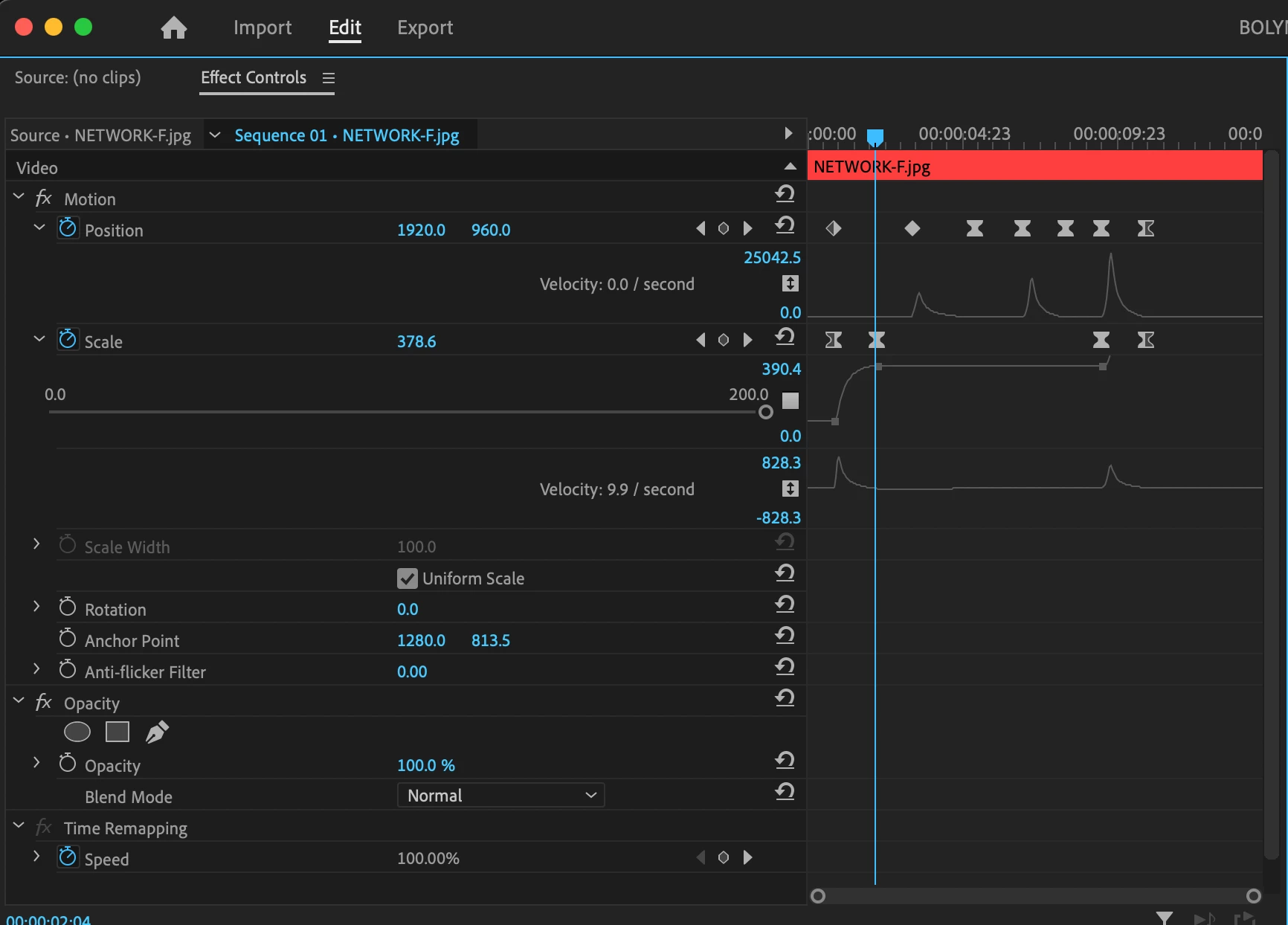
is there a way to control those animation keyframe handles in Premiere Pro CC 2023
After many years of using Final Cut Pro, I'm trying to get accustomed to Premiere again, but I'm having trouble animating stills in Premiere Pro. In the effects window, I know how to set position and scale animation keyframes and convert them to easy ease. But when it comes to fine tuning the animation with the keyframe handles, I get unwanted motion. Is there a way to drag those handles left or right without dragging them vertically up and down??? And can anyone recommend any in depth tutorials on keyframe animation in Premiere? Thanks very much in advance.
 AdChoices