


Participant
February 7, 2022
Question

Perfect chroma key results

  • February 7, 2022
  • 1 reply
  • 232 views

Hi everyone 🙂


I'm working with a new green screen that should allow me to shoot the whole body of a person. 
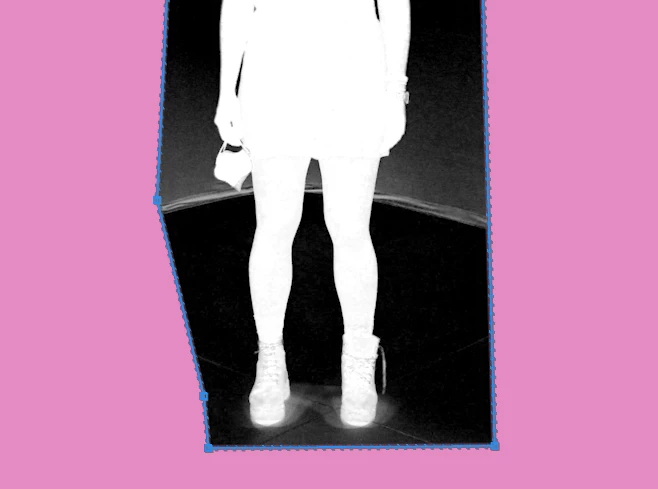
But I have some problems in the corner: I can't get a perfect background without affect the person and viceversa. 

Do you know some tricks that could help me? or do you know some good plug-in?


Yhank you a lot !!


Emma 
 

This topic has been closed for replies.

1 reply

Ann Bens
Community Expert
Community Expert
February 7, 2022

Perfect keying means green screen need to be set up properly otherwise it wont work.

Full body means green on the wall but also on the floor and adequate lightning.

Did you use ultra key?

Participant
February 8, 2022

Thank you Ann for replying!!

I have a quite good green screen (the only problem is the junction point between the floor and the wall) and I tried to set up adequately the lights. 
Yes, I use the ultra key effect in Premiere Pro! 

I was wondering if there are some specs that I don't know how to use. A picture of the specs I have to use to have a good result with the bg (affecting a little the figure) attached. 
I've even tried to use After effect but I can't obtain a good result (even because I don't know a lot the program) - any advices? Searching on the internet I found people with a very bad greenscreen who used some plug-in to fixed the wrinkles and imperfections -do you know something about that? Are plug-in generally used?


Thank you a lot !! 🙂 


Ann Bens
Community Expert
Community Expert
February 8, 2022

Ae has a good key.

Again if the setup is not good you will have a hard time.