
Question
Premiere Pro (and Audition in some cases) Slash Page Hanging.
Honestly not sure what more I can do with these PCs other than nuking them and starting again.
The 32 PCs in question are: Lenovo TS P340 TFF i7-10700K|32GB|512GB|Quadro RTX4000 8GB
I have a room full of Small FF Lenovos which are unaffected, and the rest of my fleet of Dell PCs (of various ages) are unaffected also.
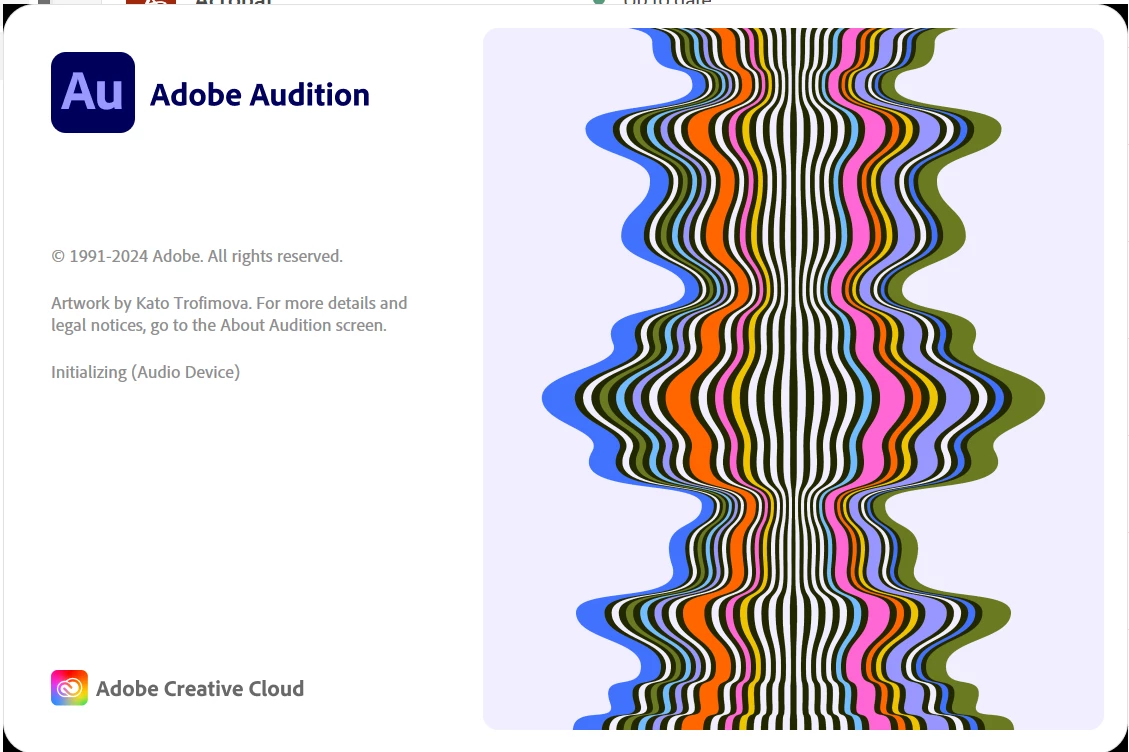
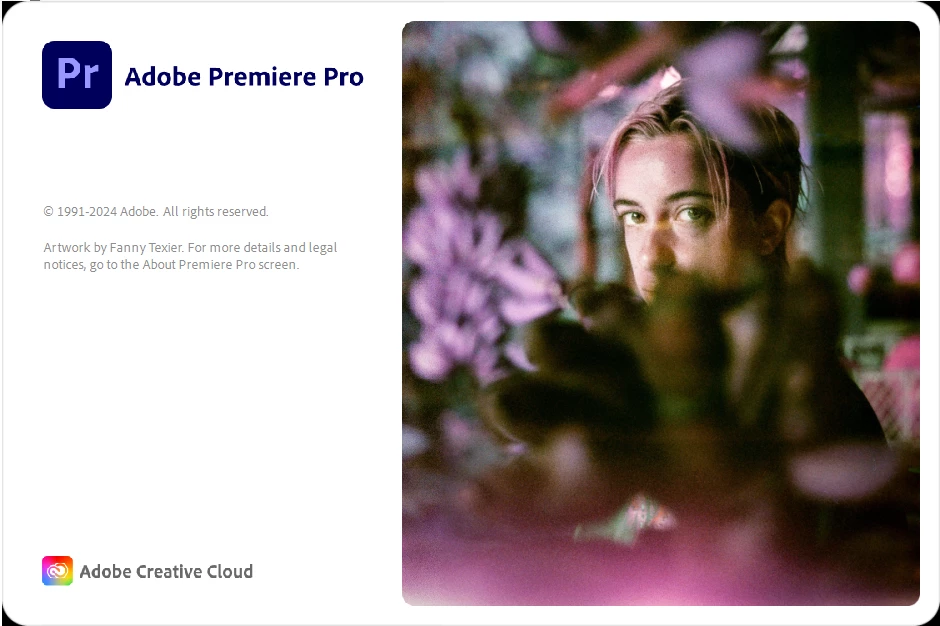
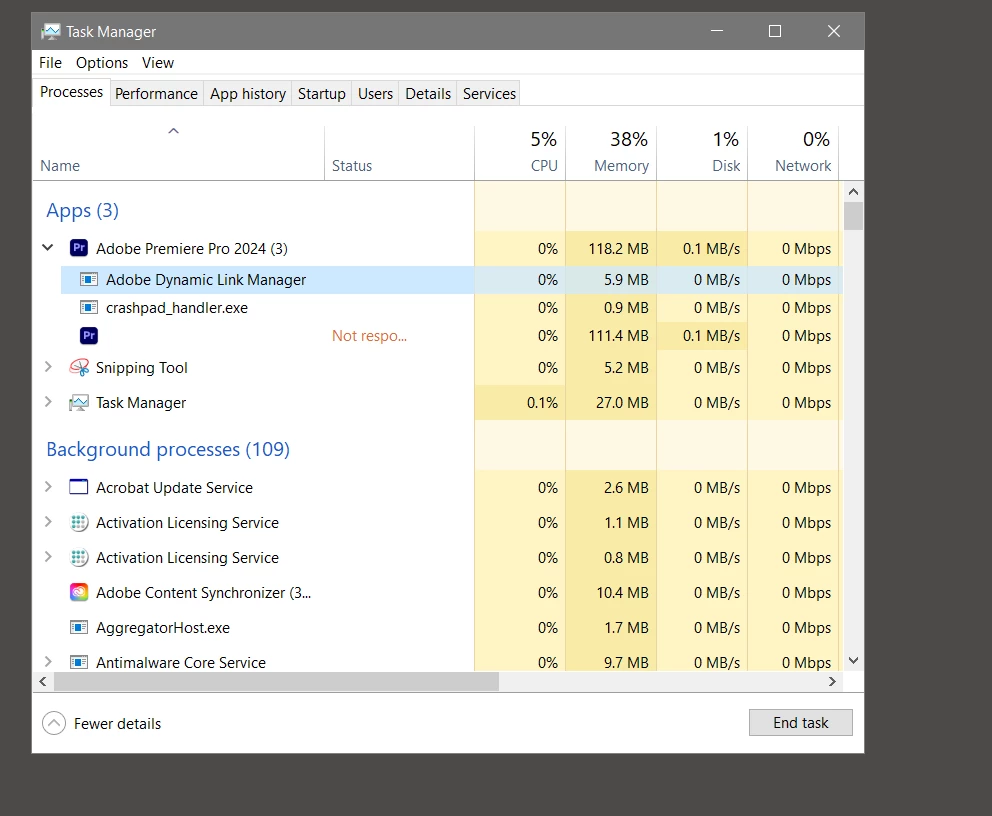
The issue is as follows: Premiere Pro (V 24.1) will hang on the splash page, it will not state what it is doing and will have black corners. This issue also appears for Audition (sometimes) but not with Photoshop or Lightroom Classic.
I have tried:
When Launching Prem Pro
-Reset app preferences
-Clearing media cache
-Reset plugin loading cache
-Disable 3rd Party plugins
-Doing all 3
-Doing all 3
The troubleshooting I've tried outside of running the program:
Tried with different domain profile
Tried with different domain profile
Tried with new profile (my staff account) and running it.
Tried updating GPU drivers to latest
Tried rolling back version to 24.3.5
Tried removing preferences with reinstall
The issue does not occur when I remote desktop to the PCs.
Looking for assistance as entire rooms are not usable due to this issue.
I have included images of the frozen (not responding or progressing) splash pages.
The issue does not occur when I remote desktop to the PCs.
Looking for assistance as entire rooms are not usable due to this issue.
I have included images of the frozen (not responding or progressing) splash pages.


 AdChoices