

Write-On Effect is Extremely Slow with Media Pending
Hi folks! I'm fairly new to video editing in general and am just really getting started with Premiere Pro recently. I've been learning a lot from online tutorials and picking up best practices and shortcuts as I go. I find I learn best from actually doing and usually follow step-by-step instructions on how to create effects. One of the more recent things I've been trying out is doing cinematic-like titles.
I found this video on YouTube on how to do an "Amazing Text Intro animation in Premiere Pro" from Make Your Media (published just four months ago).
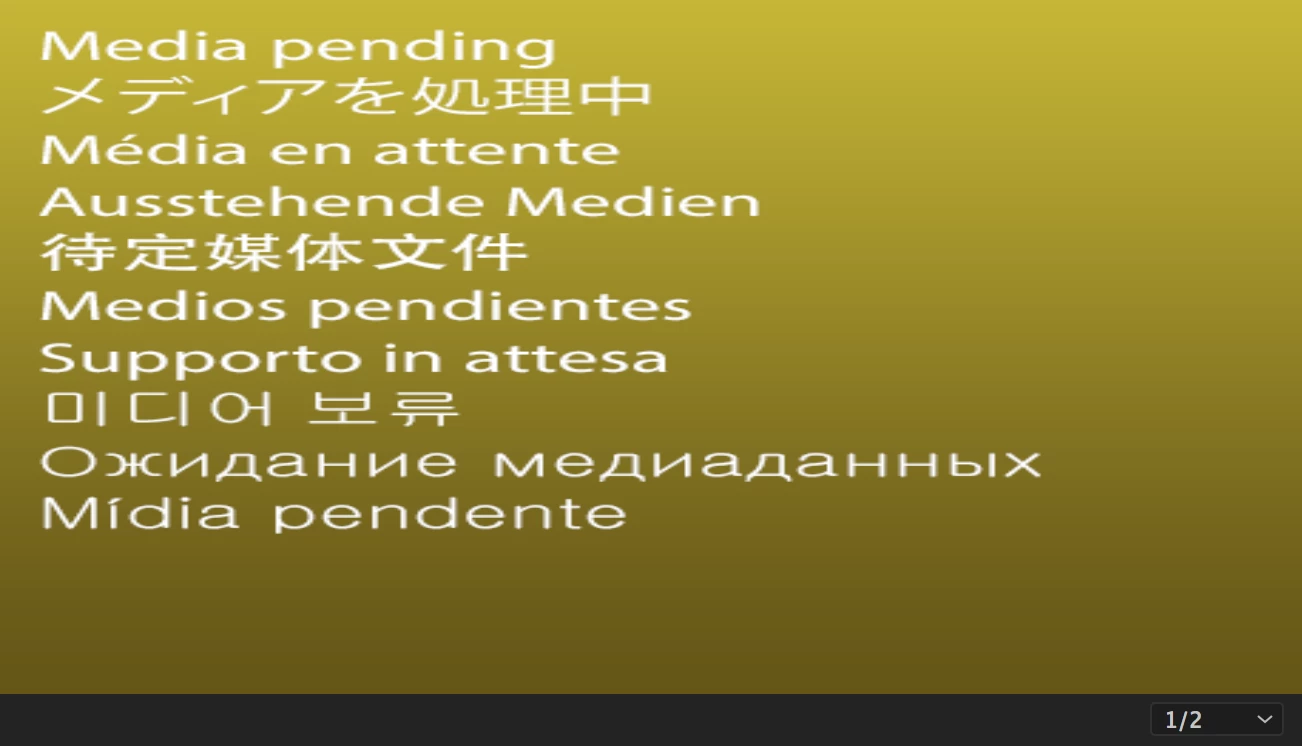
However, whenever I try to mimic those exact steps, i.e. creating the effect from Video Effects -> Generate -> Write-on, toggling it on, moving a few frames in time, and simply repositioning the brush position to show as a line series of small dots (even before lowering the brush spacing to make a solid line), it takes about 5 minutes for the Program Sequence window to catch up. It's definitely not "fluid" at all like he shows in the video. Sometimes it even gets so hung up that it displays the "Media Pending" screen and never recovers.
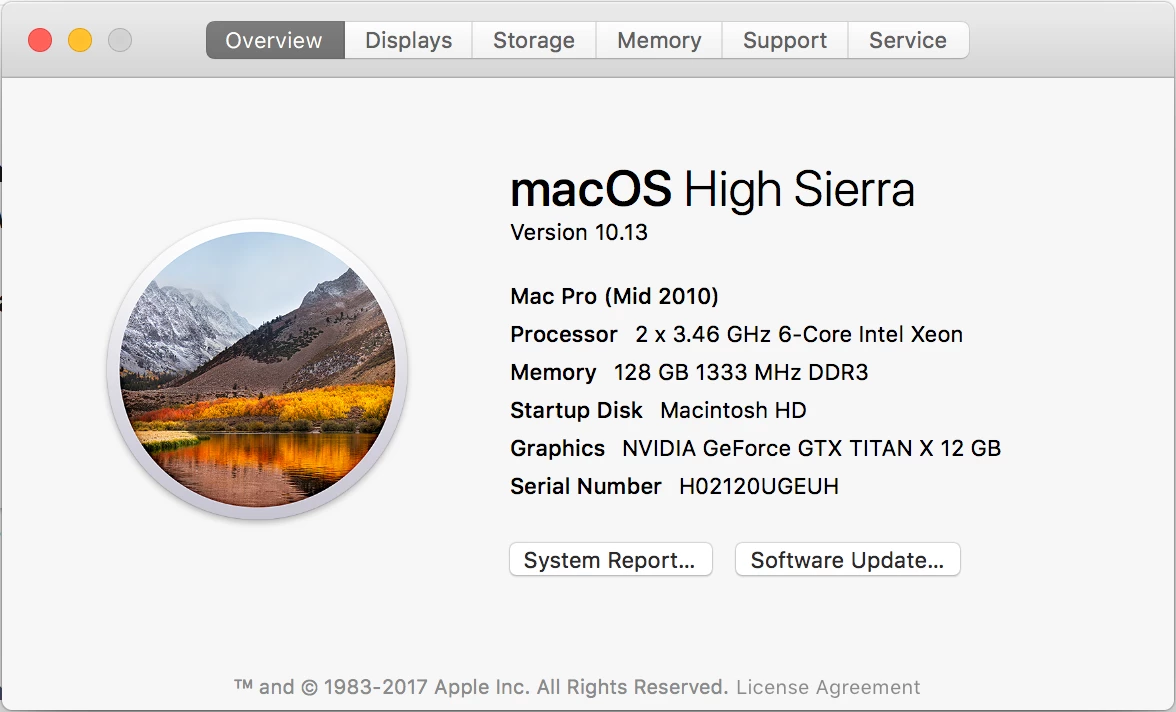
Here are my specs on my Mac Pro. I certainly have (I think) adequate enough processing power with dual 6-Core Xeon 3.46GHz CPUs and PLENTY of RAM at 128GB. On top of that, I've got a 12GB video card. So I really don't think that hardware is the issue.
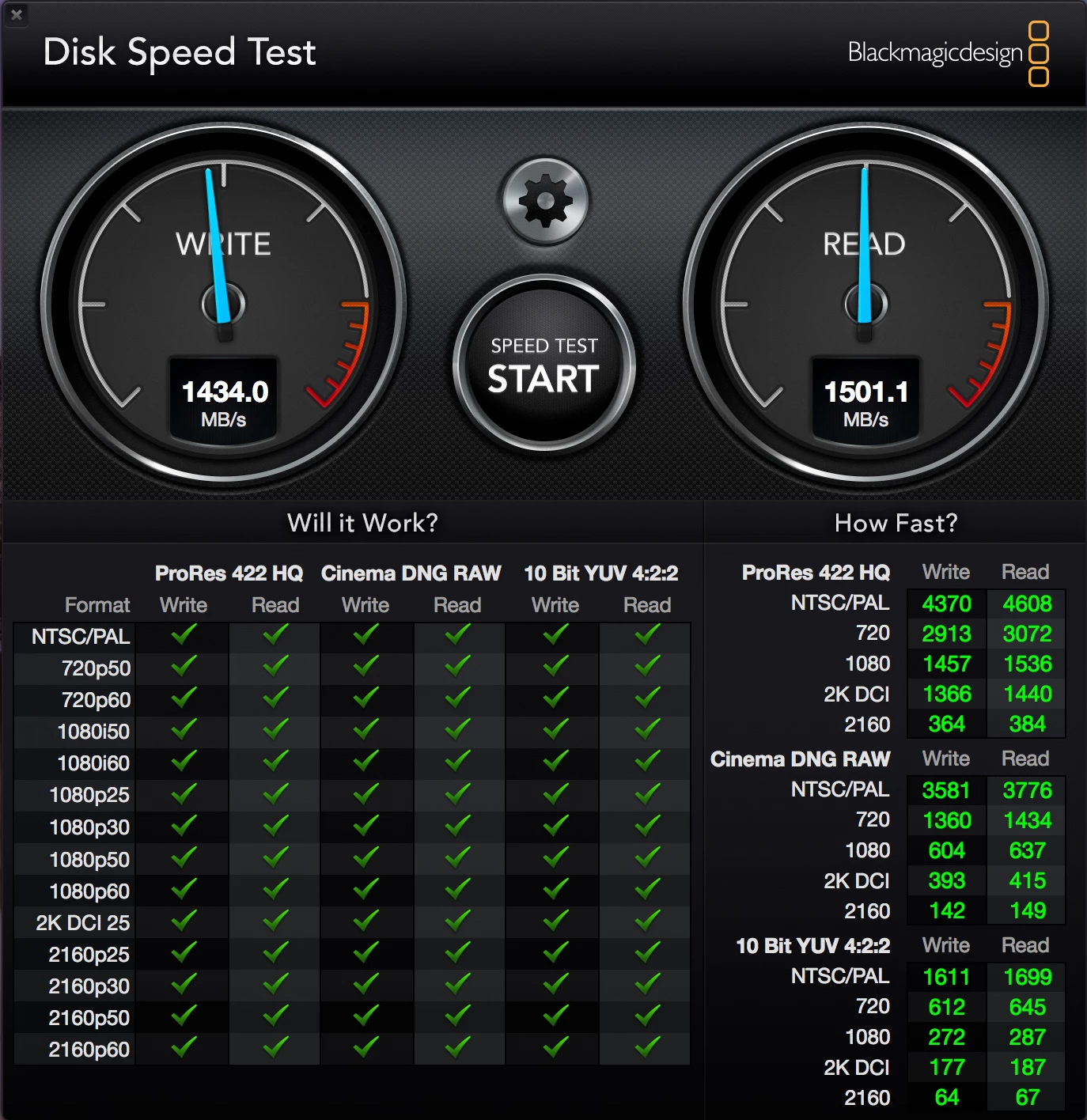
Plus, I've moved the project itself, its Media Cache, and its Scratch Disk locations to a 1TB Samsung NVMe 960 PRO M.2 SSD (mounted on a Lycom DT-120 PCIe card) that pumps out the following specs through the Blackmagic Disk Speed Test.
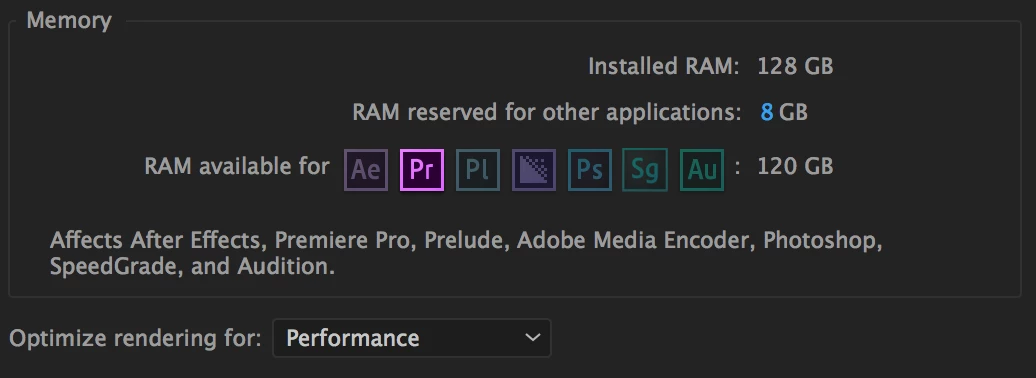
I've read some of the comments on the YouTube video itself where people are asking how his computer is doing that so quickly and most say it's his RAM. But at 128GB, I've got plenty available left over for Premiere.
And the last thing I've done is make sure that the NVIDIA and CUDA drivers are updated (and utilized within the project itself).
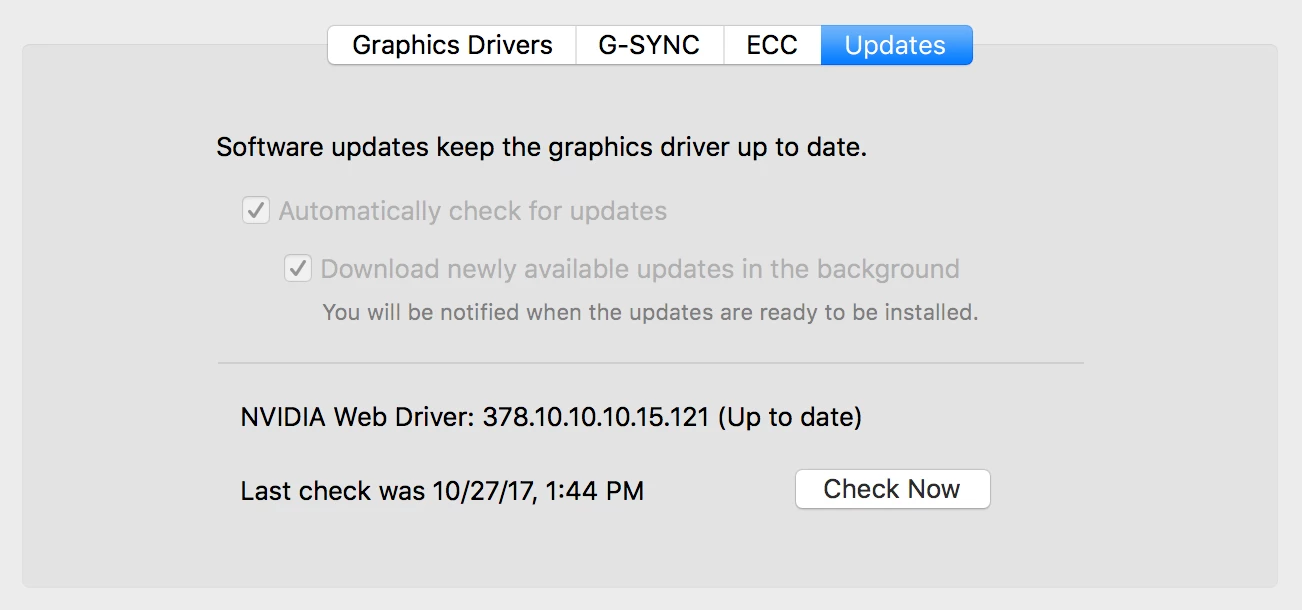
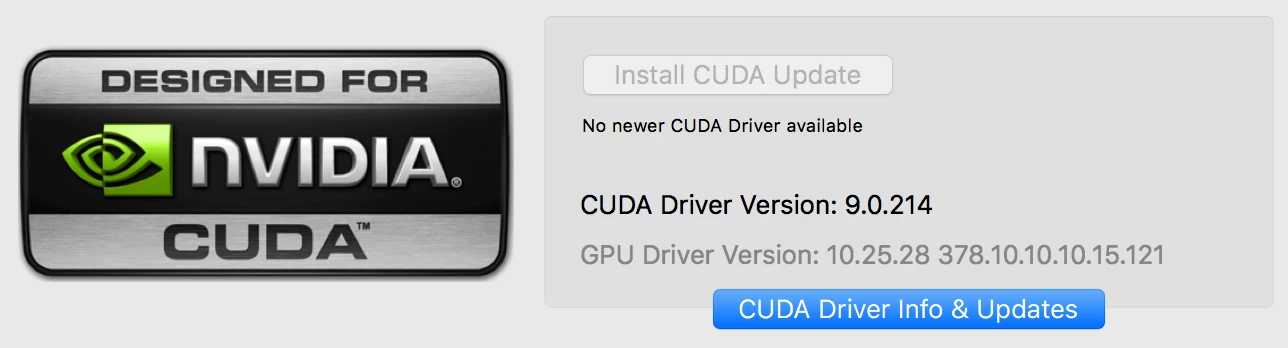

Can anyone help me with this issue? I've even tried changing the Sequence Settings to various default presets, defining my own custom settings, etc. and it always does the same thing. There is no difference in changing any of that. I've cleared cache, I've reinstalled Adobe, I've even gone as far as dumping the OS and starting everything from scratch, and it still will not render that effect as fast as it does in the YouTube video... not even close.
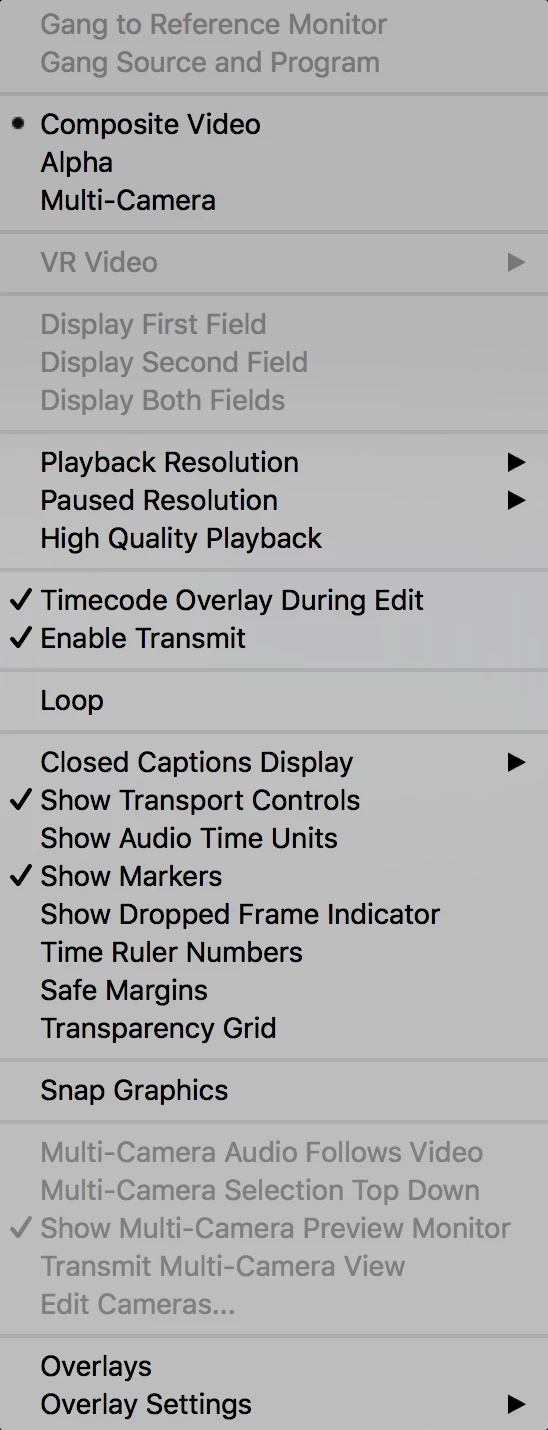
I have the Playback Resolution reduced to 1/2 (even at 1/4 it's not any better) and High Quality Playback, Safe Margins, Transparency Grid, and Overlays are all turned off as well.
I am using Adobe Premiere Pro CC 2017.1.2.
Thank you in advance!
 AdChoices