White Cast on Adobe 3D stager

Hi there! 😊 I hope you’re doing well. I wanted to ask — how can I remove or reduce the white cast that appears on my renders in Adobe 3D Stager?

Hi there! 😊 I hope you’re doing well. I wanted to ask — how can I remove or reduce the white cast that appears on my renders in Adobe 3D Stager?
Stager uses physically based rendering, meaning that it tries to simulate the real world as much as possible. Light and materials interact with eachother and can change based on camera viewing angle, to create real world simulated photography.
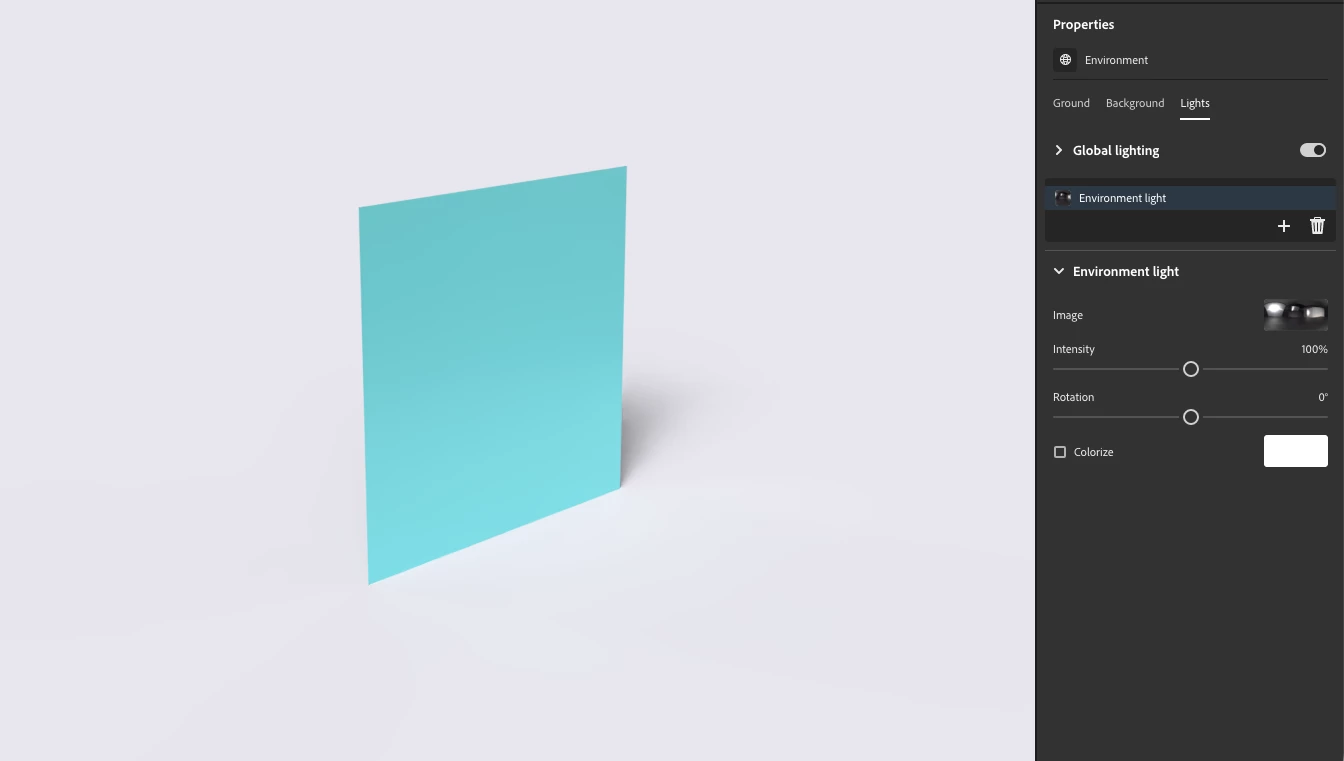
Without knowing your exact colors, here's a simple plane with a matte teal material and the default lighting:

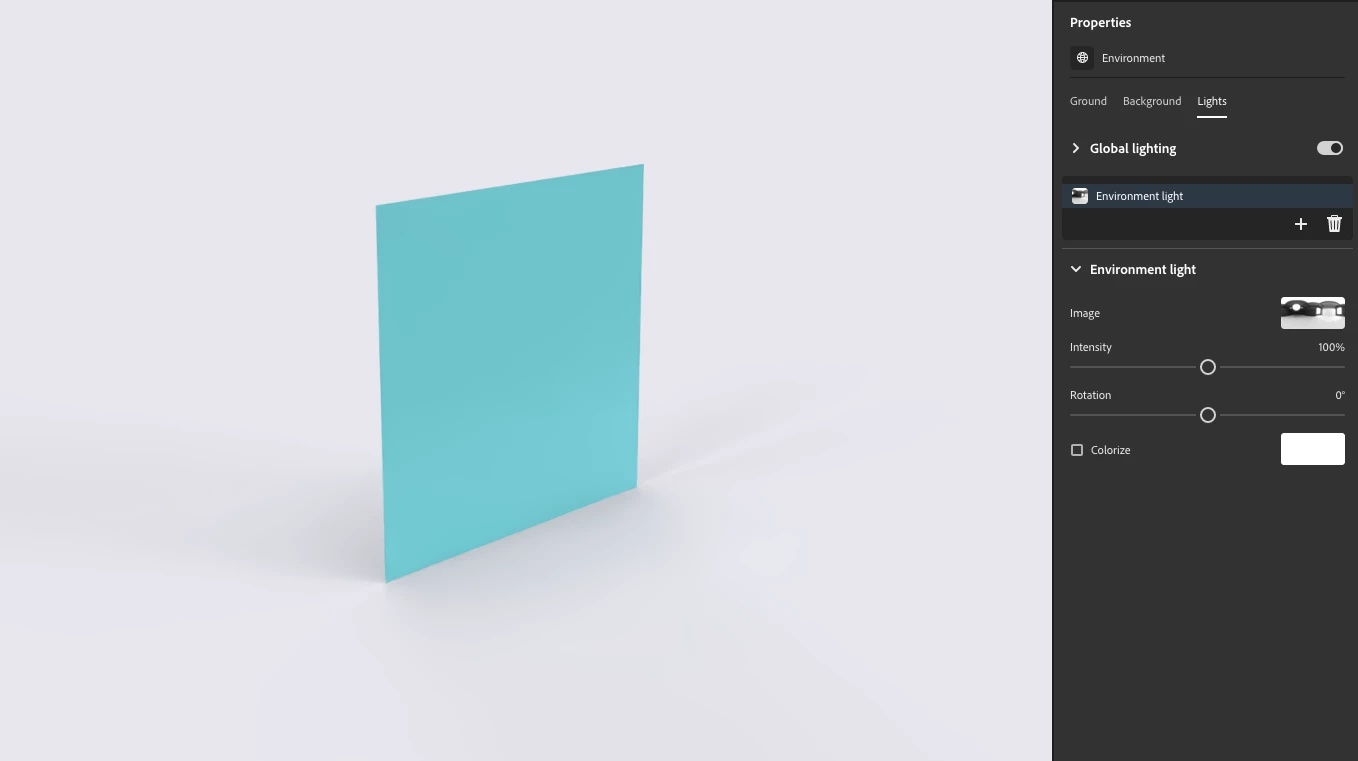
And the exact same scene with a different light applied. You can see different tones of green, different shadow directions, etc.

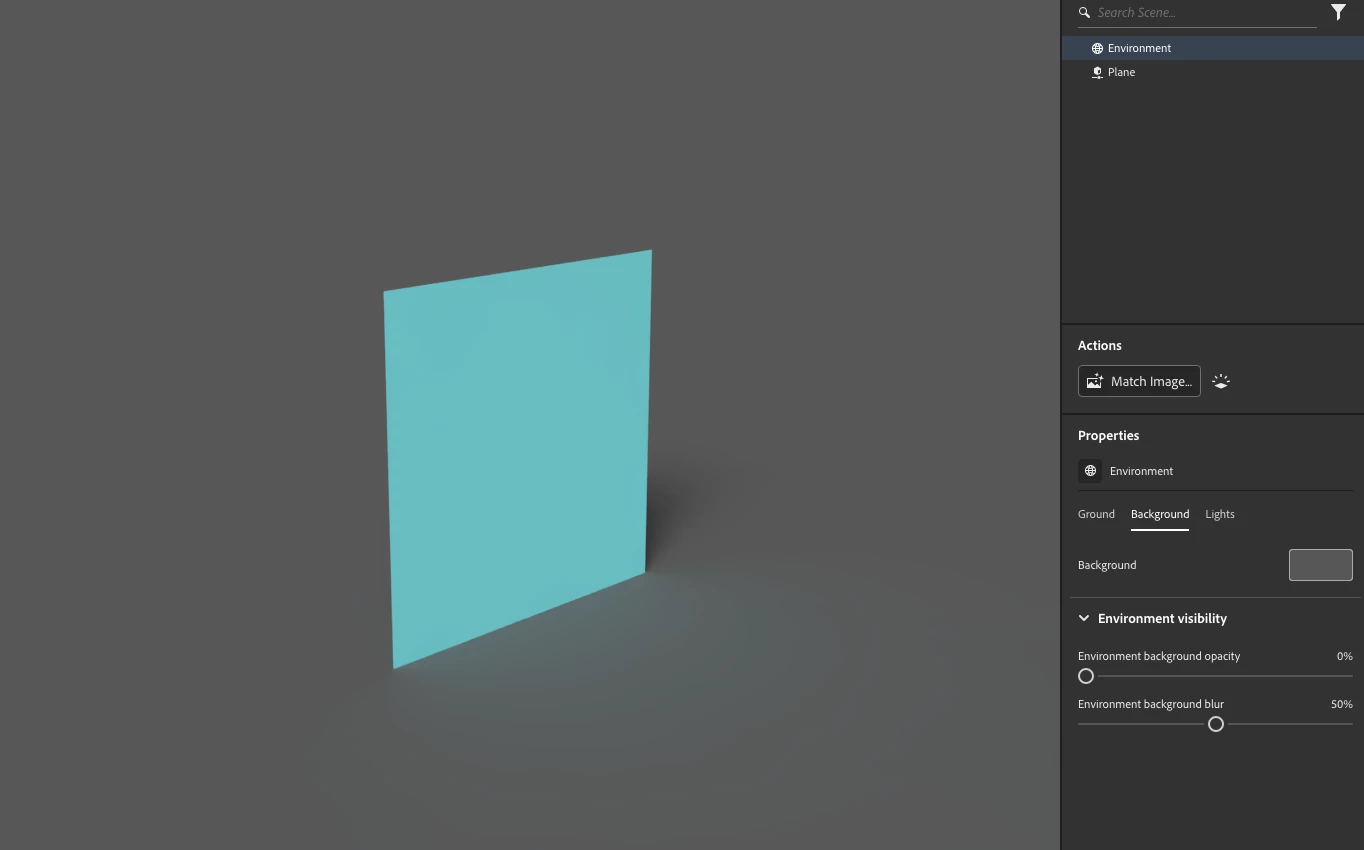
Remember that the background colors are also reflected in the lighting. A lighter background will reflect in overall lighter tones in the render. If you want darker tones you can change the color to a darker tone then switch the background color in Photoshop after rendering.

Already have an account? Login
Enter your E-mail address. We'll send you an e-mail with instructions to reset your password.