
Question
CBT + Multiple "Drop-down hotspot" Link Styles = Broken Content
RoboHelp 2017, all updates installed.
Created multiple hyperlink styles, specifically for drop-down hotspots, so I could generate output similar to this:
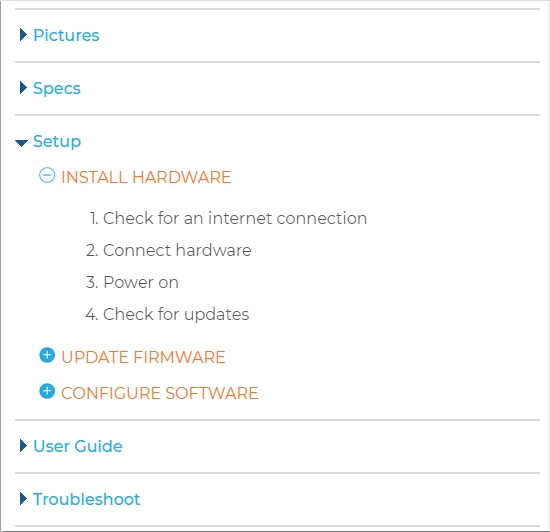
This project also uses conditional build tags, so we can generate public and private content. When I generate the public version (exclude proprietary and confidential info using CBTs), the drop-down links no longer work. All the links work if I don't exclude any content. Note that while the styles in the example image above take advantage of the Twisties option, I left those out when troubleshooting (and in the repro steps below) and the issues still existed.
Steps to Reproduce
- Create new RoboHelp project (I did this after discovering the issue in an existing project to help eliminate other potential failure points/causes - from my CSS, etc.).
- Edit/open "First Topic" in the project.
- Create new conditional build tag called "confidential".
- Duplicate existing "Drop-down hotspot" hyperlink style in default.css and name it "copyofdropspot".
- Select some plain text in "First Topic" and apply "confidential" build tag to it.
- Select some other plain text and insert a drop-down. Allow default hyperlink style "Drop-down hotspot".
- Select different plain text and insert a drop-down. Re-select that text and apply/force the "copyofdropspot" style to it.
- Save the changes and open/edit Responsive HTML5 SSL output config.
- Create a simple build expression that excludes "confidential" build tagged content.
- Generate the output and view "First Topic".
- The excluded text is properly and correctly excluded.
- Test the drop-down link formatted with the "Drop-down hotspot" style. It functions properly and correctly.
- Test the drop-down link formatted with the "copyofdropspot" style. Nothing happens when the link is clicked; that is, the text in the drop-down isn't displayed even though it should be.
Thoughts or suggestions?


 AdChoices