Inspiring
September 4, 2023
Answered

Custom font icons do not render in Word output

  • September 4, 2023
  • 4 replies
  • 624 views

Context

We use custom fonts in the company to make use of a plethora of icons.

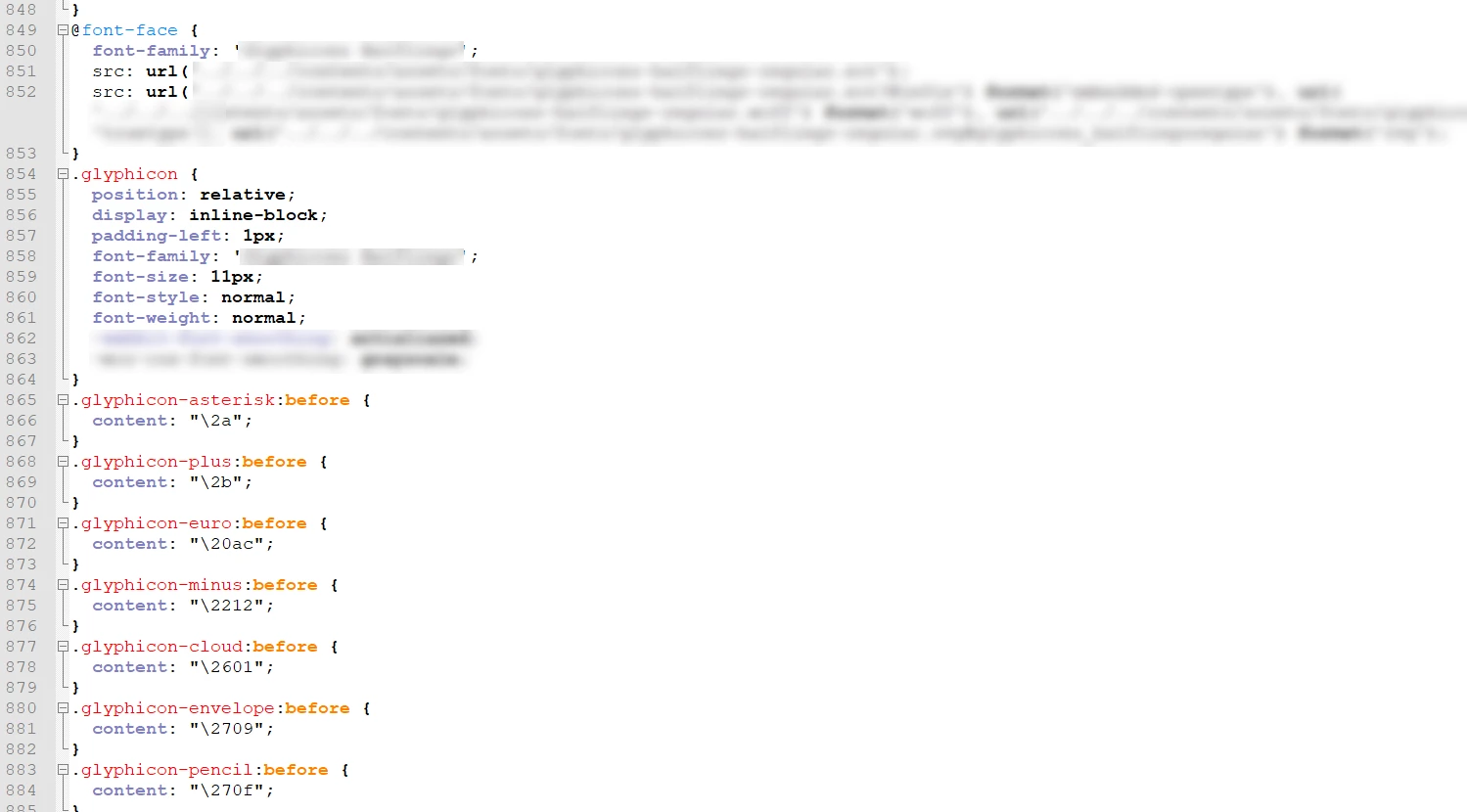
These fonts are imported in the CSS files:


... and used when writing instructions:
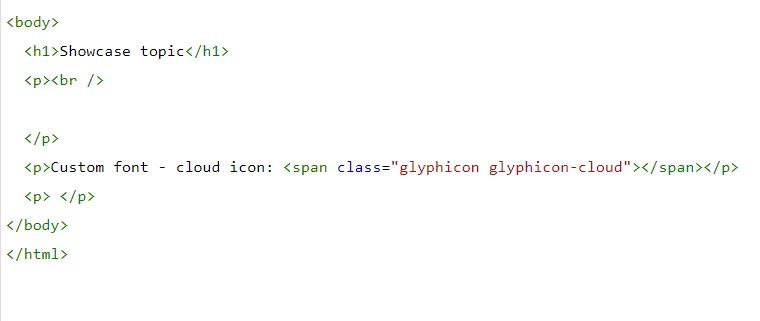


The problem

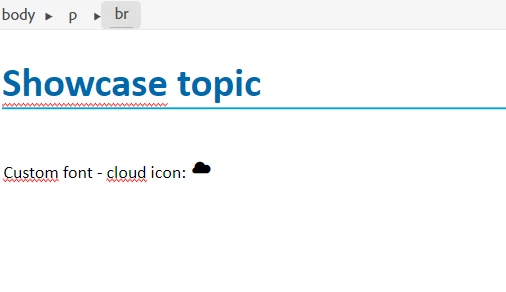
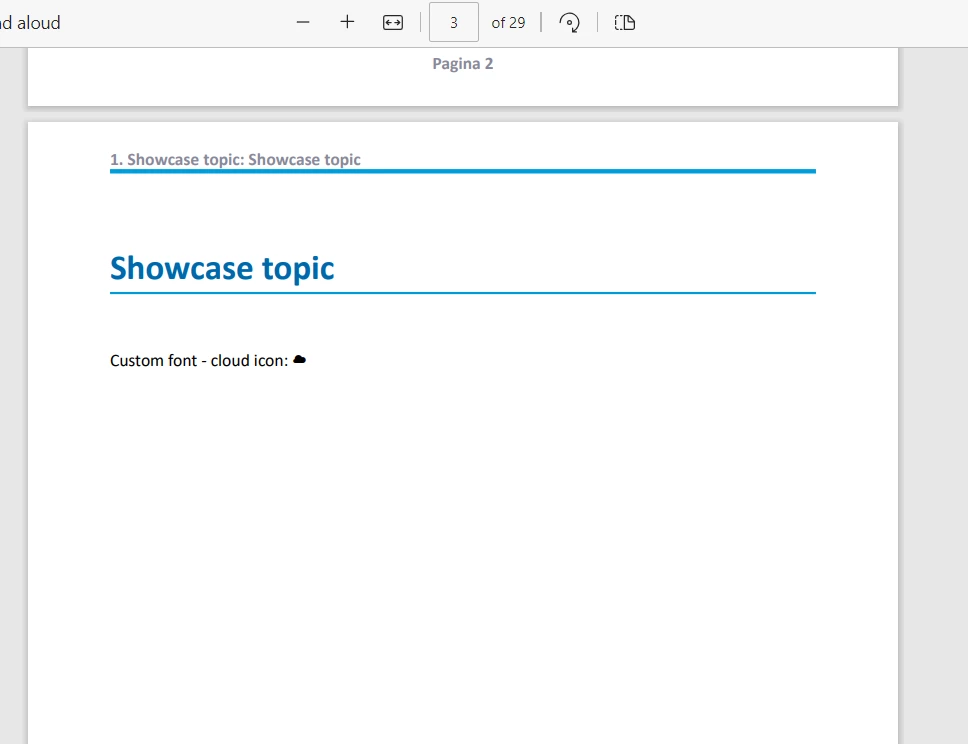
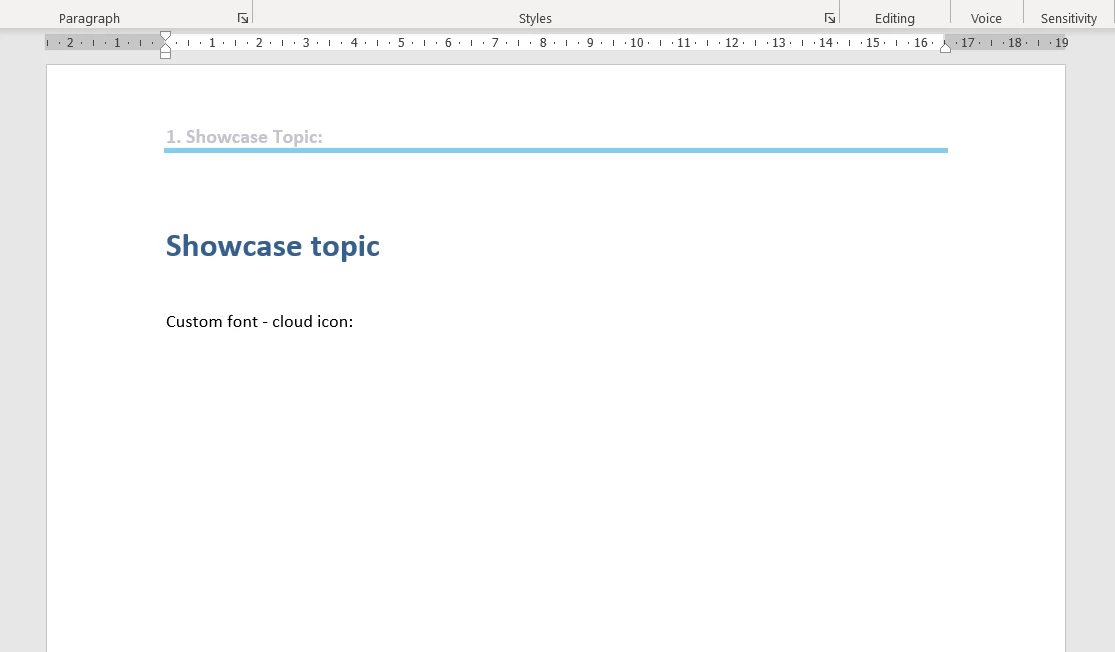
Publishing this topic with a Frameless output preset or a PDF output preset successfully shows this custom font icon. However, the Word output preset does not. Is there a way to make custom fonts work for Word outputs?


(PDF)


(Word)
    This topic has been closed for replies.
    Correct answer Amebr

    I think you are right in that the conversion to Word doesn't support the pseudo-classes. The only analogue I can think of for "before" is numbering and bullets. I can't think of one for "after".


    If the font awesome and google fonts sample doesn't work the only Robohelp solution I can think of is to include an image after every link, and apply a condition to it which you exclude from every output except Word. Not very convenient, I know.


    Other than that, maybe a VBA script you run in the Word doc after generating?

    4 replies

    AmebrCommunity ExpertCorrect answer
    Community Expert
    September 5, 2023

    I think you are right in that the conversion to Word doesn't support the pseudo-classes. The only analogue I can think of for "before" is numbering and bullets. I can't think of one for "after".


    If the font awesome and google fonts sample doesn't work the only Robohelp solution I can think of is to include an image after every link, and apply a condition to it which you exclude from every output except Word. Not very convenient, I know.


    Other than that, maybe a VBA script you run in the Word doc after generating?

    Inspiring
    September 5, 2023

    I've been leaning to method 2 (post-processing in the Word doc).


    Unfortunately, the resulting Word document does not contain any trace of the glyphicon (in HTML, it's after all just an 'empty' <span class="glyphicon-X">/span> element and I can't seem to assign a Word style to nothing). So I first have to add in the glyphicon classes as text in the span element in Robohelp with a script, generate the Word doc (and discard the changes afterwards with Git).


    Then I can use search + replace to replace all instances of the glyphicon text with the glyphicon itself. I guess this workaround is acceptable since we'll only publish to Word once in a blue moon.

    Peter Grainge
    Community Expert
    Community Expert
    September 4, 2023

    As a yardstick, try the project at Using Font Awesome, Google Fonts, @font-face and SVGs in RoboHelp (grainge.org) and see if it works or mirrors what you are getting.

    ________________________________________________________

    My site www.grainge.org includes many free Authoring and RoboHelp resources that may be of help.


    Use menu (bottom right) to mark as Best Answer or to Highlight particularly useful replies. Found the answer elsewhere? Share it here.
    Inspiring
    September 5, 2023

    Thanks for the suggestion. Unfortunately the company style guide insists that we use our custom icons, but it might be useful for future reference.

    Community Expert
    September 5, 2023

    I think Peter was suggesting you see if printing the symbols to Word in the sample project works. If it does that would indicate some problem in your setup.

    Peter Grainge
    Community Expert
    Community Expert
    September 4, 2023

    Try in content.css.


    Also are you mapping to a Word template with that font defined?


    My other thought is if you get it working in Word on your machine, I don't think it will work if you send it some who doesn't have the font installed.

    ________________________________________________________

    My site www.grainge.org includes many free Authoring and RoboHelp resources that may be of help.


    Use menu (bottom right) to mark as Best Answer or to Highlight particularly useful replies. Found the answer elsewhere? Share it here.
    Inspiring
    September 4, 2023

    I've tried the following in the meantime:

    • Copy the custom font CSS to content.css
    • Output without any template
    • Output with a template (the font is visible when checking fonts)
    • Create a fresh test project and test with various settings


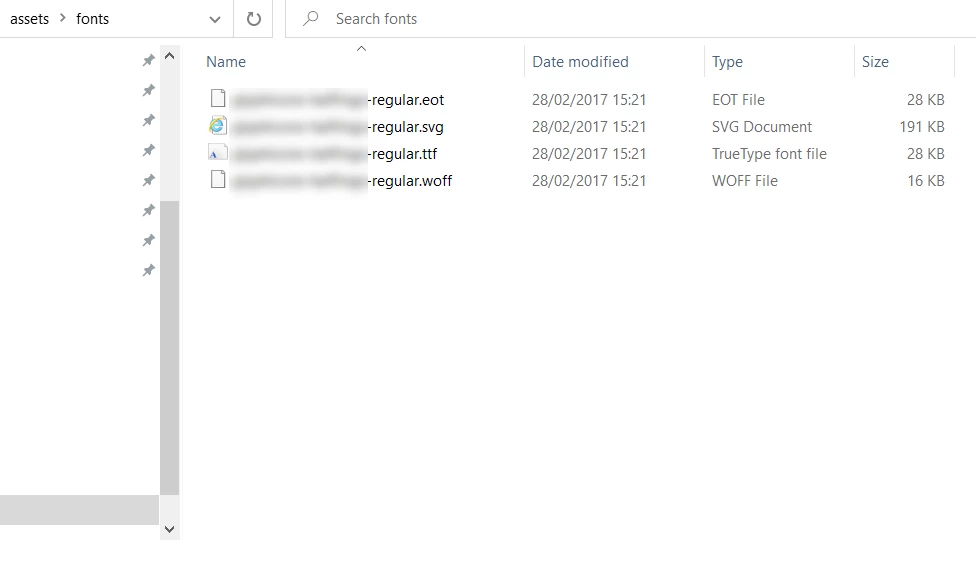
    As a second test, I downloaded a random custom font (https://www.dafont.com/font-comment.php?file=old_london) and tried to output that font in Word - this succeeds, so I assume it's something with the font itself / the ::before CSS code / the svg font files.


    PS: The font install problem won't be an issue as the Word version is only needed for internal purposes.

    Inspiring
    September 4, 2023

    My current hypothesis is that Word output is not very happy with the CSS content attribute in a pseudo class.

    If I force the following CSS:


    The Word output looks as follows:


    Peter Grainge
    Community Expert
    Community Expert
    September 4, 2023

    For online and PDF it is possible to use fonts that are not installed on the end user's device. I'm pretty sure that is not the case with Word documents.


    Have you installed the font(s) on a machine to see if that fixes it to confirm my guess?

    ________________________________________________________

    My site www.grainge.org includes many free Authoring and RoboHelp resources that may be of help.


    Use menu (bottom right) to mark as Best Answer or to Highlight particularly useful replies. Found the answer elsewhere? Share it here.
    Inspiring
    September 4, 2023

    Hi, thanks for answering.

    I can confirm that the font shows up in Control Panel\Appearance and Personalization\Fonts. It also shows up in Word:


    Another possible cause is that I might have botched the layout.css for the Word preset: