


Frameless: Change CSS of topics to match selected template
Hi!
I've got one big help RH2022.4 project with about 650 pages that is used as context-sensitive help in the energy planning tool I develop (https://leap.sei.org). I've succesfully created frameless output help, and also worked out how to show those pages embeedded within my app.
Here's the issue. My app can be used in both light and dark modes, so I'd like to be able to direct context sensitive help requests to either a light or dark version of the help pages to match the look of the app. I can easily direct to one or the other version via code in my app that just detects if it is in light or dark mode and then just adjust the base URLs of the help files.
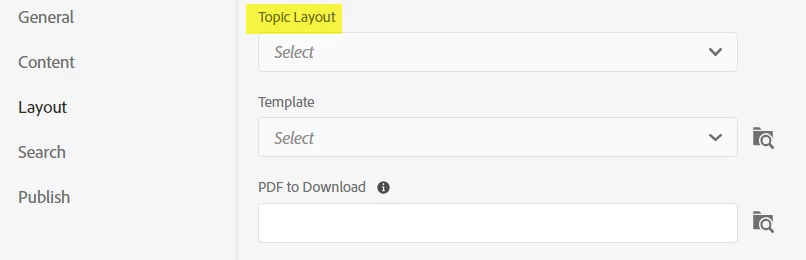
I've almost got this working by creating two different Frameless templates attached to two different named Frameless output presets (named something like App_light and App_Dark).
I'm just stuck on how to have the css used by each topic page adapt acordingly. I currently have one css file (default.css) attached to all the pages and that has some coloring in it (e.g. the colors of the H1, H2 headings & the colors of hyperlinks.
For maintainability, I really only want to have only only copy of the topic pages. Currently , each page links the same default.css style sheet.
Is there a way to have two style sheets (e.g. default_light.css, default_dark.css) and have outputs use those automatically when generating the two different versions of the output? Maybe I'm not using the CSS files properly - e.g. perhaps the colors can be specified outside the style sheets?
Thanks for any guidance!
Charlie Heaps
SEI
 AdChoices