
RHCL with Indigo Layout does not include Filter button and pane
Hi,
I'm currently working on getting our RoboHelp 2017 (Update 2) project to compile properly via RHCL. In our project, we use a heavily customized version of the Indigo layout. I noticed that, when I use RHCL to compile the project via the command line, the Filter buttons and panes (on Start and Topic pages) are not included in the output, even though dynamic content filters are activated in the used Output Setup and Layout.
At first I suspected that it has something to do with our customizings to the Indigo layout, so I tried the same thing with a completely new project with only 2 topics and no CSS or layout customizings. The topics have two conditional tags "casual" and "power" assigned (on topic-level) and the TOC shows them in hierarchical order Topic 1 (causual) >> Topic 2 (power). The dynamic content filter is set up to either include or exclude the topic with "power" tag (via conditional expression). This is the project which I then tried to compile manually and with RHCL.
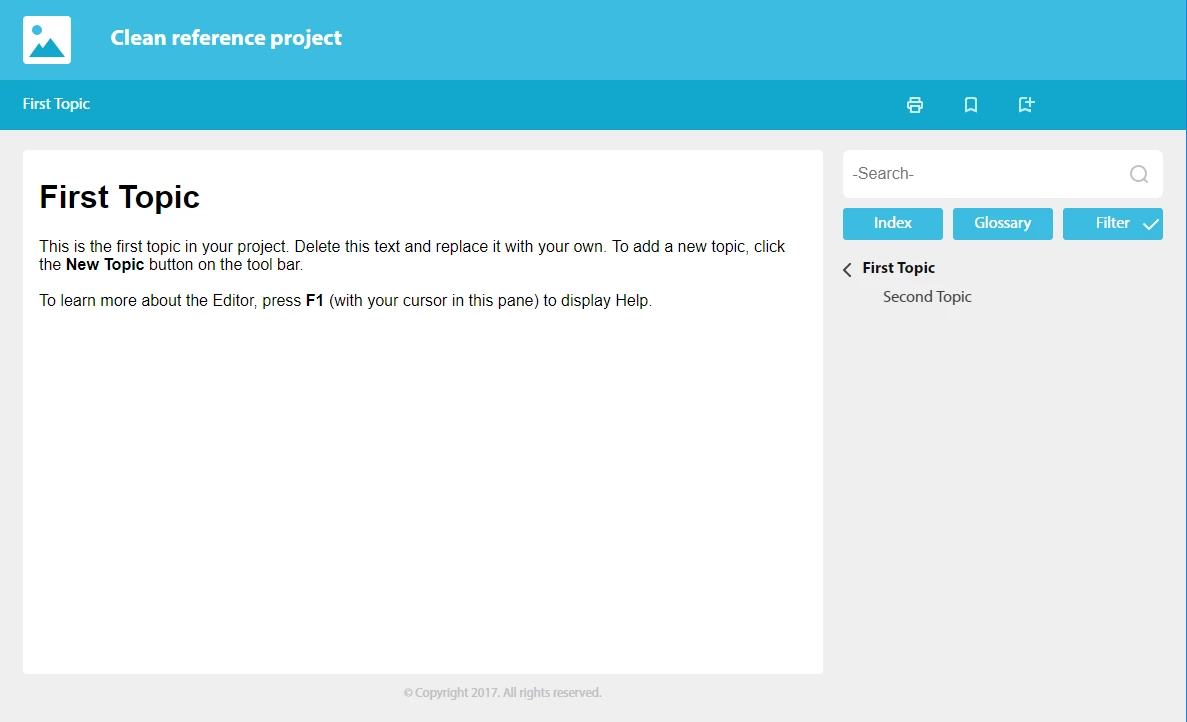
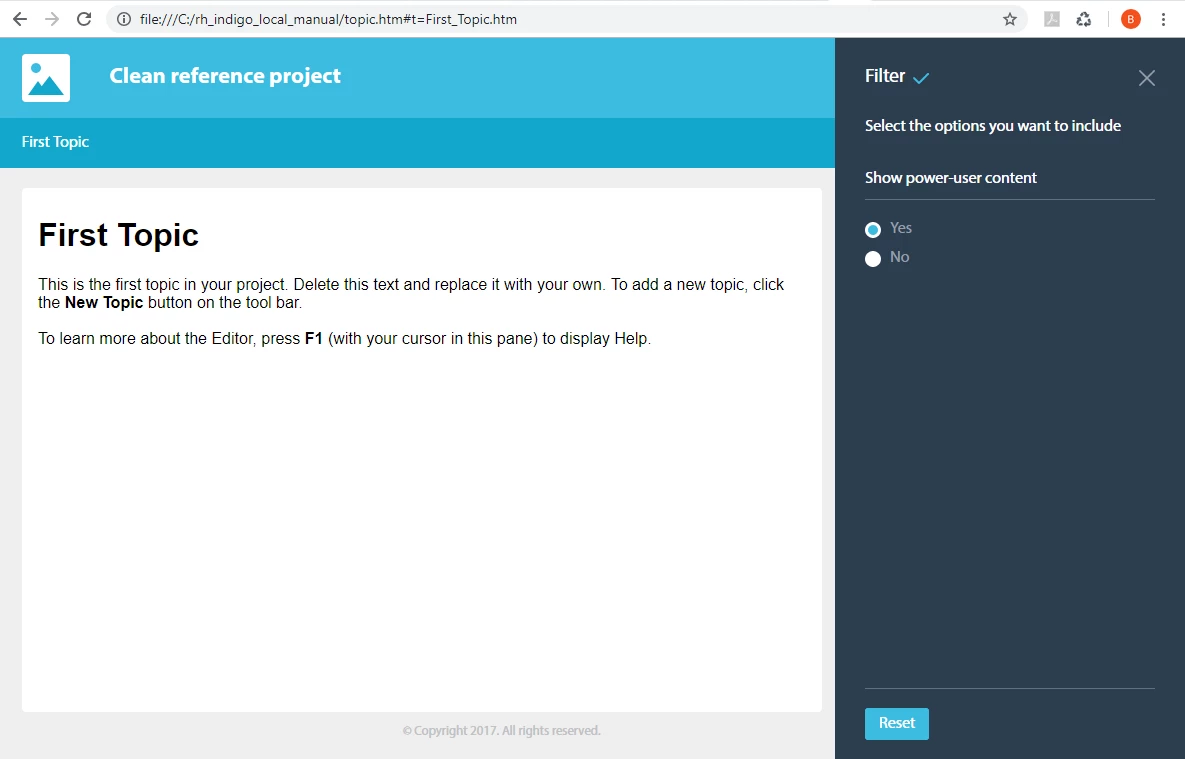
When compiling the project manually from the RoboHelp GUI, the Filter button is correctly included and I can switch the content in the filter pane.
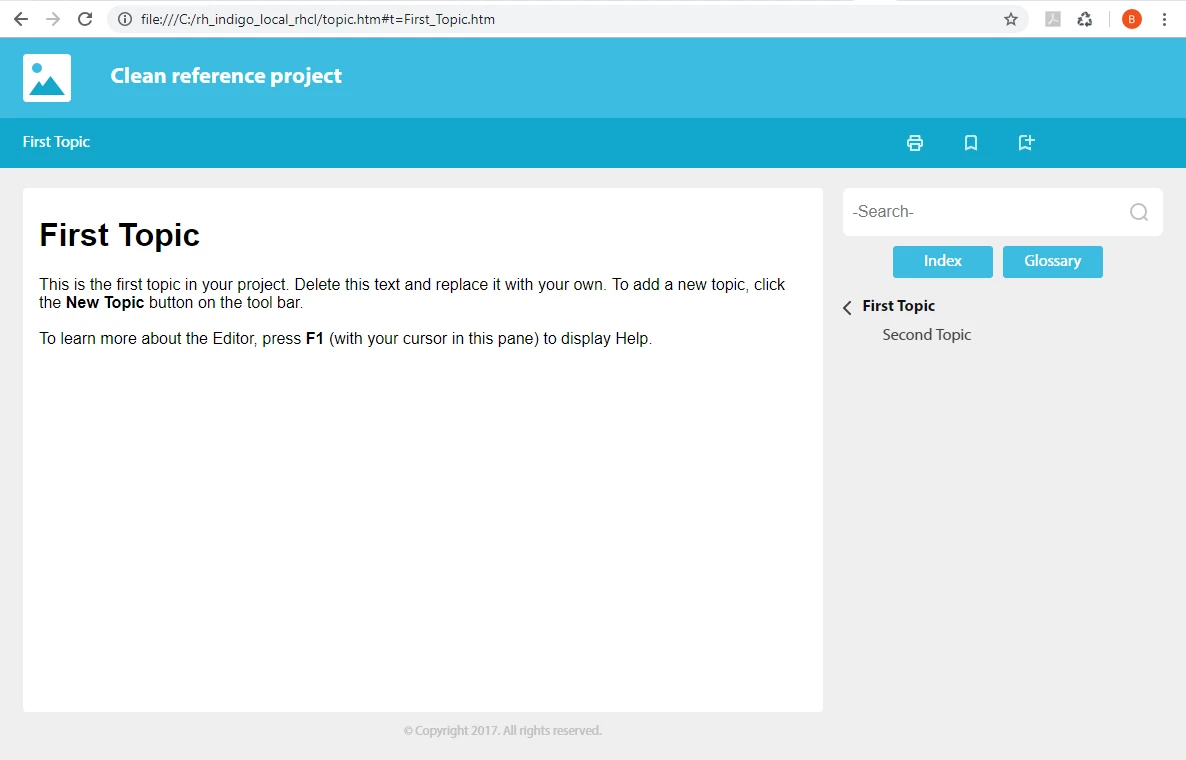
When compiling the project via RHCL, the Filter button is hidden both on the Homepage and on the Topic pages. I cannot use the filter.
Below, you can see the output topic pages for manual and rhcl:
- Manual output - You can see the filter button
- Manual output --> The Filter pane opens and works
- RHCL output --> No Filter button
Our new product documentation depends heavily on filters working, does anyone have an idea why RHCL does not produce the Filter pane?
Thanks in advance,
Birgit


 AdChoices