


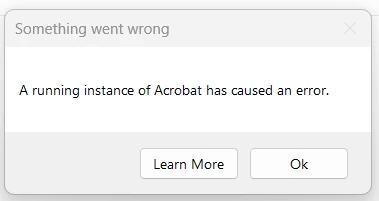
Acrobat won't open (except in background)
On and off for several years, I have had a problem where Acrobat will run in the background, but won't actually open. Various workarounds will work for a bit, but the next Acrobat or Windows update usually causes the problem to recur. I have recently updated and I am having the same issue. If I completely delete Acrobat and Creative Cloud, including running the cleaning apps, and then re-install, it'll work...for about a day. I've also tried the registry edit fix which is one of the workarounds that works...for a while. What else should I try?
Windows version
Edition Windows 11 Home
Version 22H2
Installed on 2022-10-20
OS build 22621.2428
Experience Windows Feature Experience Pack 1000.22674.1000.0
Device
Processor Intel(R) Core(TM) i5-8250U CPU @ 1.60GHz 1.80 GHz
Installed RAM 16.0 GB (15.9 GB usable)
System type 64-bit operating system, x64-based processor
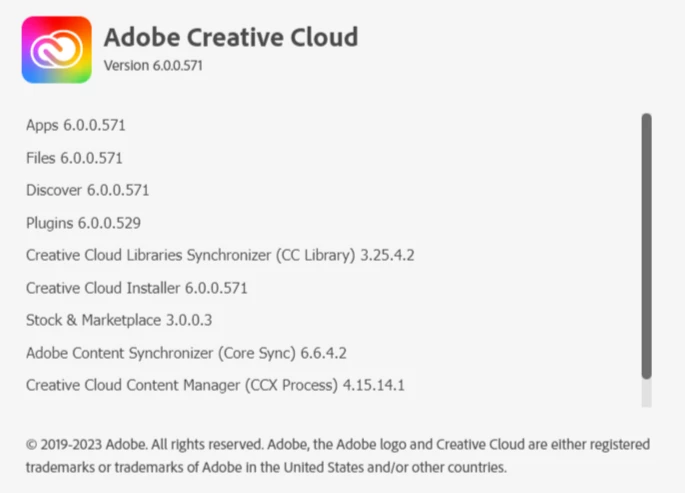
Adobe Info
 AdChoices