JR Boulay
Community Expert
Community Expert
November 23, 2019
Answered

Signed PDF: how to "save a copy"?

  • November 23, 2019
  • 11 replies
  • 71775 views

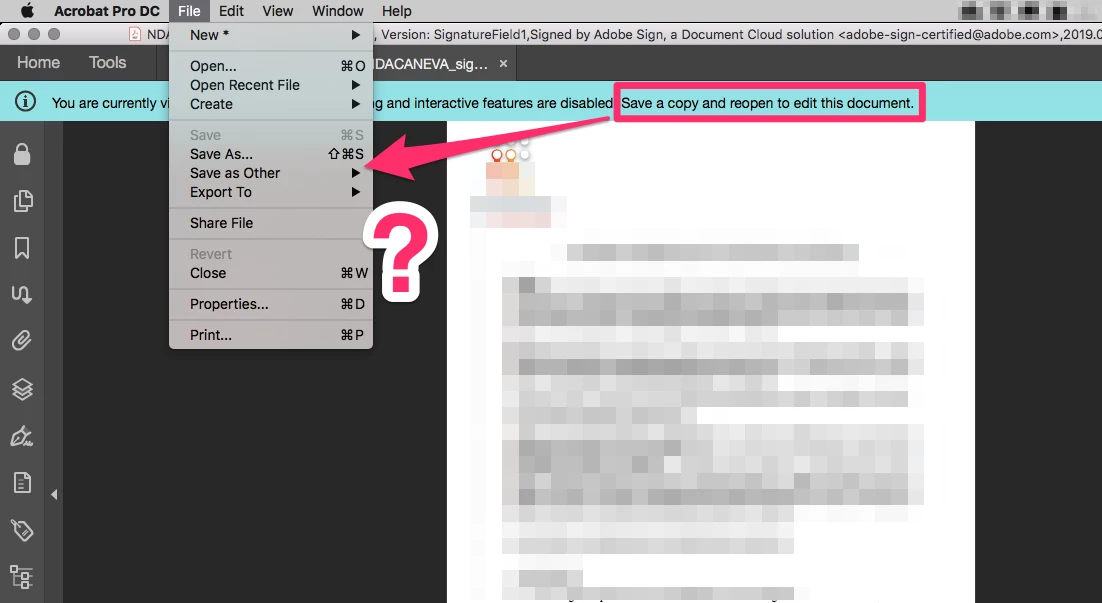
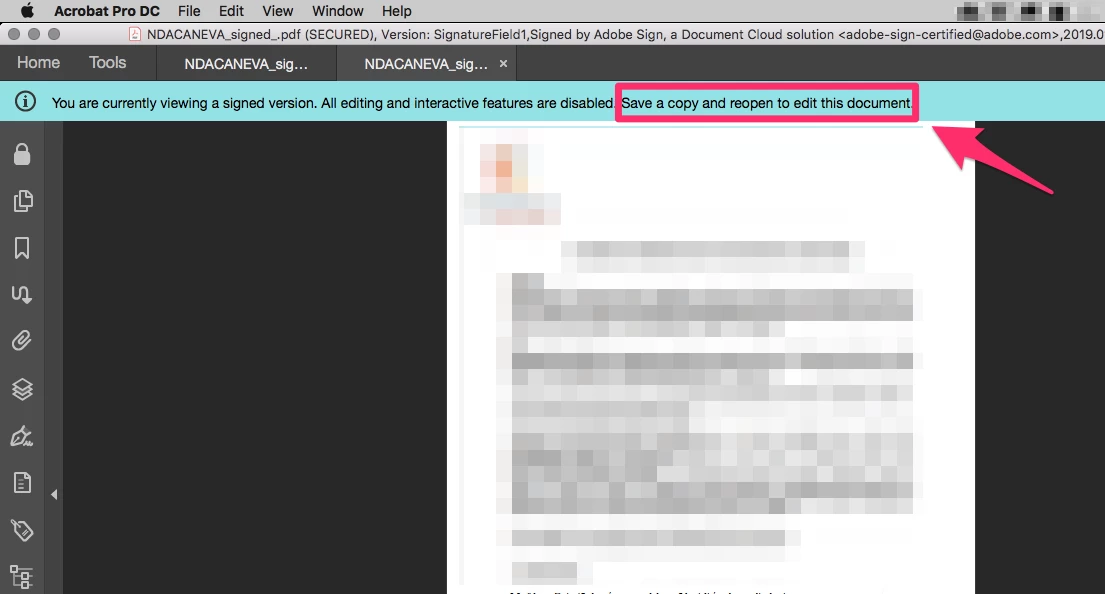
See screengrabs, the Acrobat Pro message prompt me to "save a copy".

But I can only:

- "Save as", which copies the document identically, or

- "Save as other" which does not work either because it launches an infinite loop, see this topic: https://community.adobe.com/t5/acrobat/editing-a-signed-pdf-the-infinite-loop/td-p/10758213


How can I save a copy of a signed PDF???


Correct answer margueritek

I'm sorry, but the message is lying. Internally to Acrobat, the only difference between SaveAs and Save a Copy is which PDF is open after the save. SaveAs reopens the file you just saved. Save a Copy saves the file but leaves the original document open. There is no way you can edit a signed file. To remove your signature, right-click on the signature and take the drop-down option to delete it.


I've not seen this message except when someone clicks "view signed version" in a signature panel item. That opens an earlier version of the document (i.e. just after that signature was applied) for viewing in read-only mode. Since it's not a file in itself (it's a prefix of the open file), it needs to be saved as a stand-alone file before you can do anything with it. In this case, only SaveAs makes sense.

11 replies

Bernd Alheit
Community Expert
Community Expert
November 23, 2019

How does you create the PDF file?