






A community for Substance 3D Designer users.
Recently active
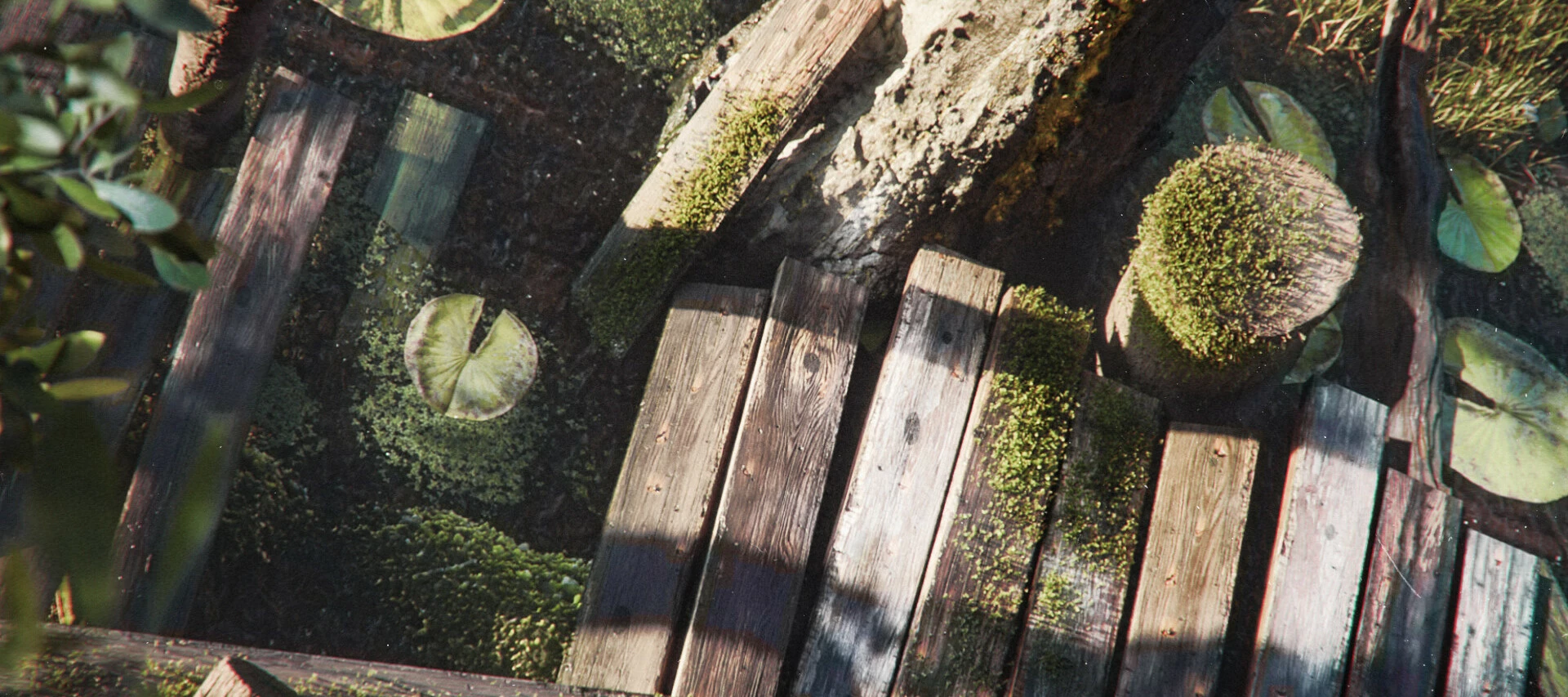
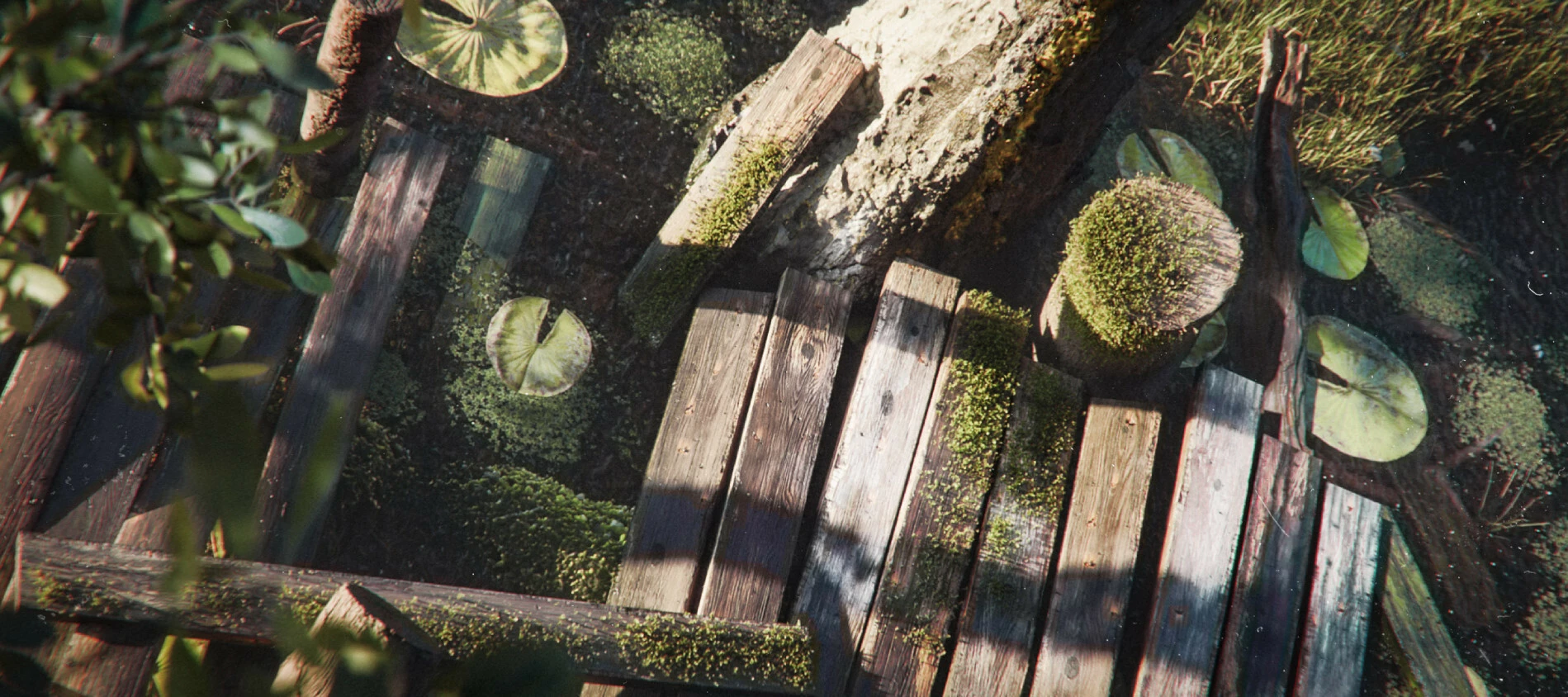
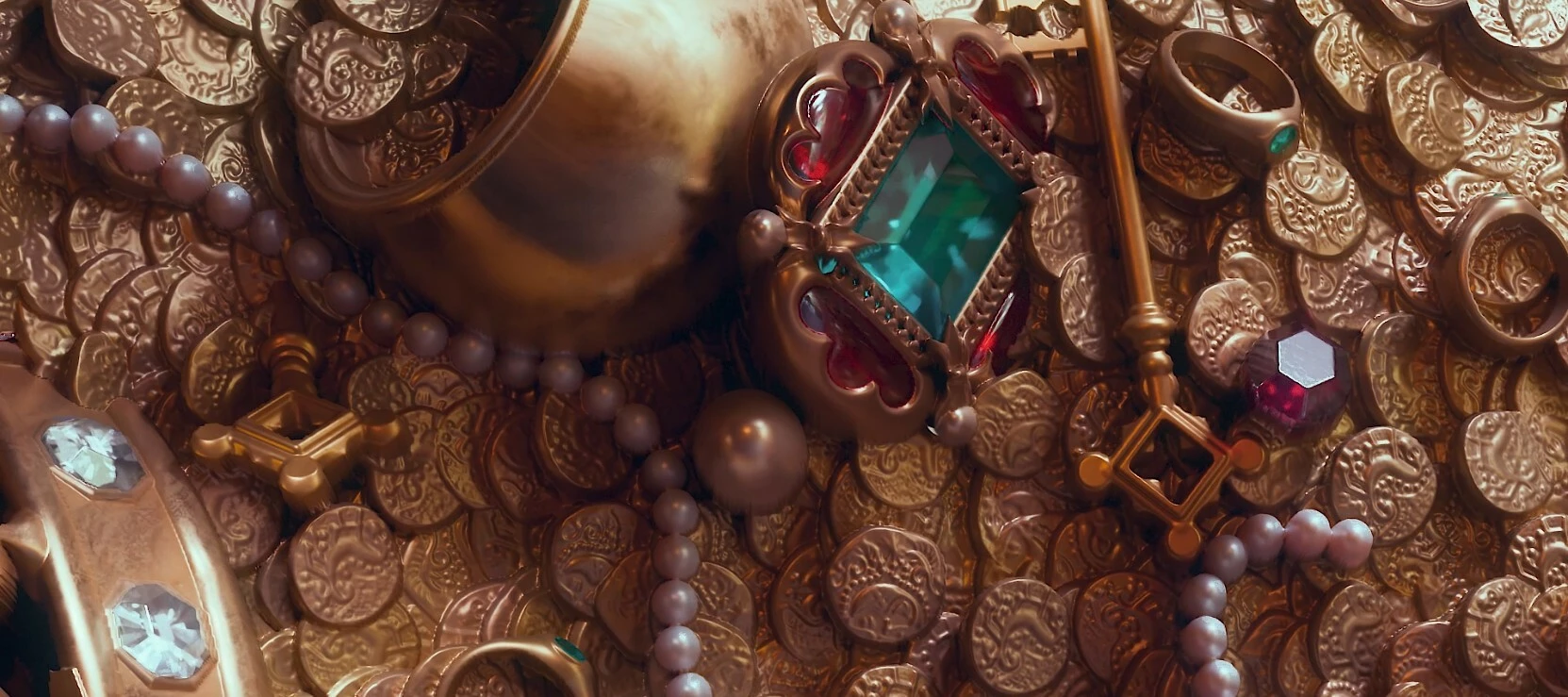
We're excited to announce the Shattered World Signature Collection, the latest addition to Substance 3D Assets — fifteen dark fantasy materials created by Senior Technical Artist Kai Mergener, all built in Substance 3D Designer. Each material is designed to function as a hero asset straight out of the box, with a focus on atmosphere, technical depth, and versatility across different scales and environments.Kai has also just given an in-depth interview to 80 Level, covering the creative and technical process behind the collection, from the Dark Souls-inspired aesthetic that shaped its direction, to his unconventional use of Designer's SDF nodes, to the personal significance this project holds for him as a material artist.
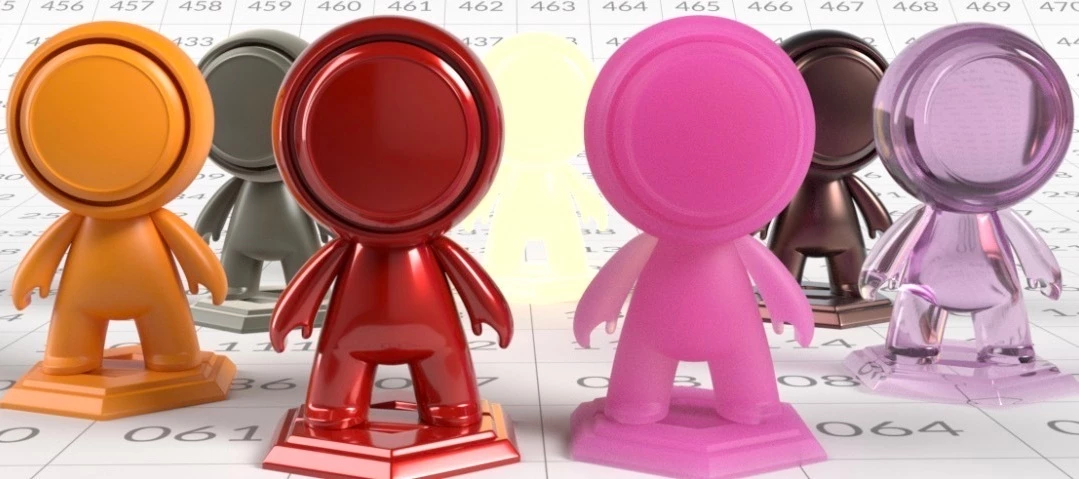
The Substance 3D team has put together a comprehensive introduction to OpenPBR aimed at 3D artists of all levels, across any discipline. This is a software-agnostic guide, covering the underlying model, how its layers and parameters work, practical material creation guidance, and an FAQ addressing common questions and pain points.It covers everything from the basics (what OpenPBR is, how dielectric and metallic materials differ) through to more advanced topics like transmission, subsurface scattering, thin-film, and more, as well as a section on how to avoid some of the most common mistakes.You can find the documentation right here!
We just posted our SIGGRAPH 2026 announcements over on the Adobe blog. The key points: OpenPBR is now supported right across the Substance 3D ecosystem — Painter 12.1, Designer 16, and Sampler 6 — with the entire Assets library (14,000+ materials, decals, and atlases) being converted too. Adobe has also released an open-source OpenPBR implementation on GitHub. Substance 3D Painter 12.1 delivers the long-requested Skew Map Painting, giving artists direct control over baking artifacts with brush, fill, and edge protection tools — alongside Auto Rebake, which speeds up iteration by only rebaking affected areas, a refreshed baking workspace, and a new Hard Surface Auto UV mode for mechanical assets. Substance 3D Designer 16 expands the procedural toolset with a redesigned Shape Splatter v2 node for scattering varied 3D forms procedurally, new SDF nodes for building and manipulating complex shapes directly in the node graph, a 3D Viewer for real-time iteration, and consolidated displaceme
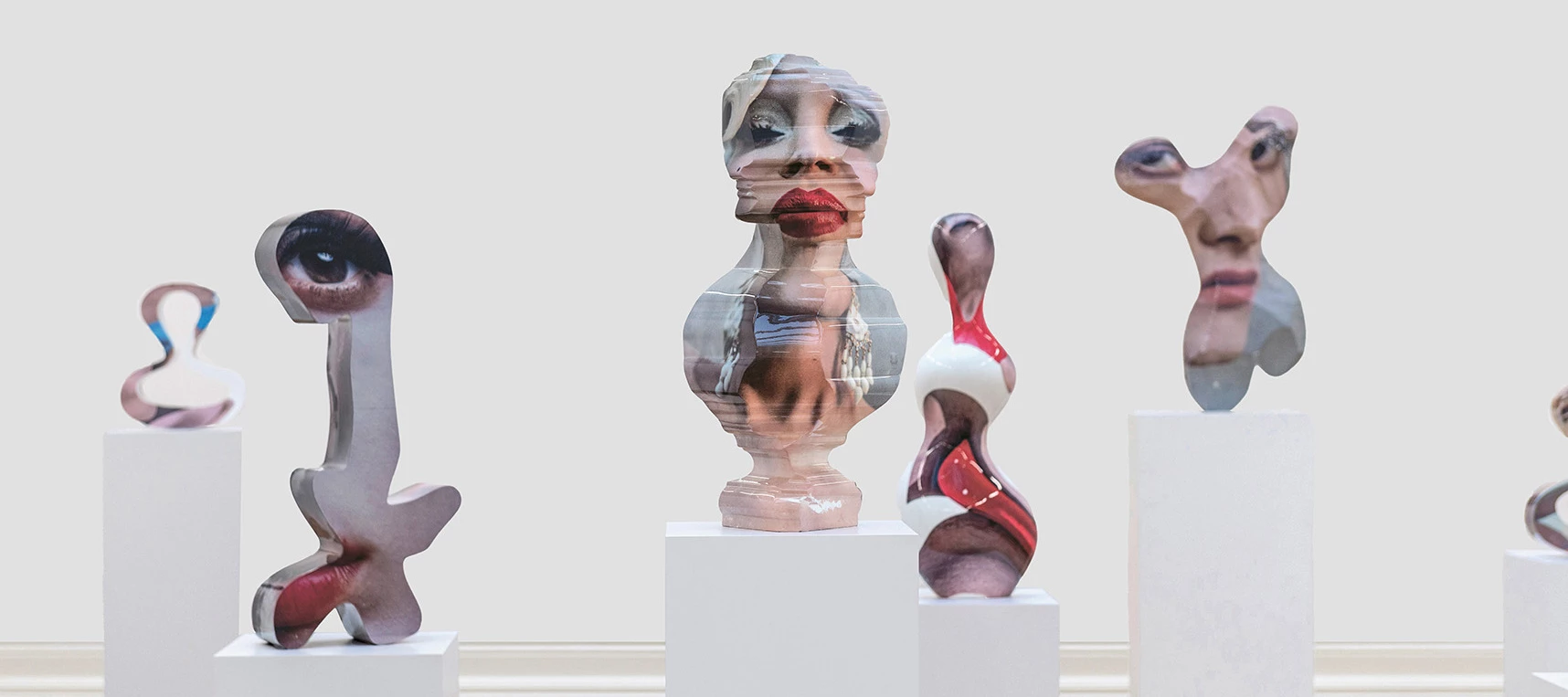
Nick Hornby is a London-based sculptor whose works are conceived entirely in digital space before being realised as monumental physical sculptures in bronze, steel, and marble. In this piece for the Adobe blog, he discusses the creative process behind his Zygotes and Confessions series — including how he uses Adobe Substance 3D to test materials and surfaces, and how the boundary between digital model and finished artwork becomes increasingly blurred.
We’re excited to share that Frame.io now supports 3D files natively — and it’s free on every plan. You can upload GLB, USDZ, FBX, OBJ, STEP, SBSAR materials, and 14+ other 3D formats directly to Frame.io. It auto-generates a high-fidelity turntable so anyone on your team — even people without 3D software — can review, leave degree-stamped comments, and approve. Spin. Share. Ship. This is the same review workflow you may already be using for video. Now for 3D. "Can I get a quick look at that 3D file?" has just become easier to answer than ever before. If you’re using Frame.io, give it a spin!
The latest Substance 3D releases are out. Designer 16 expands procedural capabilities with an improved Shape Splatter node and new SDF tools. Sampler 6 focuses on faster, more consistent material creation, including new templates and better HP Z Captis capture integration. And with ZBrush 2026.2.0 and Painter 12.0.2, you can now transfer meshes between the two apps in a single click. OpenPBR support is also now live across Designer and Sampler, and in beta in Painter. Head over to our post on the Adobe blog for more info!
The latest release of Substance 3D Designer brings a set of targeted updates focused on improving procedural shape workflows, expanding OpenPBR support, and improving access to displacement settings in the 3D view.This release introduces the Shape Spatter v2 node, allowing you to scatter raytraced 3D shapes individually in real time, enabling per-instance control over properties such as shape, orientation, and size. Shape Spatter v2 supports atlas inputs, allowing artists to scatter an unrestricted range of shapes from a single atlas without the limitations of the previous workflow. In addition, this version brings significant improvements over the original node, with enhanced controls for scatter randomness, rotation randomness, size variation, and distribution. To complement the new scattering capabilities, the node comes with an expanded Signed Distance Field (SDF) toolkit, introducing a range of new nodes for creating, combining, and manipulating custom 3D SDF shapes. Finally, t
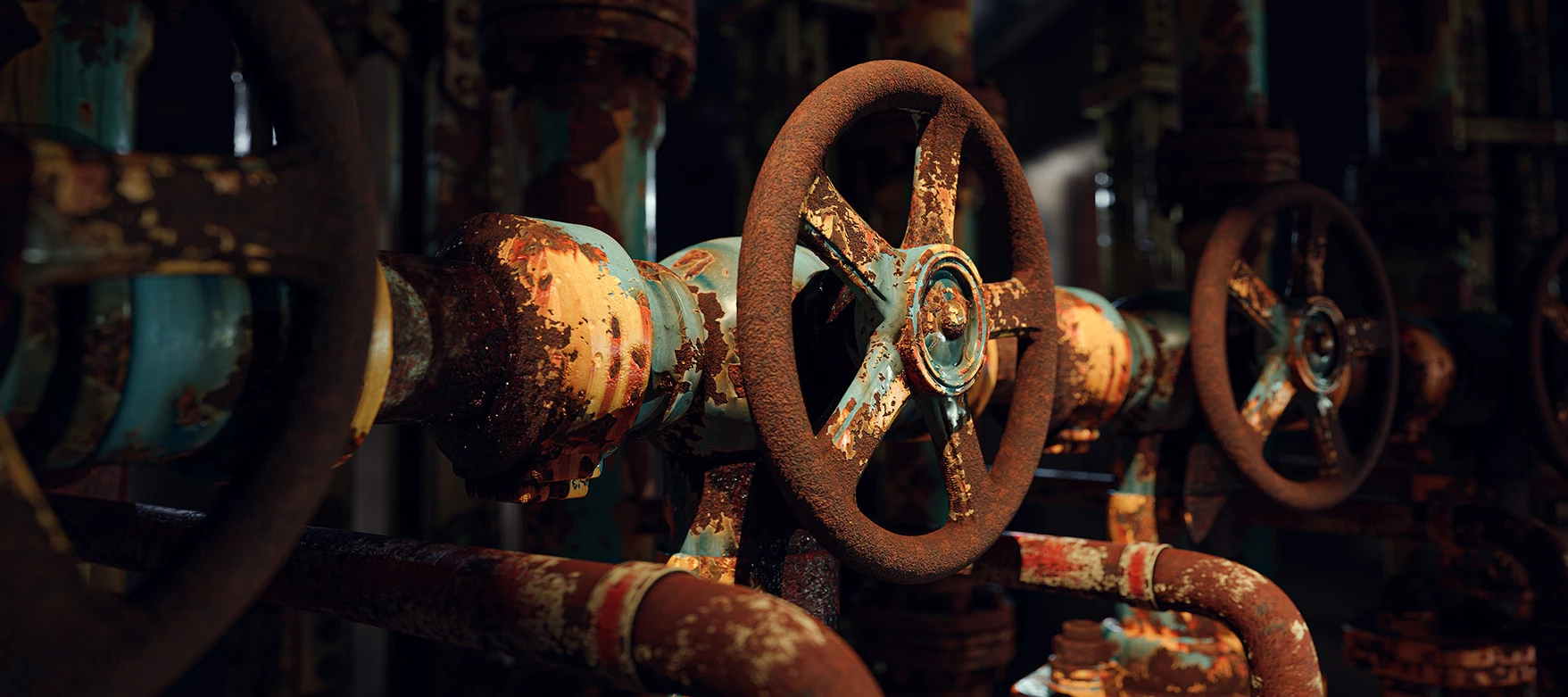
Today we’re announcing the release of Desirable Patina, the rust-themed Signature Collection by Loic Anquetil, available now on Substance 3D Assets. Loic is a Senior 3D Artist/Material Artist working at Ubisoft, who has previously worked on titles including Ghost Recon Breakpoint and Prince of Persia: The Lost Crown. In our interview with Loic on the creation of the collection, Loic discusses how he studied rust references, built procedural noises, and translated corrosion patterns into Substance 3D Designer materials. He also talked about opening up existing nodes in Designer, essentially using the software like a creative tookbox. Take a look! You can find the article right here, and the Desirable Patina Signature Collection is right here!
Hey there, one and all! We’re psyched to announce the release of Substance 3D Painter 12.0. This update introduces several new features designed to improve projection workflows, streamline project setup, and give artists more control when refining the final look of their assets. Some highlights include Warp to Geometry, a new projection tool developed with Adobe Research that helps project details cleanly onto complex surfaces, and a new post-processing stack that allows you to refine renders directly inside Painter. The update also brings improvements to the New Project window, automatic UV generation for hard-surface assets, and more. Take a look at the full announcement in our post on the Adobe blog, which you can find at the link below. You can also find news about updates to Substance 3D Designer and new content in the Substance 3D Assets library. We hope you enjoy the update! Keep creating awesome stuff!
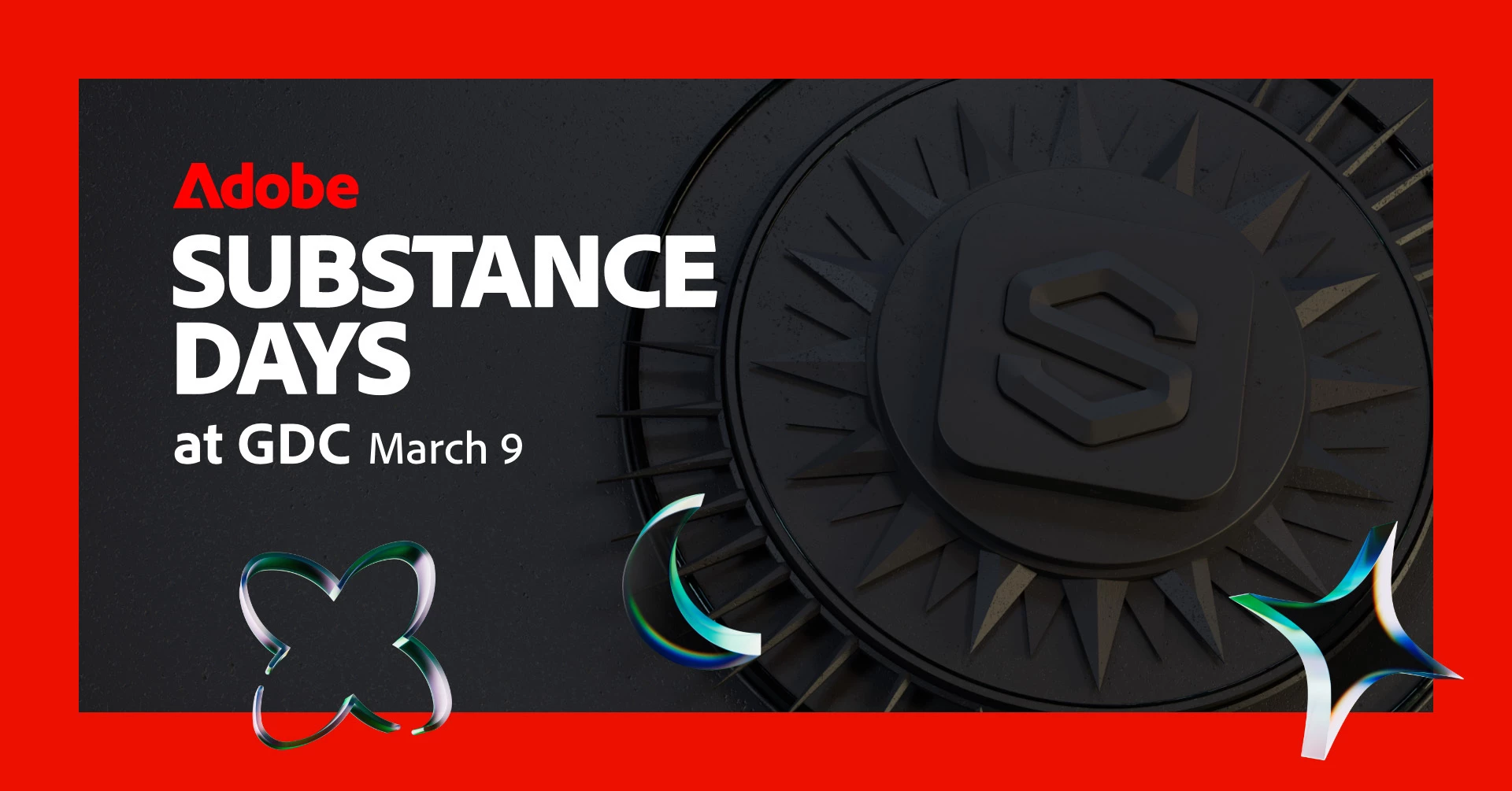
Heya! It’s just about time for the Game Developers Conference – aka GDC, one of the biggest annual events for the gaming industry across the globe! The event will take place at the Moscone Center in San Francisco from March 9-13; the Substance 3D team will be on hand for the occasion, with some outstanding presentations, portfolio reviews, and the legendary Substance Days After Party. Details: Monday, March 9 — Substance Days @ Moscone Center We’re hosting a Substance 3D Keynote presentation showcasing the latest Substance product updates, as well as sessions with some of the artists behind recent hit games Clair Obscur: Expedition 33, Doom: The Dark Ages, Indiana Jones and the Great Circle, and South of Midnight. Monday, March 9 — Substance Days After Party This is a great way for artists, the Substance 3D team, and anybody with any interest at all in 3D to meet one another, share experiences, and have a great time. Come along, say hi, and let us know what’s on your mind. Attendance i
We recently posted the 2025 Substance 3D Designer Insanity Awards! Each year the Substance team celebrates the Designer projects that have absolutely blown them away over the previous 12 months - for their originality, technical brilliance, and sheer nuttiness. The phenomenally talented artists who create this artwork have found way to push the limits of Designer in utterly unanticipated ways; the Insanity Awards recognizes the triumph of that excellence.Take a look at the Insanity Awards 2025 article now to learn more! (Banner artwork by Romain Lemaire.)
Version 15.0 This update brings a brand new 3d renderer, with rasterizer and pathtracer modes, plus a native support of USD to allow you to edit and export scenes without any loss of data. Release date: July 15th, 2025 New 3D renderer New rasterizer and pathtracer This new release gives you access to an advanced 3D renderer, featuring a rasterizer mode (to have a real time preview while working on your material) and a path tracer mode (a ray traced mode to get a perfect and accurate render). This new renderer enhances functionality with features such as shadows in rasterizer mode, improves quality and performance, and is engineered to support future technologies like MaterialX. It complements the existing OpenGL and Iray renderers in Designer and aligns with the renderers available in Substance 3D Viewer and Substance 3D Sampler, ensuring a uniform experience across the ecosystem. The 3d view toolbar
Hello artists! If you require high quality Substance 3D icons when publishing your artwork, you can find them in this page: Application icons for artists Icons are SVG files, which means they can be used at any scale. We are proud to empower you with exciting tools and are happy to help you show others that Substance 3D is part of your workflow. Have fun and go make things!
Substance 3D Designer 13.1 adds many quality-of-life improvements to the node graph, mainly regarding frames, to enhance the material creation experience. There is also the addition of AxF export which enables an interoperability workflow for users working with the AxF format. Release date: December 12th, 2023 Major features Frames Improvements Frames are a mandatory tool to keep you graph well organized and readable. That's the reason why we decided to polish them in this new version. Auto expand: as the graph grows, the frames' content may need to be rearranged. Nodes may shift to make room for additions or content may need to be spaced out more to promote readability. To facilitate these adjustments, it is now possible to automatically expand a frame when moving included objects: hold Shift at any point while moving an object to have the frame borders automa
We would like to inform you about a significant change coming to Substance 3D Designer. As indicated in the changelog of the 12.4.1 bugfix, this release of Designer will be the last one to support Substance model graphs. This decision has been made to streamline our focus on Material creation and enhance the user experience. Our team has closely analyzed user feedback and adoption rates for the feature, and we've come to the conclusion that Designer is not the optimal platform for procedural geometry within the Substance 3D ecosystem. To fully concentrate on delivering cutting-edge features and improvements for Material artists, we have made the pragmatic decision to cease development of Substance model graphs and remove the feature from Designer entirely. This will allow us to move forward without constraints and dedicate our resources to areas that better serve our users. We sincerely appreciate your understanding and support in this matter. Please stay tuned fo
This 13.0.0 release of Substance 3D Designer brings a lot of love to material artists, with a huge quantity of new nodes, the Substance Engine 9.0 introducing loops for the first time and with a great addition to the graph: the portal node. And in order to please more users, we introduce a brand new Home Screen and provide additionnal languages. As mentionned in the previous version, this one is no more supporting Substance models graphs: it means that you can no more open, edit or export such graphs in Designer. You can find all the reasons why we took this decision in this post on our community forum. Release date: June 6th, 2023 New Content This 13.0 version brings a lot of new content. You will mainly find two new collections of nodes: Spline tools and Path tools. Spline tools are a collection of nodes for generating and ajusting splines, as well as using them for mapping, scattering or warping images. Paths tools are another set of nodes to extract,
Substance 3D Designer 12.4 brings several quality of life improvements (a tool to clean a graph, using basic formulas to set parameters, a button to generate random seed, a lock for size, etc.) and support of Substance model graphs in the Python API. See below for more details about all these changes. Release date: January 31st, 2023 Quality of Life improvements Clean graph tool When you edit your graph, you sometimes have to experiment several possibilities, and plug / unplug various nodes until the moment you get the result you want. Then at the end, you have some nodes in your graph that are not connected to an output, therefore have no impact on the final result. This new tool will allow you to automatically detect and delete those nodes in order to clean your graphs before finalizing them. The cleaning tool is also optionally looking in parameters functions, and can be launched on the current graph through the dedicated button in the Graph View toolbar,
Substance 3D Designer 12.2 brings native support of Apple silicon machines (M1), some improvements for Substance model graphs and other small updates. Find below all the details concerning this new version. Release date: July 19th, 2022 Major features Native support for Apple silicon (M1) chips The 12.2 version of Designer is the first one with the full native support of new Apple machines based on M1 chip. Although Designer could run technically on Apple Silicon devices previously, the native support will bring you a faster and more efficient experience. As you can see on the image below, computation are up to two times faster with this new version on these machines. Improvements for Substance model graphs Tooltips on nodes It is not always possible to explain what a node is doing with just an icon and a title, that is why we have now a tooltip with a full description of the node when you are in the Library or in the Graph View. It will help you to find
Substance 3D Designer 12.1.1 has been released today. Here is the complete release notes of this bug fix version: Bug fixes [Content] "bluenoise_256" resource has a defined "colorspace" attribute in some nodes [Content] "Get size" nodes do not appear in Library and grayscale version is mislabeled [Content] "Random Color Seed" parameter in 2D Voronoi nodes has no effect [SBSRender] Exporting a graph to EXR do not generate the same bpc as Designer [Substance models] "Gamma type" should not appear in exposed parameter's properties [Substance models] Crash when using bracket in exposed parameter's annotations
Substance 3D Designer 12.1 has been released. It brings a lot of new nodes for Substance compositing graphs, USD file format support and add more interoperability with Stager. New content for Substance material graphs A lot of nodes have been added in this version, you will find some new patterns, new noises, new filters, ... Take a look at the node pages linked below to for examples of the breadth of output that is achieved by these powerful new nodes! New Patterns We have added a new Tile Random 2 node to generate adjacent tiles of random sizes and ratios, which is very useful to quickly create fully irregular grids with slanting, rounded corners and bevelling. New Triangle Grid pattern to generate a grid made of triangles. We are using it in the material below to easily and perfectly simulate the leather grain. This generator represents a surface of vertices in 3D space and may be used to create a variety of polygonal styles. New Noises In order to
Substance 3D Designer 11.2.1 has been released this week. Thanks to your feedbacks, it includes some improvements of the latest features: Publish window: now the File path is initialized with the path of the SBS file, and previous parameters are restored Send to: send to Player, Painter and Sampler are now located in the same menu. If you send a package already sent to Sampler or Painter, the corresponding package will be updated in the destination app (in the previous version a new instance was created). Resend commands have been removed. Substance model graphs: the documentation is now complete Complete release note:Features and Improvements: [Substance model] Update to version 1.0.3 [Substance model] Complete and improve the Substance model graphs documentation [Substance model] Display logs in the console [Substance model][ScatterOnCurves] Change default value for spacing [Substance model][ScatterOnCurves] Remove unneeded HalfSpaceOddEven parameter [Substance model][Trans
Remix with Firefly Community Gallery
Thousands of free creations to fall in love with and remix in Firefly.
Already have an account? Login
No account yet? Create an account
Enter your E-mail address. We'll send you an e-mail with instructions to reset your password.