


barts12566434
Known Participant
January 15, 2017
Question

CS6 Master Collection - Some items for the following product(s) could not be installed

  • January 15, 2017
  • 2 replies
  • 2381 views

So yesterday my colleague gave me the CS6 Master Collection that we use at work so I can do some work related stuff at home.

Whenever I run the 'set-up.exe' the proces initialises and the installation starts. Though at the end it says: Some items for the following produc(s) could not be installed. Whenever I click on the logs it says not found. I have tried 3 times now, and it has taken hours of my time.

Things I've tried:

* Delete the mastercollection and re-install

* Delete the mastercollection via 'revo uninstaller' and delete all associated files and re-install

* Use AdobeCleanerTool, used the 'cs6 only' option to keep Acrobat, Flash player, Reader etc. and re-install

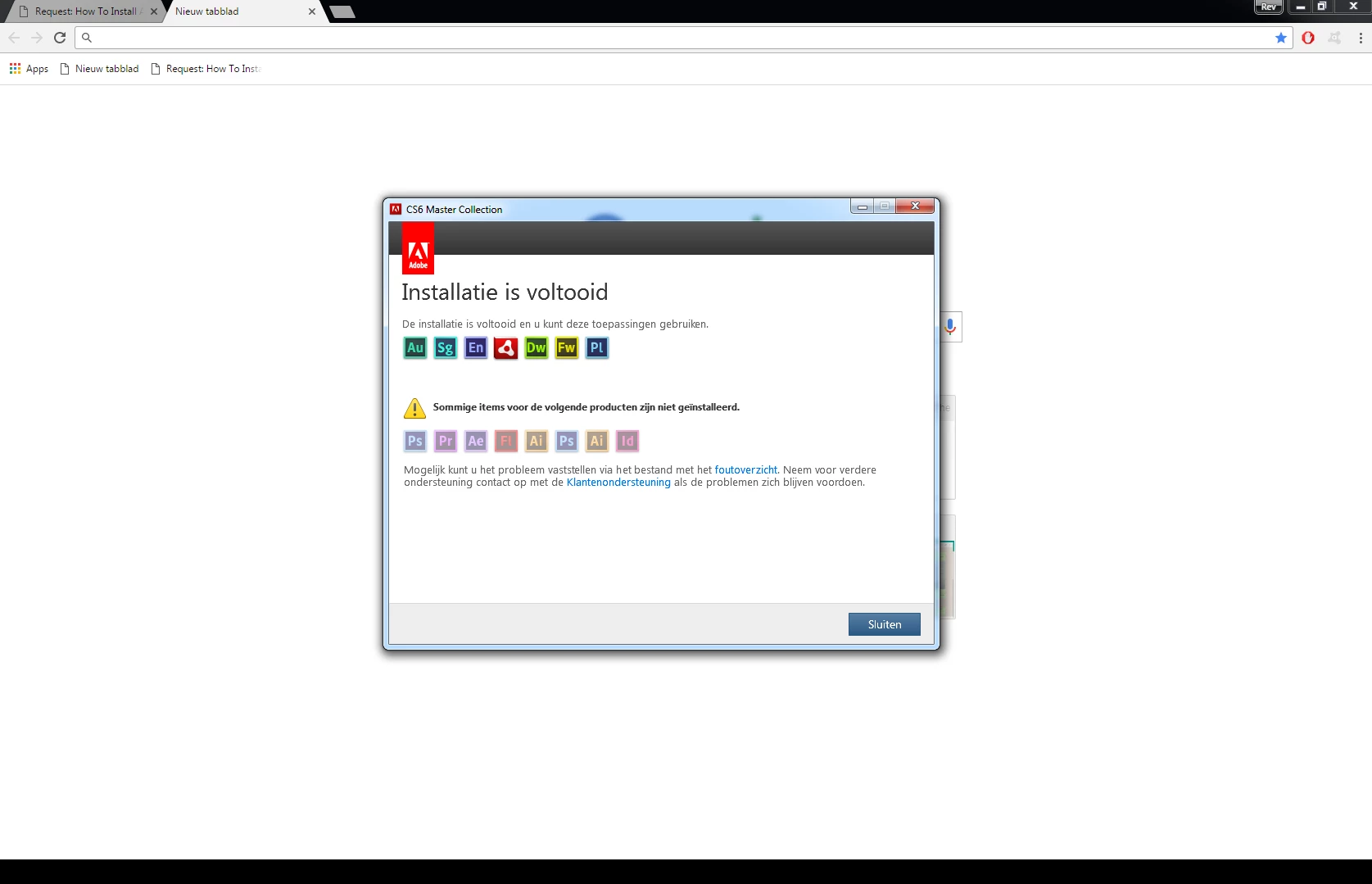
I added 2 pictures, very sorry that they're in Dutch but cannot get the installer in English.

Translation from top to bottom:

De installatie is voltooid en u kunt deze toepassingen gebruiken. Voor sommige componenten kunt u de computer het beste eerst opnieuw opstarten voor u de software gaat gebruiken.

Installation complete, you can now use the following products. Some product may require your pc to be rebooted before using them.

Sommige items voor de volgende producten zijn niet geïnstalleerd.

Some items for the following produc(s) could not be installed.

Mogelijk kunt u het probleem vaststellen via het bestand met het foutoverzicht. Neem voor verdere ondersteuning contact op met de klantenondersteuning als de problemen zich blijven voordoen.

You may be able to locate the problem with the files in the logs. If these problems keep occuring, please contact customer support.
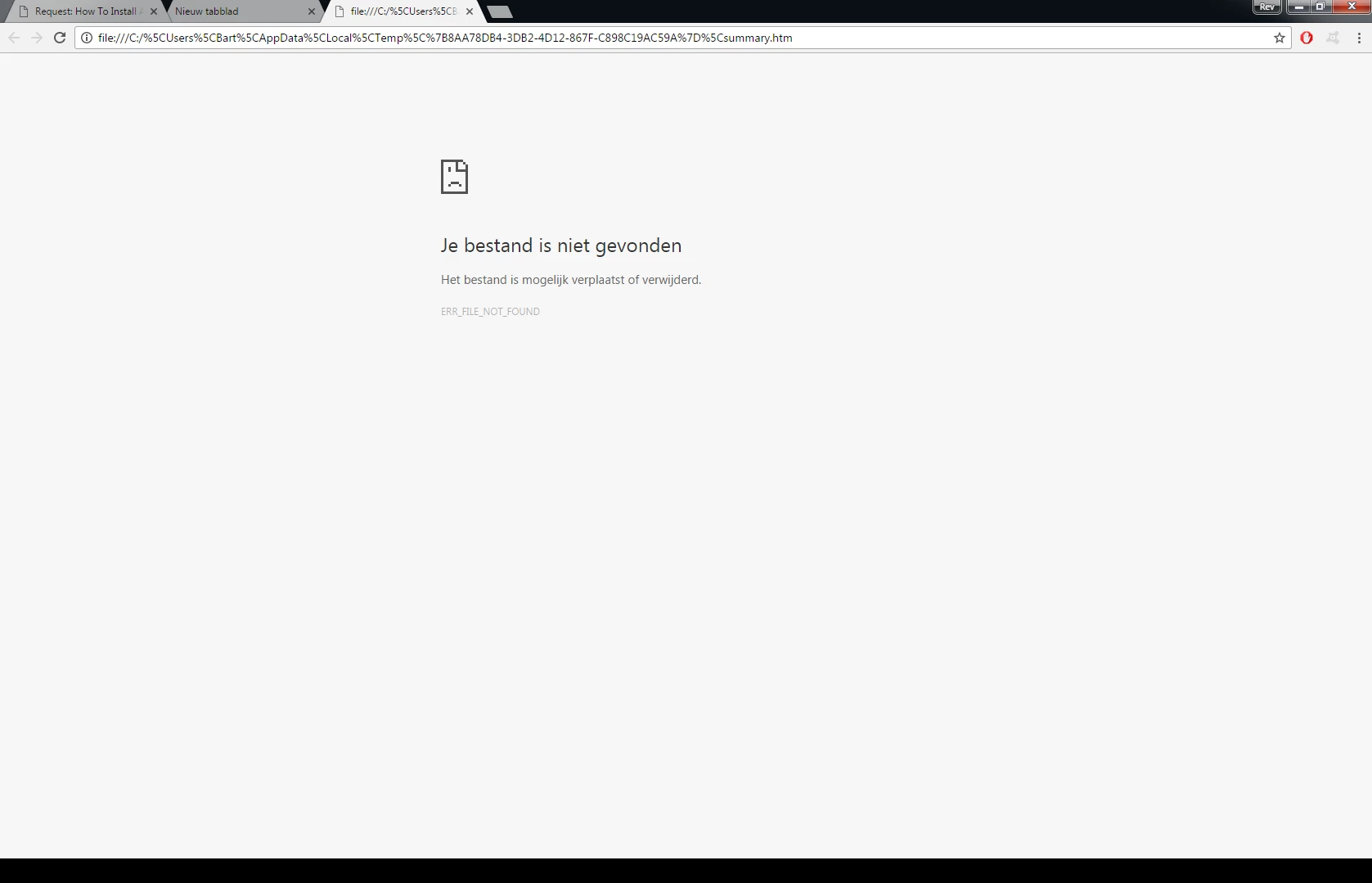
Je bestand is niet gevonden

Het bestand is mogelijk verplaatst of verwijderd.

File not found

The file may have moved or been deleted.
I don't know what else I can try. I really need it for my work.

Hopefully someone can help me.

Thanks in advance,

Bart

This topic has been closed for replies.

2 replies

barts12566434
Known Participant
January 16, 2017

Pretty sure it's PC-related. I've had those 5 that haven't installed in my last post before. Uninstalled them though. Keep in mind I have used the AdobeCleanerTool for the cs6 only option so all files from AE, PR etc must be cleared right? Or may there still be some things that prevent another install? (I'm not that technical so don't have much clue where it could be and what it is)

barts12566434
Known Participant
January 18, 2017

Out of luck, I cannot find a way to delete all adobe-related files on my PC including Appdata, Registry etc. I'm gonna re-install windows...

Jeffrey_A_Wright
Community Manager
Community Manager
January 18, 2017

I think I've changed the permissions to full permissions now for ProgramFiles and (x86) / Adobe.

Another thing I thought of, is it safe to rename the Adobe folder in the following directories?:

c:\Program Files\Adobe

c:\Program Files(x86)\Adobe

c:\Program Files\Common Files\Adobe

c:\Program Files(x86)\Common Files\Adobe

C:\Users\Bart\AppData\Roaming\Adobe

I'll try to re-install now.


Thanks for update Barts12566434.  If the installation continues to fail look at the log file to determine any additional files/folders that will need their permissions repaired.  Each time you install the install log is appended too.  This means that the most recent errors will be at the end of the file.

Ned Murphy
Brainiac
January 15, 2017

Are you using a new machine/operating system?  Older software and newer operating systems are not cooperating very well.

barts12566434
Known Participant
January 15, 2017

My PC is 3 years old. Some specs:

Intel Core i7-3770 CPU 3.4GHz

12GB RAM

64 bit Windows 7

So don't think that's the issue unfortunately

John T Smith
Adobe Expert
January 15, 2017

Run as Administrator http://forums.adobe.com/thread/969395 to assign FULL Windows permissions may help... says Encore, but sometimes required for ALL Adobe programs (this is NOT the same as using an Administrator account)