



How to skew text in InDesign to look like it exists in 3D space.
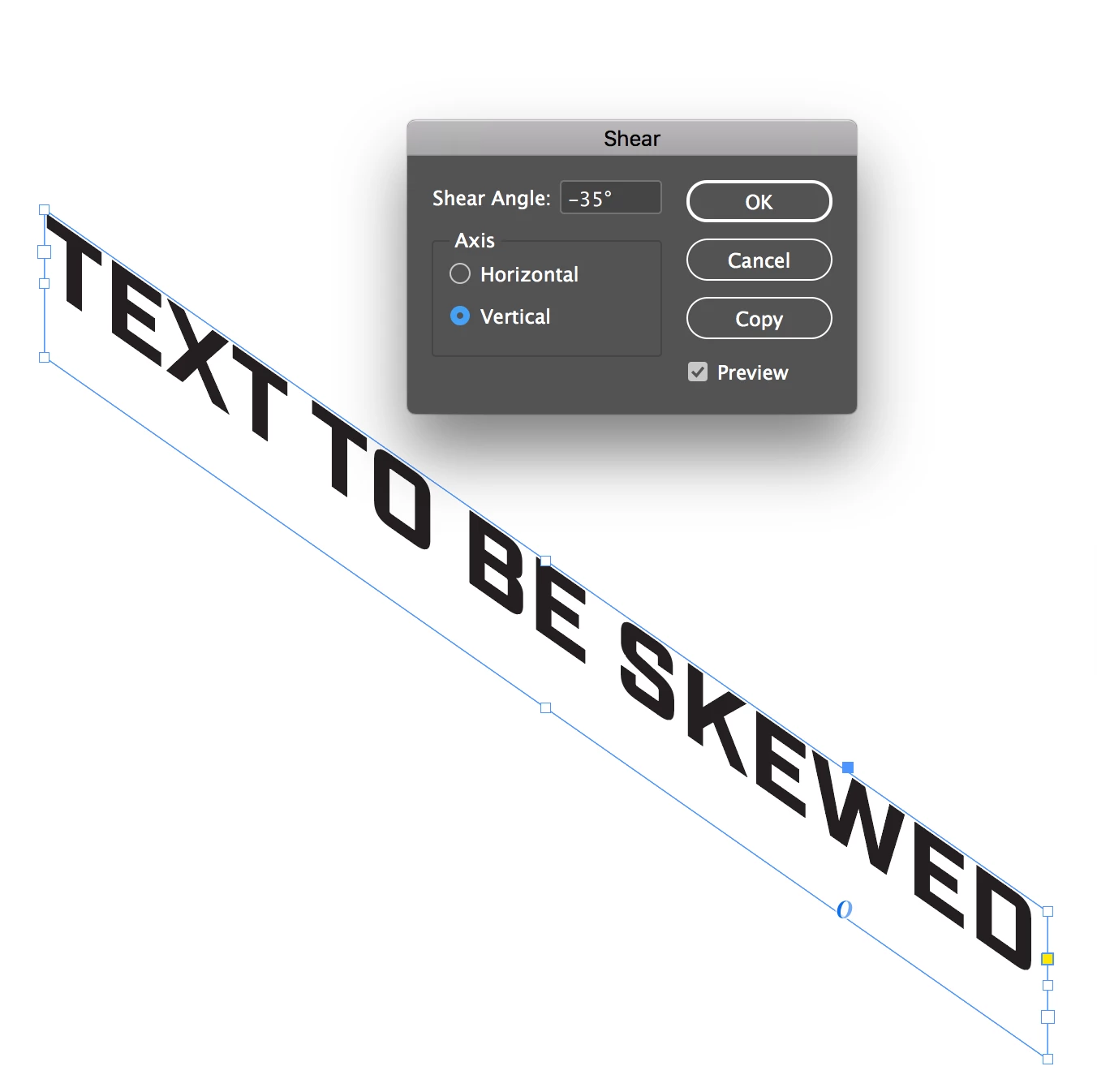
I am aware that InDesign is probably not the tool I should be using to do this, I'm sure Photoshop or Illustrator is better, but this is the tool I have. I have an image of a box, and I am trying to put text on the surfaces of the box to make it look like there is print on all sides of the box. The face of the box is no problem, it's mostly facing the viewer so I can just slightly tilt my text and place it on top. I am not sure how to handle the top of the box though. I would need to make the text look like it is laying down flat with the bottom of the text facing the viewer and the top facing away. Does anyone know if/how you can accomplish this with InDesign? I'm not sure if I am explaining this well enough or what images might help... Basically I only know how to create text in a 2D space along the X & Y axis, I need to make it sit on the Z axis.
Example: The text on the top surface of this box.
 AdChoices