



Answered
Adobe program files popping up, can they be removed?
Hi,
I recently downloaded Premiere Pro and had several files pop up into my documents. I am unsure whether I can delete or move them without causing problems with the program itself. I like everything to be organise so they're bothering me.
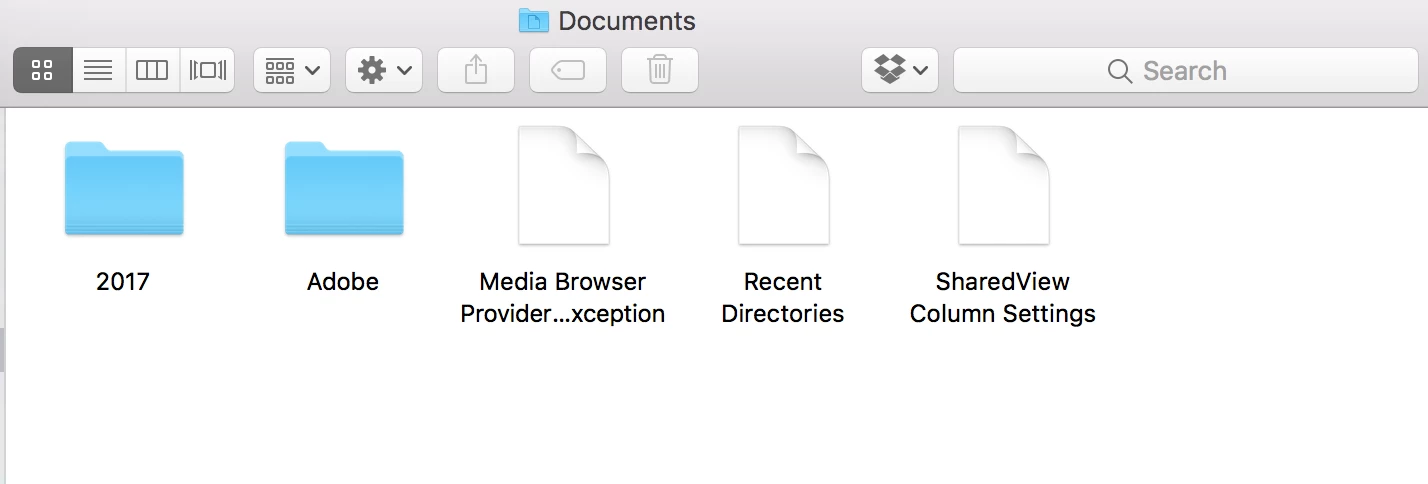
I have:
- Adobe folder - inside there are folders for Adobe Media Encoder, After Effects, Photoshop, Premiere Pro, etc
- Media Browser Provider Exception
- Recent Directories
- SharedView Column Settings
Is there any way I can hide, move or delete these files without causing problems?
Thank you very much 🙂
 AdChoices