


Participant
July 31, 2017
Question

Cant Update Payment Details

  • July 31, 2017
  • 1 reply
  • 1168 views

Hi

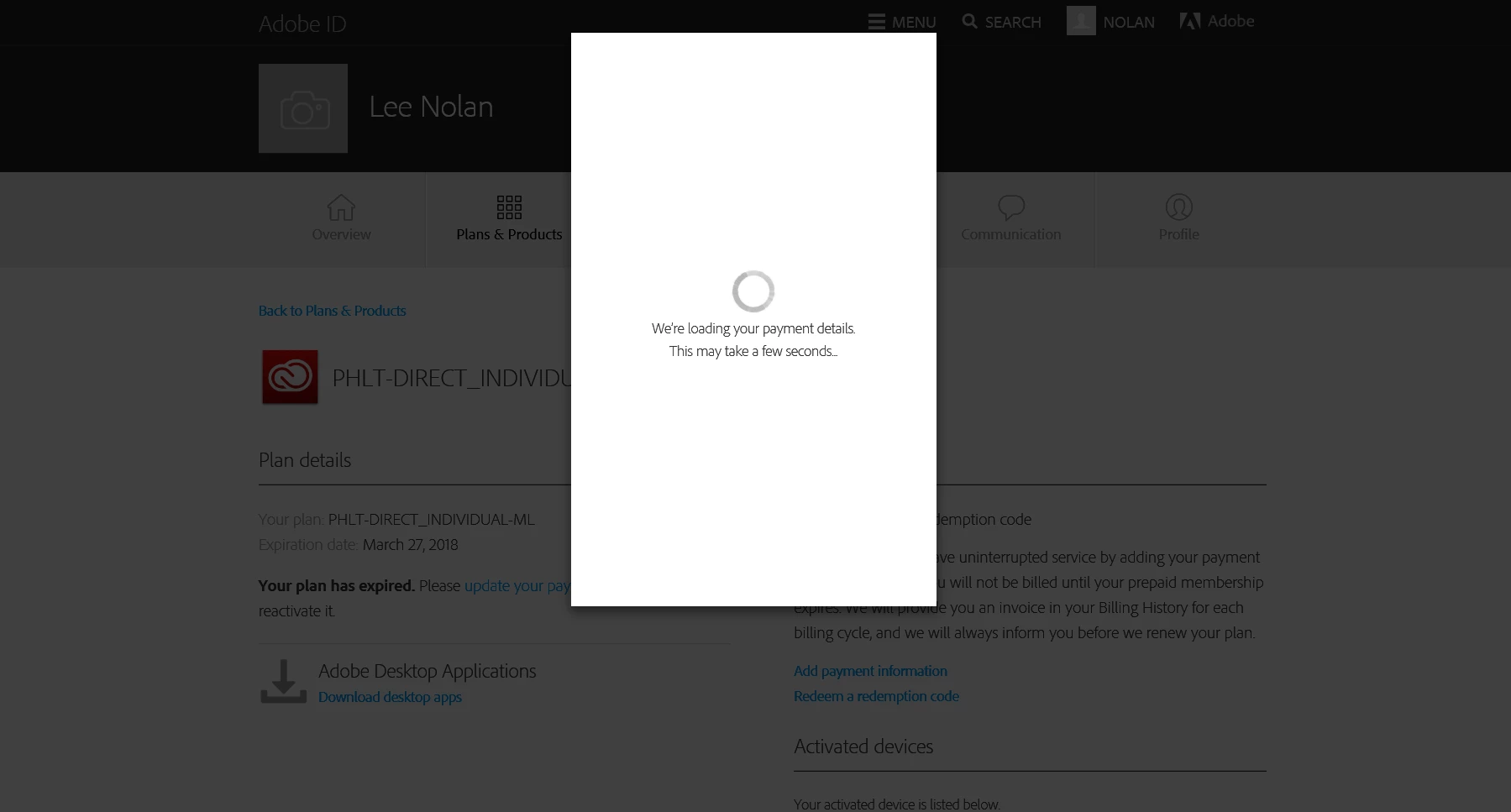
Got 90 days trial along with Leica Q, expired couples days ago and tried to subscribe. However, when click on " update your payment details", a popup page shows "We’re loading your payment details".This may take a few seconds.." and lasted forever, stuck in this page. Tried several times still cant fix, anyone knows how to fix it? I'd like to pay but adobe not allowing me to pay!!!!!
1 reply

Ned Murphy
Legend
July 31, 2017

Manage your Creative Cloud membership

Contact support - For the link below click the Still Need Help? option in the blue area at the bottom and choose the chat or phone option...

Make sure you are logged in to the Adobe site, have cookies enabled, clear your cookie cache.  If it fails to connect try using a different browser.

Creative Cloud support (all Creative Cloud customer service issues)

https://helpx.adobe.com/contact.html?step=CCSN_membership-account-payment_change-or-upgrade-your-membership

michalh48608300
Participant
July 31, 2017

I have the same problem. I have contacted support via chat, technician wrote me "Please allow me 1-2 minutes to review your account details." and then closed chat with info to trying forum.

I am confused about it.

I have tried change of my credit card details on two computers with Win10 and Linux, with Firefox, Internet explorer and Chrome and I cant save information about payment. When I clicked on save button, nothing happend.

kglad
Community Expert
Community Expert
January 28, 2025

Hi,

Solved the issue by contacting chat technician luckily. He/ she told me to load another order and problem fixed...

I guess the issue is from the credit card used for CC subscription is expired, and due to some unknown reason Adobe system cant handle the situation properly so when i try to change credit card via " update my payment" will fail. But when start a new subscription from home page, it works...  Hope this helps.


thanks for that @nolanlee805