



Kanikas
Community Manager
Community Manager
March 30, 2022
Question

Creative Cloud plans

  • March 30, 2022
  • 2 replies
  • 5397 views

Planning to purchase from Adobe? Get started on Creative Cloud plans.

Go to our Creative Cloud plans page to choose a plan that suits you.


Different types of subscriptions- 


Individual 

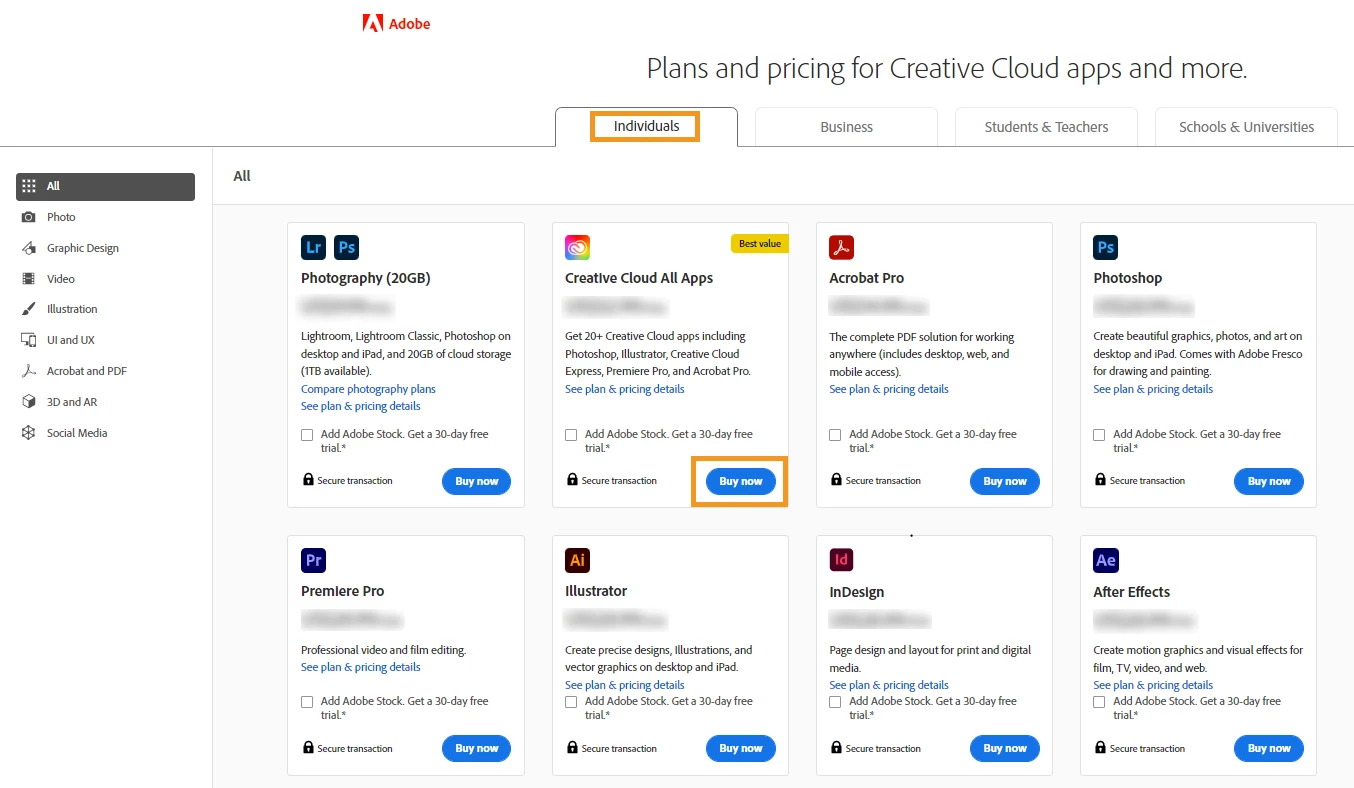
The individual plans are meant for individual customers. Adobe allows you to activate your subscription on two devices, but you can use it on only one device at a time. You can purchase single apps, a combo, or the complete Creative Cloud package with all the apps.

You can also add a 30-day free trial of Adobe Stock with the apps.

 See this link for more details.


Business

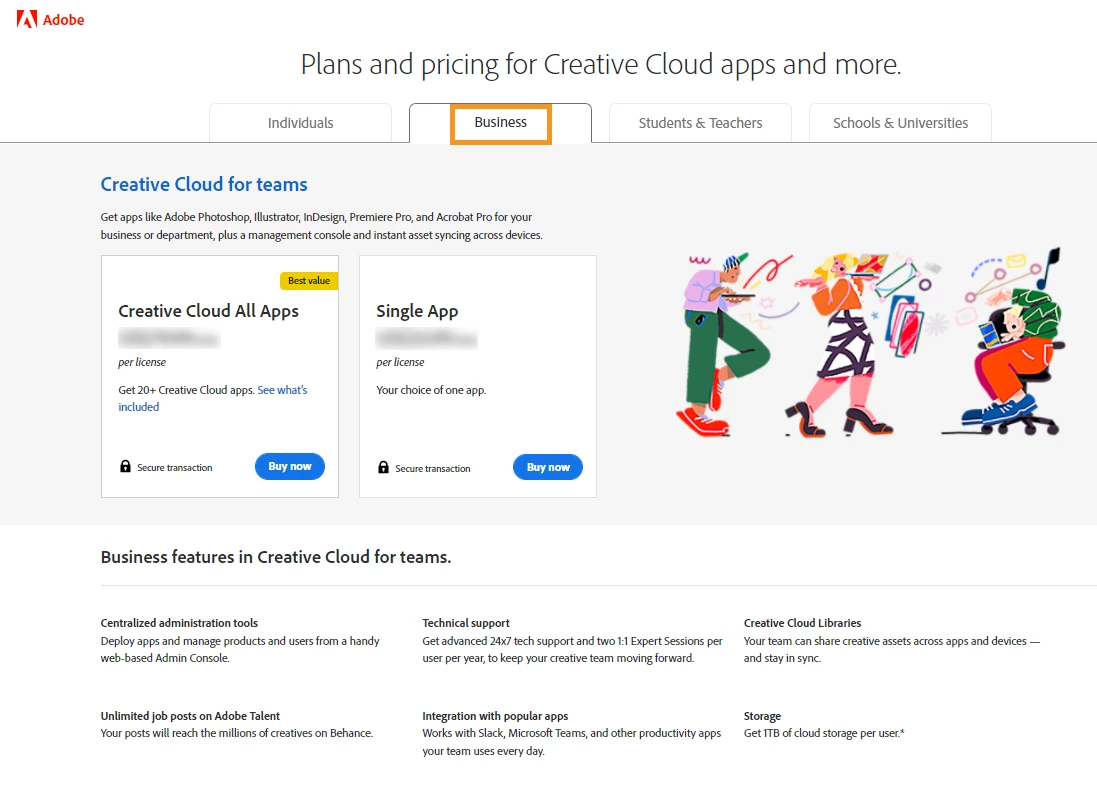
You can purchase a business subscription when you have multiple people collaborating and working together in your team or organization. The teams’ subscription helps your team to collaborate seamlessly.

For more details, see FAQs for teams’ subscription.
 

Students/Teachers 

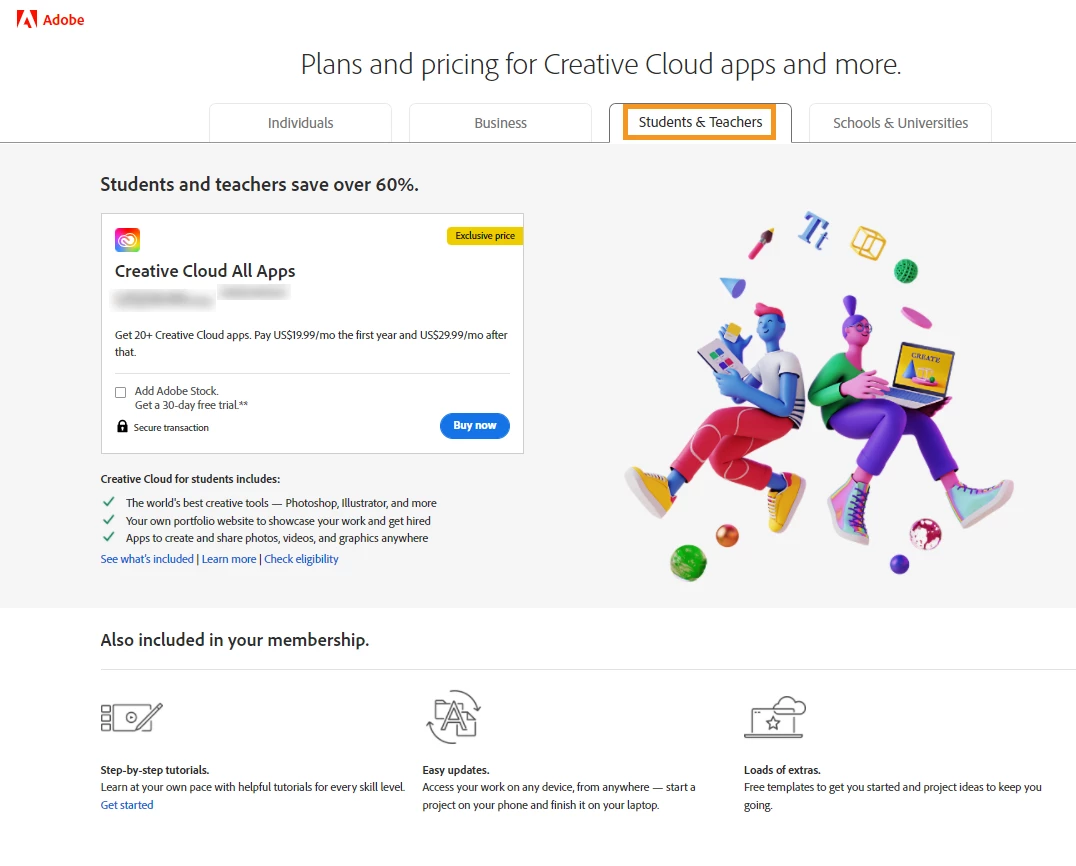
This type of subscription offers heavy discounts for students, teachers, and staff members for the first year of purchase.

Want to find out if you are eligible for this plan or not? Check your eligibility here.

For more details on the student and teacher plan, see this FAQ page.
 

Schools/Universities 

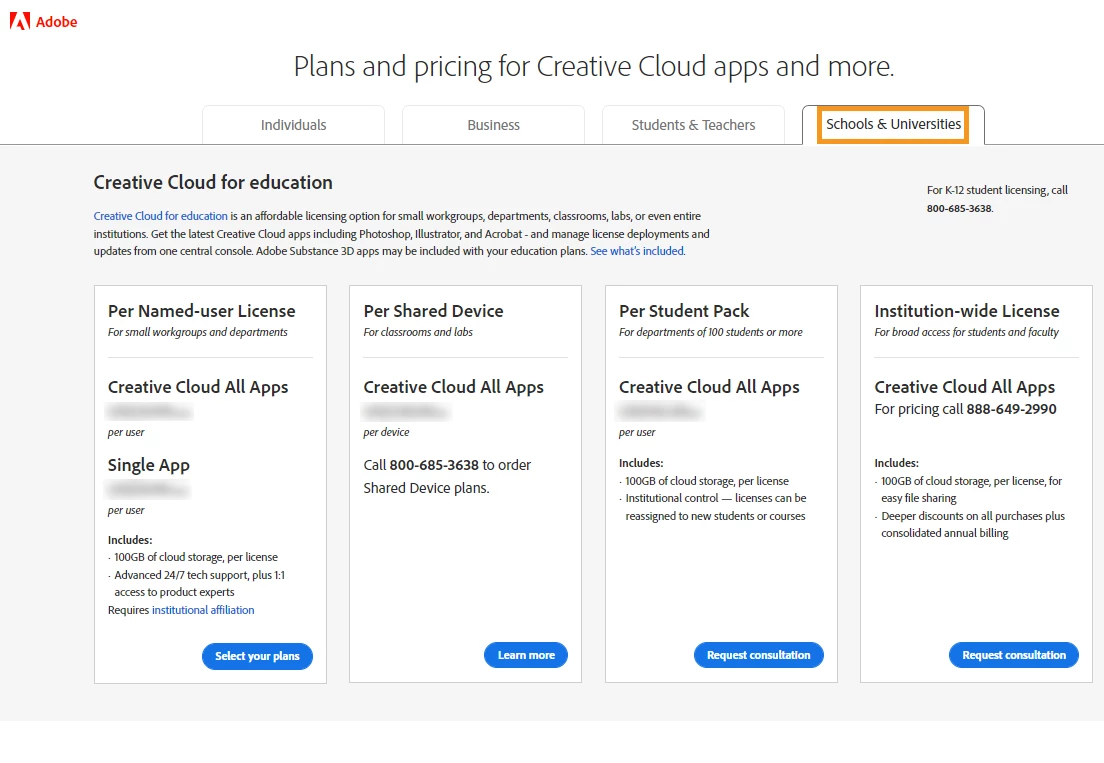
Creative Cloud for schools and universities is meant for workgroups, departments, and even whole institutions.

You may contact the above-mentioned number for more information.

For more details, see Education FAQ.
 

Below is a quick video for reference- 


Regards 

Kanika Sehgal 

2 replies

Participant
July 28, 2024

My plan is up for renewal. I want to renew annually, paid annually.

There is no option for this. I am forced to use "pay monthly".

Please change it so users can select pay annually or monthly on renewal.

kglad
Community Expert
Community Expert
July 28, 2024

@Malcolm Reavell 


use, https://helpx.adobe.com/manage-account/using/change-plan.html


if that doesn't help, contact adobe support to cancel your current plan and start the new one.  make sure you have all your cc files first.


there are 2 ways to contact adobe support; chat and twitter (now x):

chat:
if you have or want to purchase a subscription, use a browser that allows popups and cookies
and click here, https://helpx.adobe.com/contact.html?rghtup=autoOpen
in the chat field (lower right), type AGENT
be patient, it can take quite a while to reach a human.

twitter/x:
tweet @AdobeCare

p.s. if you're contacted by anyone (via email or private message), it's much more likely to be a scammer than an adobe representative.

Participant
January 20, 2023

I pay all programs, payment went through but I didnt receive anything

kglad
Community Expert
Community Expert
January 20, 2023

@Антон28037180rj5n 


install the cc desktop app from here https://creativecloud.adobe.com/apps/all/desktop?action=install&source=apps&productId=creative-cloud and use it to install your adobe subscription and trial programs.


if you have trouble downloading the cc desktop app or you see an error message when trying to install, make sure you have a compatible os (https://helpx.adobe.com/creative-cloud/system-requirements.html), and use the alternative download links at page bottom here, https://helpx.adobe.com/in/download-install/kb/creative-cloud-desktop-app-download.html