


New Participant
October 20, 2023
Answered

Unable to update payment

  • October 20, 2023
  • 2 replies
  • 688 views

My photoshop plan has just renewed, and my old credit card associated with the plan is no longer active.


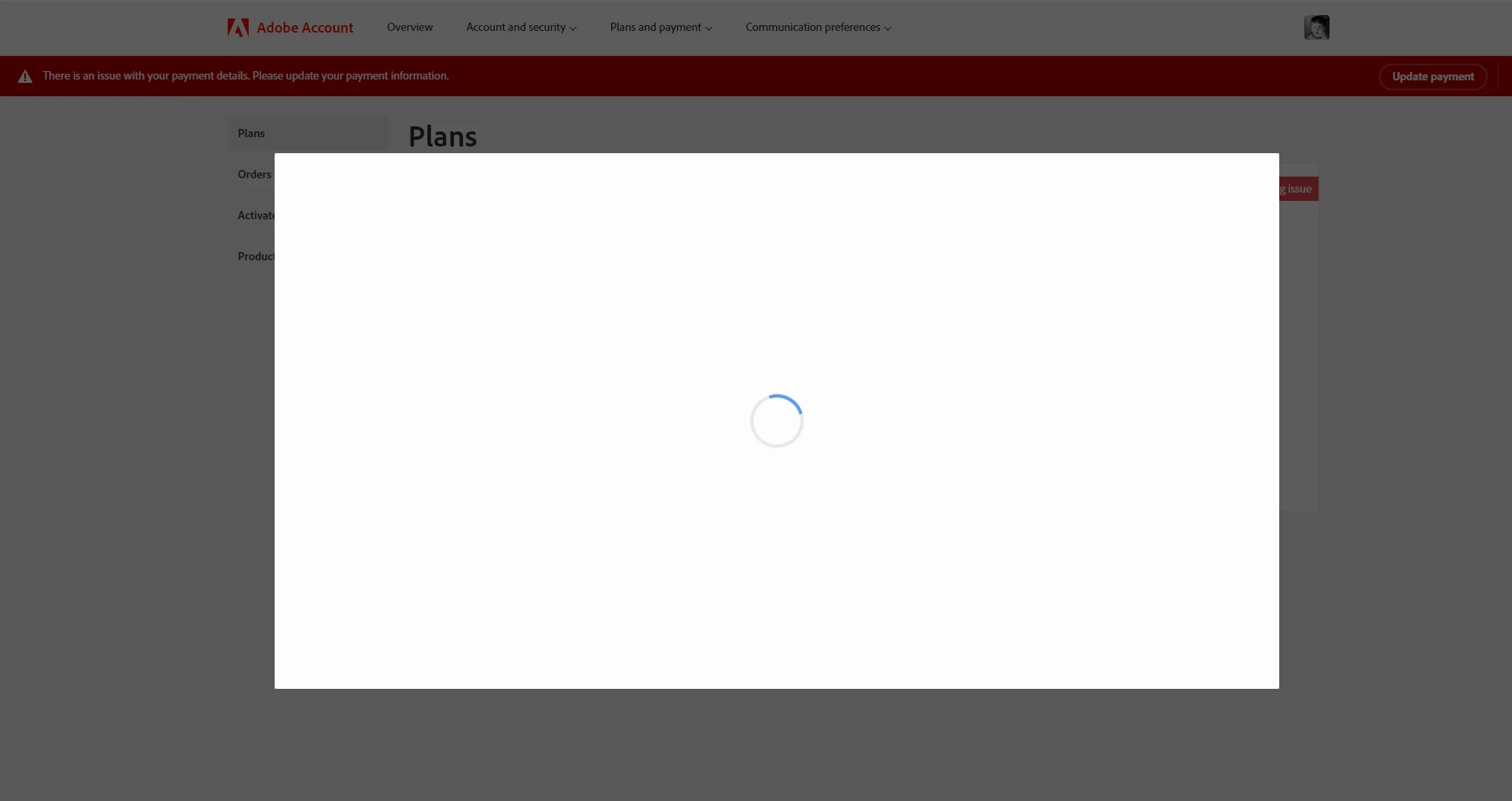
I'd like to be able to retain my old plan/pricing, but whenever I try to update my plan the website provides an unresponsive modal that indefinitely spins. I've tried 4 browsers across 2 computers, and on mobile, and tried waiting up to 10 minutes. The results are the same in every instance.


I had hoped perhaps that the creative cloud desktop application might serve as an alternative, but it redirects to the website as well.


I'm hoping that this is a temporary web issue, or there is some workaround.
 

This topic has been closed for replies.
Correct answer kglad

contact adobe support. there are 2 ways to contact adobe; chat and twitter (now x):

chat:
use a browser that allows popups and cookies
and click here, https://helpx.adobe.com/contact.html?rghtup=autoOpen
in the chat field (lower right), type AGENT
be patient, it can take quite a while to reach a human.

twitter/x:
tweet @AdobeCare

p.s. if you're contacted by anyone (via email or private message), it's much more likely to be a scammer than an adobe representative.

2 replies

New Participant
October 20, 2023

I get the same issue with the built-in modal in photoshop 2024 after updating (though this is probably just a web view so the same problem occurring in a different spot). 


New Participant
October 20, 2023

Same issue. My browser throws a security warning


The Content Security Policy (CSP) prevents the evaluation of arbitrary strings as JavaScript to make it more difficult for an attacker to inject unathorized code on your site.

To solve this issue, avoid using eval(), new Function(), setTimeout([string], ...) and setInterval([string], ...) for evaluating strings.

If you absolutely must: you can enable string evaluation by adding unsafe-eval as an allowed source in a script-src directive.

⚠️ Allowing string evaluation comes at the risk of inline script injection.

kglad
Adobe Expert
October 20, 2023

@MichaelKumm 


use a different browser.

kglad
kgladCorrect answer
Adobe Expert
October 20, 2023

contact adobe support. there are 2 ways to contact adobe; chat and twitter (now x):

chat:
use a browser that allows popups and cookies
and click here, https://helpx.adobe.com/contact.html?rghtup=autoOpen
in the chat field (lower right), type AGENT
be patient, it can take quite a while to reach a human.

twitter/x:
tweet @AdobeCare

p.s. if you're contacted by anyone (via email or private message), it's much more likely to be a scammer than an adobe representative.

New Participant
October 20, 2023

Oh, thanks for providing the agent contact workaround. I didn't know the chat would be anything other than automated responses.

kglad
Adobe Expert
October 20, 2023

update this thread after contacting support.