


Compare PDF - Text not detected
Hi, we use Adobe Acrobat (Continuous release V2022.003.20310 64bits) on Windows 10 and we got the following screen when trying to compare.
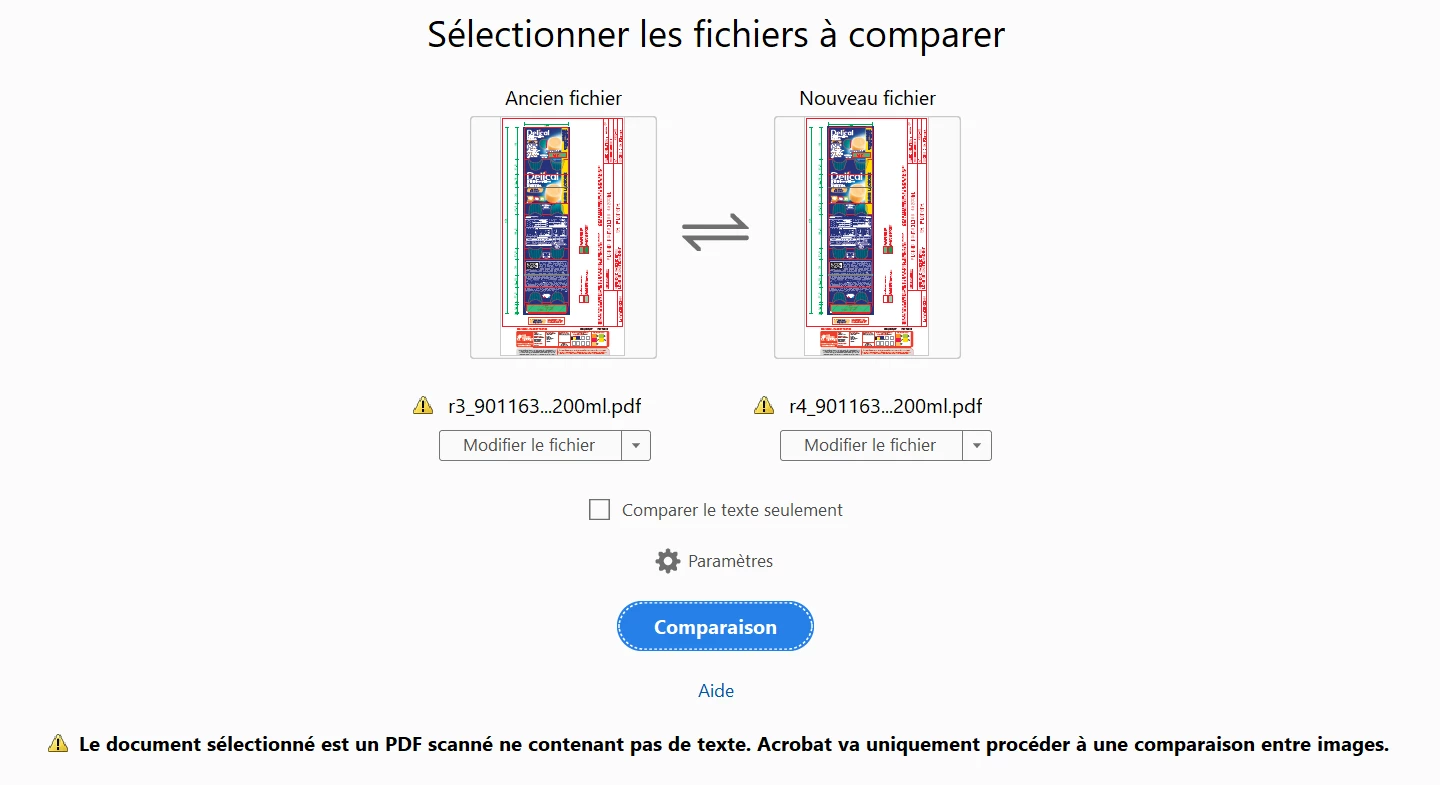
It seems the text is not properly detected on the PDF. However i can select it and copy/paste it. The PDF is a product label with images and texts.
The error is "Le document sélectionné est un PDF scanné ne contenant pas de texte. Acrobat va uniquement procédéer à une comparaison entre images" => The selected document is a scanned PDF with no text. Acrobat will only proceed to an image comparison". I tried uncheck/ check "Compare text only" and change the parameter but no change on text are detected.
Is there something we need to do on the PDF?
We can compare it with no trouble on online tools so it really seems linked to Adobe.
Thank you for your help.
 AdChoices