New Participant
July 22, 2023
Answered

fill and sign not working

  • July 22, 2023
  • 1 reply
  • 1554 views

Hi


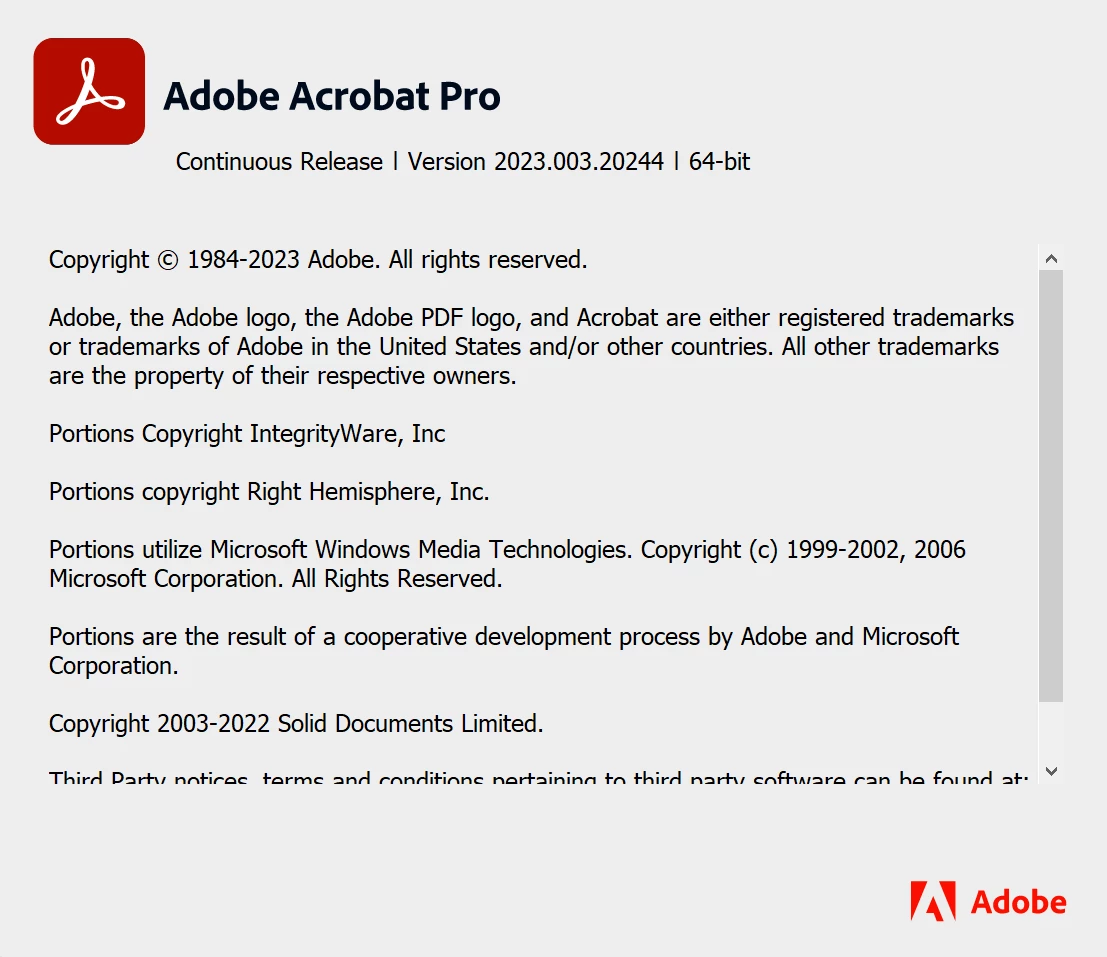
Adobe acrobat fill and sing not working and not responding at all, i tried unistall an re install, insall fresh windows and install acrobat and still same issue


Video record of this issue 

https://www.dropbox.com/s/8kx2siwt3niafxy/Acrobat_W12esa2vNw.mp4?dl=0

direct link

https://dl.dropboxusercontent.com/s/8kx2siwt3niafxy/Acrobat_W12esa2vNw.mp4


This topic has been closed for replies.
Correct answer Amal.

Hi @Essam E 


Hope you are doing well and thanks for reaching out.


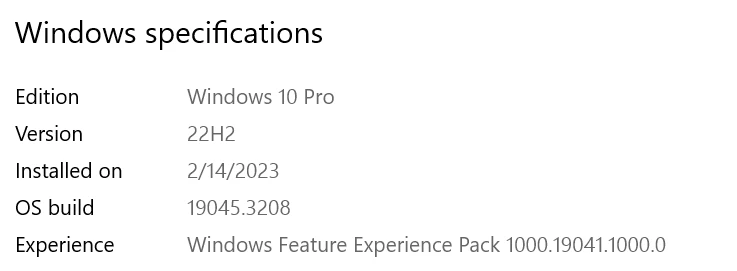
As you have the recent application version, please try to repair the installation from the help menu (Win Only) and see if that works.

Please try to reset the Acrobat preferences as described here https://community.adobe.com/t5/acrobat-discussions/how-to-reset-acrobat-preference-settings-to-default/td-p/4792082

You may also try to create a new test user profile with full admin rights in Win or enable the root account in MAC and try using the application there and check.

If it still doesn't work, please remove the application using the Acrobat cleaner tool https://www.adobe.com/devnet-docs/acrobatetk/tools/Labs/cleaner.html , reboot the computer once and reinstall the application using the direct link
https://helpx.adobe.com/acrobat/kb/acrobat-dc-downloads.html and see if that works.


Regards
Amal

1 reply

Amal.
Community Manager
Amal.Community ManagerCorrect answer
Community Manager
July 24, 2023

Hi @Essam E 


Hope you are doing well and thanks for reaching out.


As you have the recent application version, please try to repair the installation from the help menu (Win Only) and see if that works.

Please try to reset the Acrobat preferences as described here https://community.adobe.com/t5/acrobat-discussions/how-to-reset-acrobat-preference-settings-to-default/td-p/4792082

You may also try to create a new test user profile with full admin rights in Win or enable the root account in MAC and try using the application there and check.

If it still doesn't work, please remove the application using the Acrobat cleaner tool https://www.adobe.com/devnet-docs/acrobatetk/tools/Labs/cleaner.html , reboot the computer once and reinstall the application using the direct link
https://helpx.adobe.com/acrobat/kb/acrobat-dc-downloads.html and see if that works.


Regards
Amal

Essam EAuthor
New Participant
July 25, 2023

Thank you Amal


This solution works, I used the cleaner then installed 64bit Version


quote

Hi @Essam E 


Hope you are doing well and thanks for reaching out.


As you have the recent application version, please try to repair the installation from the help menu (Win Only) and see if that works.

Please try to reset the Acrobat preferences as described here https://community.adobe.com/t5/acrobat-discussions/how-to-reset-acrobat-preference-settings-to-default/td-p/4792082

You may also try to create a new test user profile with full admin rights in Win or enable the root account in MAC and try using the application there and check.

If it still doesn't work, please remove the application using the Acrobat cleaner tool https://www.adobe.com/devnet-docs/acrobatetk/tools/Labs/cleaner.html , reboot the computer once and reinstall the application using the direct link
https://helpx.adobe.com/acrobat/kb/acrobat-dc-downloads.html and see if that works.


Regards
Amal


By @Amal.