



How to make scrollbars always visible in Acrobat
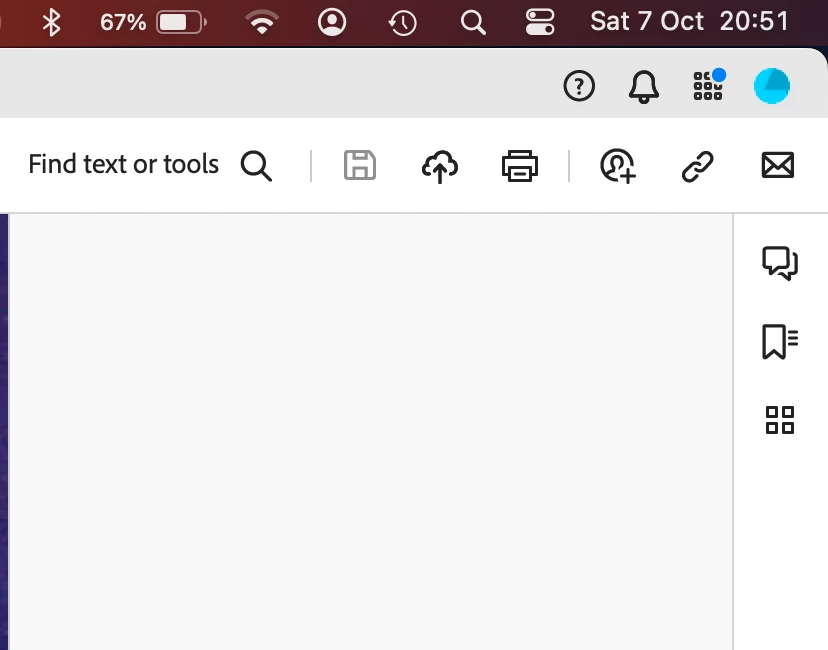
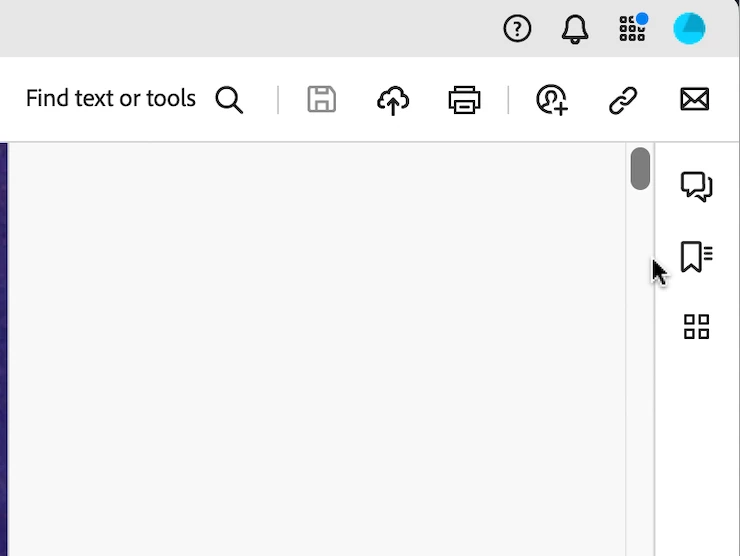
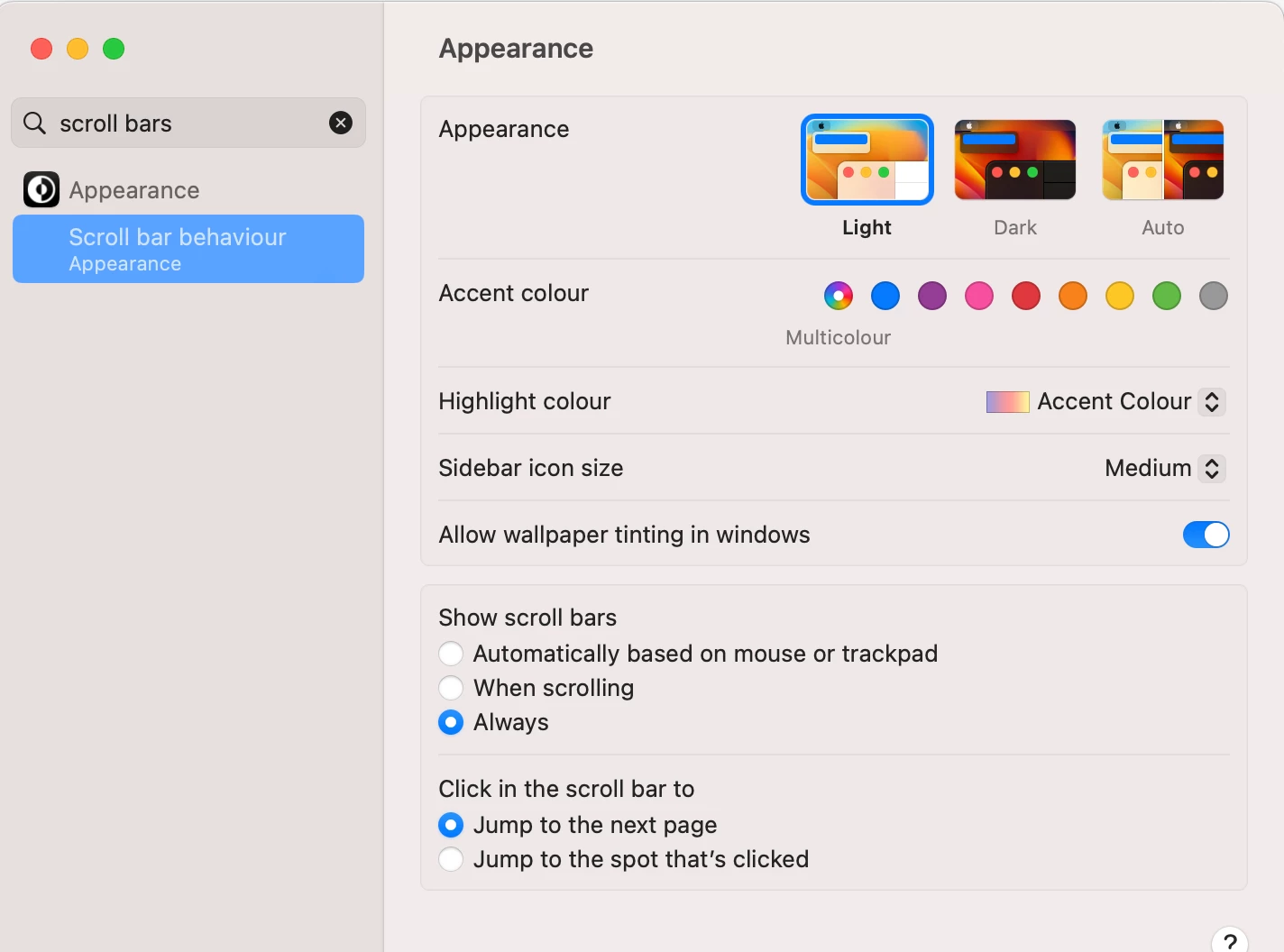
I find I cannot see the vertical scrollbar unless I wiggle the trackpad to make it appear and then try to grab the scroll handle before it vanishes again. I have set scroll handles in macOS to be 'always visible', but Acrobat overrides this setting and hides them.
I have not a clue as to why anyone at Adobe thought I would not want to see one of the most essential attributes of screen nagivation, but I would like to be abe to choose, and ideally, for developers to stop hiding things, thereby sending me to google forever and a day to find out how to see them again.
Same goes for obscure icons that are supposed to represent things like printers and so on, that I always have to mouseover to figure them out. Please assume I can speak English, and understand words like 'Printer'[.
 AdChoices