Derek Williams Music
New Participant
October 7, 2023
Answered

How to make scrollbars always visible in Acrobat

  • October 7, 2023
  • 7 replies
  • 29604 views

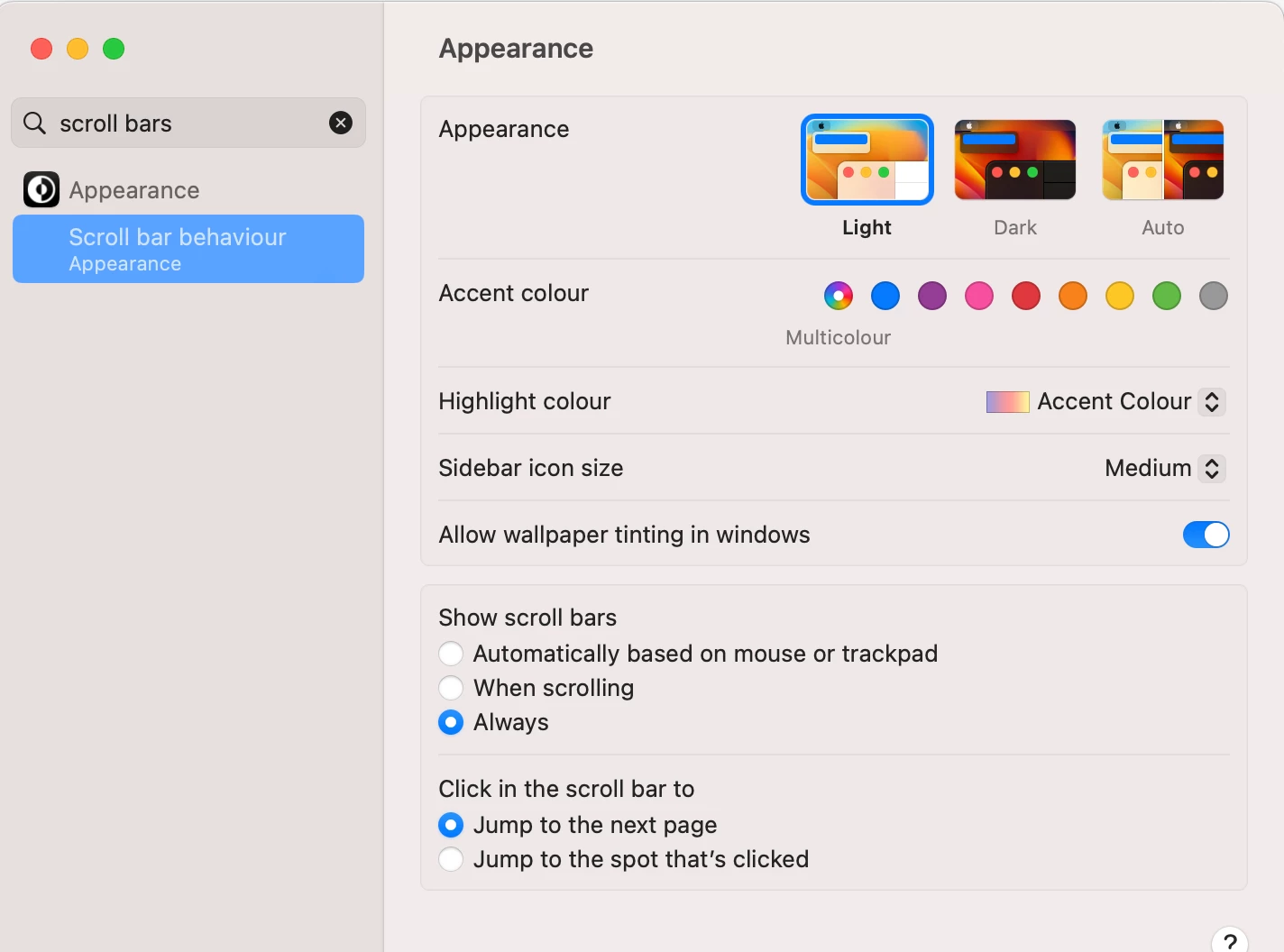
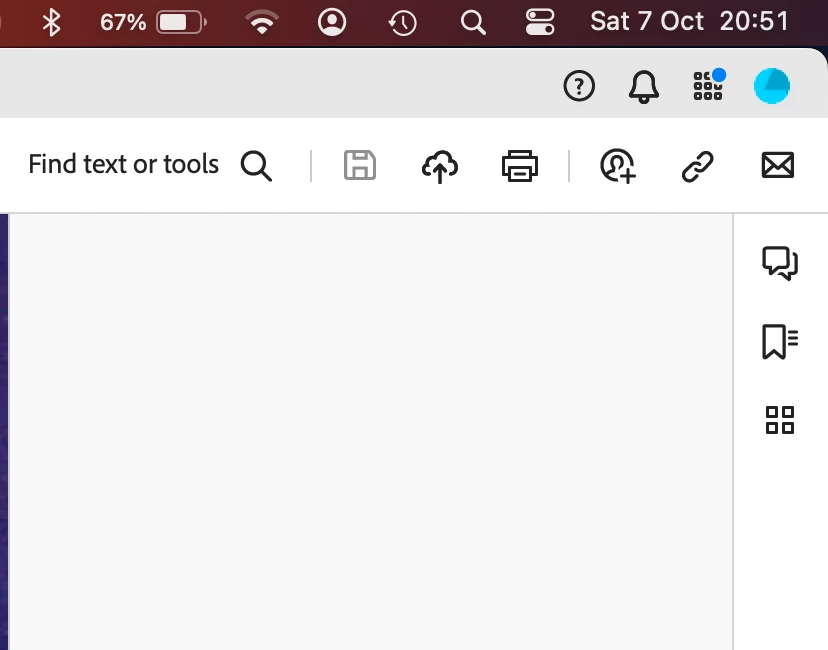
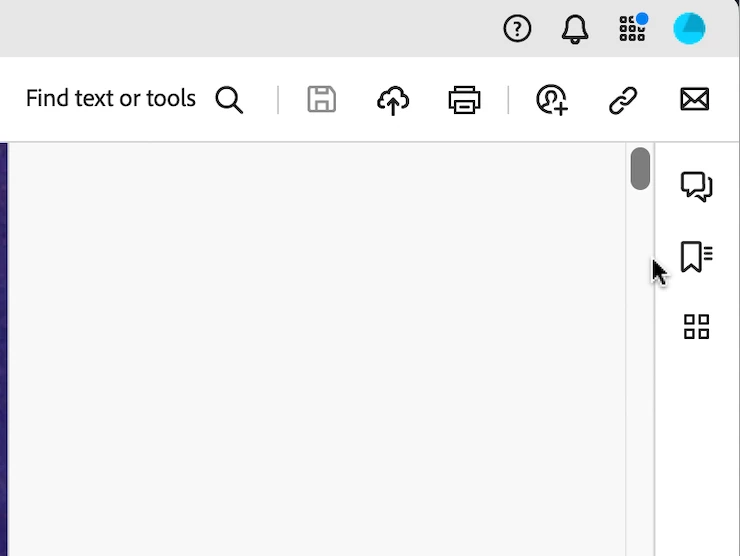
I find I cannot see the vertical scrollbar unless I wiggle the trackpad to make it appear and then try to grab the scroll handle before it vanishes again. I have set scroll handles in macOS to be 'always visible', but Acrobat overrides this setting and hides them.

I have not a clue as to why anyone at Adobe thought I would not want to see one of the most essential attributes of screen nagivation, but I would like to be abe to choose, and ideally, for developers to stop hiding things, thereby sending me to google forever and a day to find out how to see them again.

Same goes for obscure icons that are supposed to represent things like printers and so on, that I always have to mouseover to figure them out. Please assume I can speak English, and understand words like 'Printer'[.
 

Correct answer Mayank Panwar

Hi All,

You can enable the scroll bar to appear consistently in Acrobat or Acrobat Reader by performing the following steps:
Step 1: Adjust the scroll bar appearance in macOS settings
  1. Choose the Apple menu > System Settings.
  2. Select Appearance in the side bar.
  3. Choose Show scroll bars > Always.
Step 2: Turn on the preference to always show scroll bar
  1. Select Acrobat > Preferences.
  2. From the Categories on the left, choose Page Display > Always show scroll bars.

7 replies

tlmurray23
Inspiring
November 13, 2025

One other little tidbit that has not been addressed is that when you have the scroll bar set to appear only when needed, when you move your pointer over to a scroll region, you kinda have to mess with the pointer's location to get the right spot. It's a waste of time and an annoyance. It is so much more advantageous and efficient to leave the scroll bar there all the time. We users lost a goldfish when we were six and worked through the loss, so I think users can lose a few pixels and work through the five stages of grief without a therapist, thank you.

New Participant
March 20, 2024

My scroll bars, within Acrobat Reader, dissapear when I'm not scrolling. This is extremely frustrating and a waste of my time. Furthermore, I have no ability to scroll side to side. How can I zoom and navigate!?


These instructions assume the issue is with my Mac computer. The issue is within the Acrobat Reader app.  Please tell your product team to get user feedback before releasing features like this to production.  Classic product management failure. 

Adobe Employee
February 28, 2024

Hi All,

The issue has been addressed and now we have a preference to enable the scroll bar in Mac.
Please find details for the fix here:- https://helpx.adobe.com/acrobat/using/scroll-framework-upgrade-macos.html

Thanks,
Abhinav Sethi

Known Participant
February 28, 2024

It doesn't. It addresses split view and the horizontal scroll. It's the vertical one that's at issue.

Inspiring
February 29, 2024

I see that the fix works (and with Thumbnails pane) for the vertical scroll bars. Except, if you have your 'Fit Width" menu set to "Fit One Full Page" you will not see scroll bars on the vertical at right.  See attached screenshot. Is that what you are experiencing?


I'm having the same problem

Known Participant
February 25, 2024

The same problem has been driving me nuts for months.

The vertical scroll appears only when you adjust the window size, and then disappears quickly. It often takes several tries to 'catch' it successfully.

I'm often working on multiple page documents with extensive markups in the comments pane, so it's infuriating and counter-productive.  Super easy to miss individual comments, which is potentially harmful to my relationship with clients.

Why on earth would this be considered an improvement? I've been working with Acrobat and other Adobe products for over 30 years and it's the dumbest 'upgrade' I've ever encountered. Please fix it!

Enchanted_difference1549
Inspiring
November 3, 2023

To make it work as expected (until Adobe updates app with a proper preference option) and without any use of PLIST Editors or XCode (which you might not have or be comfortable with) do this:


  •  Open "user">library>Preferences and find com.adobe.Acrobat.Pro.plist
    [to open user's library folder you can click on Finder's "GO" menu while pressing OPTION key and you should see it there]
  • Use an editor like BBEdit to open com.adobe.Acrobat.Pro.plist file [it's binary encoded, TextEdit won't work] 
  • FIND the string "Honor" and you should get to a parameter named "HonorOSTheme". Just after the end of that <array/> tag, insert the following:
    <key>HonorSystemScrollerPref</key>
    <array>
    <integer>0</integer>
    <true/>
    </array>
  • Save and exit
  • execute terminal "sudo killall cfprefsd"
  • Acrobat now has scrolling bars always visible (if you set up "always" in MacOS preferences>Appearance>Show Scroll bars).


Please see the attached screenshot on where to insert the array.

**This HAS TO BE temporary!!** It works but we need this preference toggle inside Acrobat Pro Preferences panel asap...


New Participant
November 25, 2023

This worked.  Thanks.  I was highly annoyed by Adobe's silly decision to nix the scroll bars.

Abambo
Adobe Expert
October 16, 2023
ABAMBO | Hard- and Software Engineer | Photographer
Derek Williams Music
New Participant
October 16, 2023

Thank you - the only "correct answer" I can see to get the scrollbars back is to revert to the 2020 release version here:

https://helpx.adobe.com/ca/download-install/kb/acrobat-2020-downloads.html 

If I go ahead and delete the current veresion, and revert to 2020, will this allow me to open documents created more recently than in 2020?

Meenakshi Negi
Community Manager
Community Manager
October 9, 2023

Hi Derek Williams Music,


Thank you for reaching out.


Please refer to the information provided in the following help document about Acrobat scroll framework upgrades for macOS: https://helpx.adobe.com/acrobat/using/scroll-framework-upgrade-macos.html.

However, this has been reported to the team, and they are looking into this.


Would you mind sharing more information about the issues you are experiencing with the icons? 

Share the Acrobat and Mac OS version numbers.


Thanks,

Meenakshi

Derek Williams Music
New Participant
October 9, 2023

Hi Meenakshi

Thank you for responding. I could see the point of hiding scrollbars if they were masking something, but in the 37 years I have been using Macs, I have never wanted the scrollbars to be made inaccessible. If anything I want them to be made as wide as they used to be, because they're so skinny now it's extra effort to grab them.

With the new behaviour in Acrobat, the scroll bars appear only when I start to drag on the trackpad or move the trackball wheel, and then immediately vanish again. This bewildering behaviour hasn't improved the user experience for me in any way, indeed nor have the macOS upgrades that hide more and more stuff, because I have to google questions like "where are the scrollbars in Acrobat?" which is what led me here. Hiding stuff makes the application less intuitive.

Regarding icons, some have been around awhile and are familiar to most people, such as the floppy disk icon for disk interaction, but others I have to mouseover to figure them out. Below, most of the images are fine except for printer, personnel, bookmark and the four squares. The printer looks nothing like the object it represents, the personnel I think would be clearer if it had several heads such as in Microsoft Outlook; bookmark would be more obvious without the three lines. The four squares? No idea without mousever.


The images below I had to mouseover every one except the rotate and drag-select buttons. I suppose it is incumbent to learn these, but in general I have to mouse over practically everything nowadays. Where possible, if space permits, I much prefer words, even if there is still a icon.

Meenakshi Negi
Community Manager
Community Manager
October 10, 2023

Hi Derek Williams Music,


Thank you for sharing the information.

The information about the scroll bars has been shared with the team, and they are working on this.  

We will share the feedback about the icon with the team.


Thanks,

Meenakshi