


Question
Acrobat Reader DC (Windows 11) mail to link is not opening default mail app (Outlook)
Windows 11 / Acrobat Reader DC (22.001.20142)
Intially I reeived this message when I clicked a mail to link in my PDF:
"This email will be sent using "Default email application (Microsoft Outlook)". Click on
'Change Preferences' to change your default account settings."
I clicked Continue, and nothing happened.
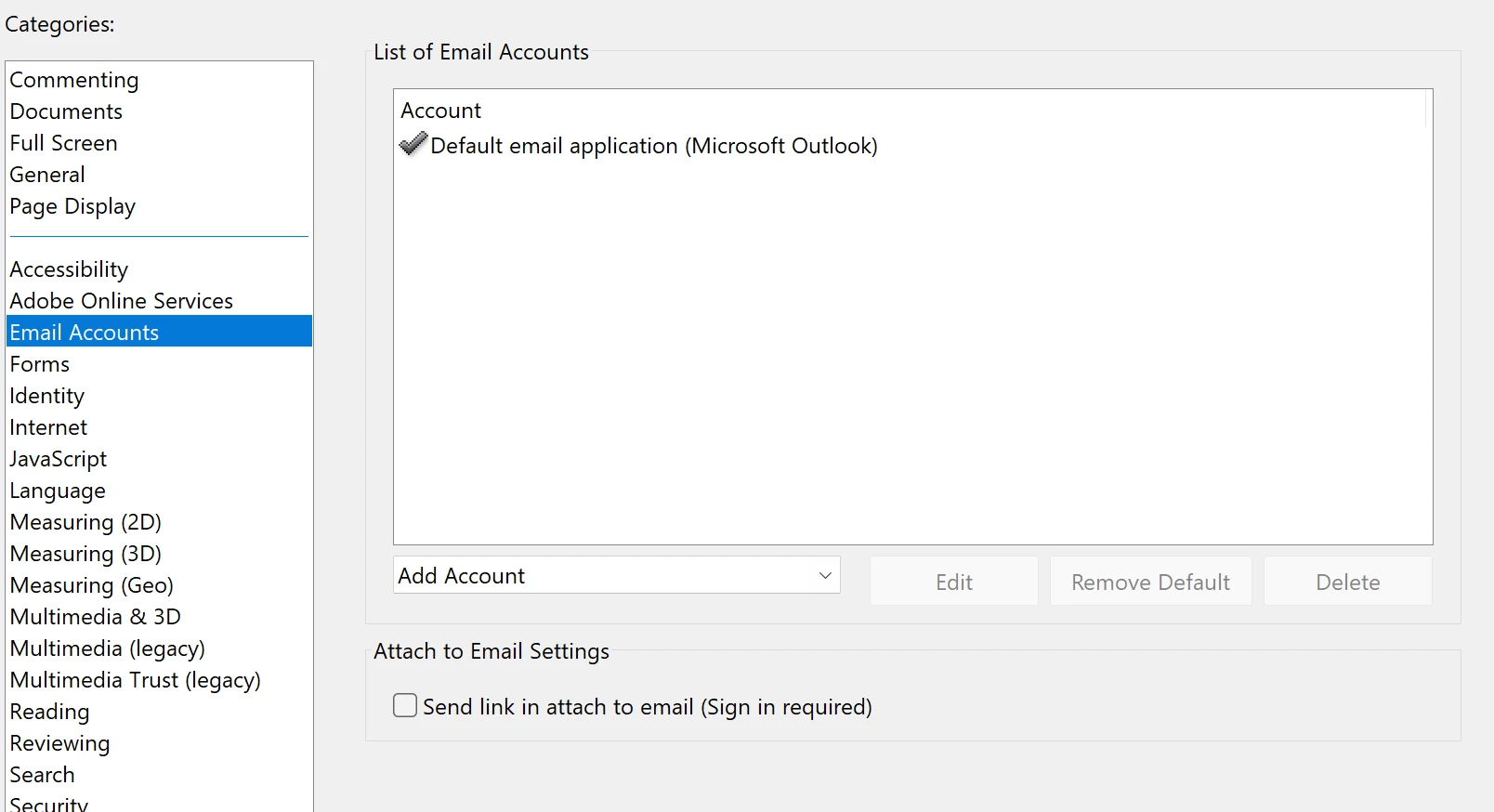
I reinstalled Reader and set default mail as Outlook again, as below. And still nothing opens. Anything else I need to do?
 AdChoices