



Create fillable PDFs on mobile (iPad)
Hello! This post is in regards to the Fill & Sign app on iOS, specifically iPad. Since there is no forum for that app, I am posting here.
I recently bought an iPad as a laptop computer substitute. Aside from my mobile phone, this is my only device. I do not have access to a traditional computer.
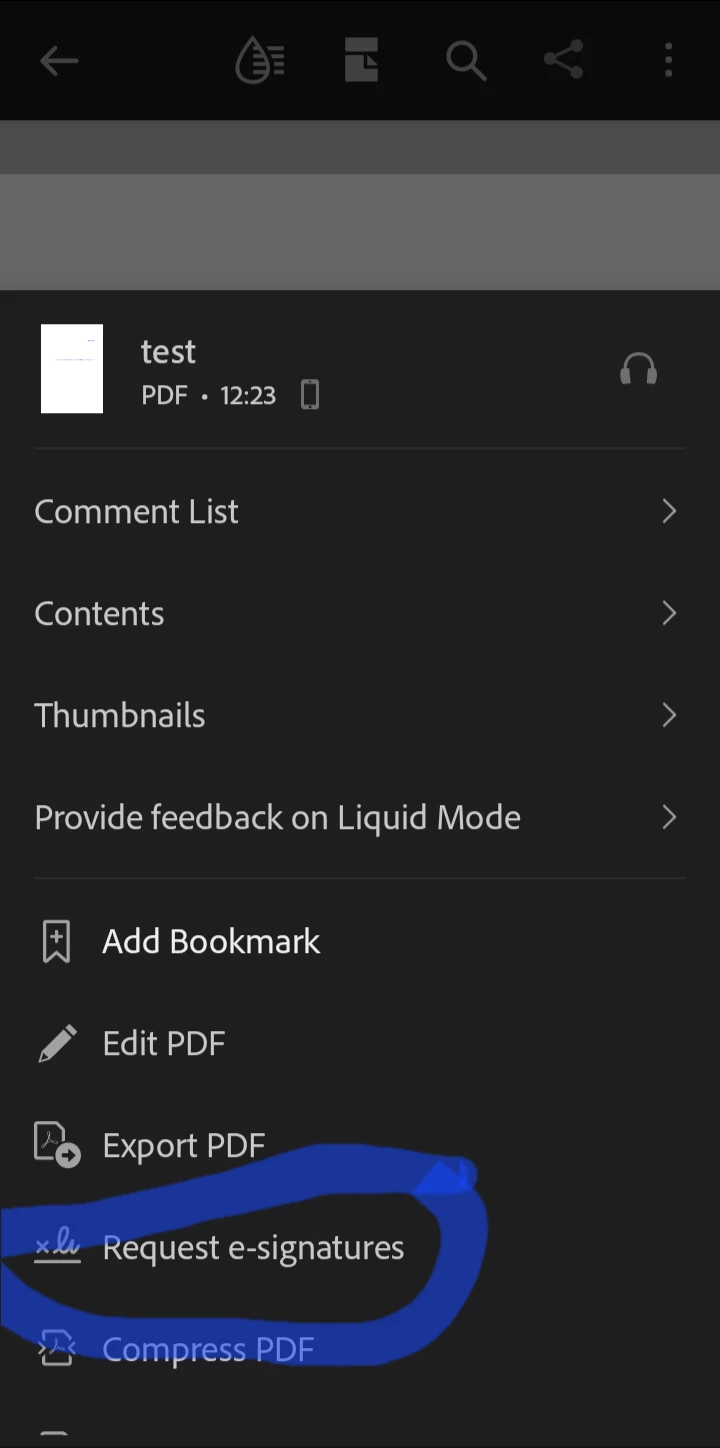
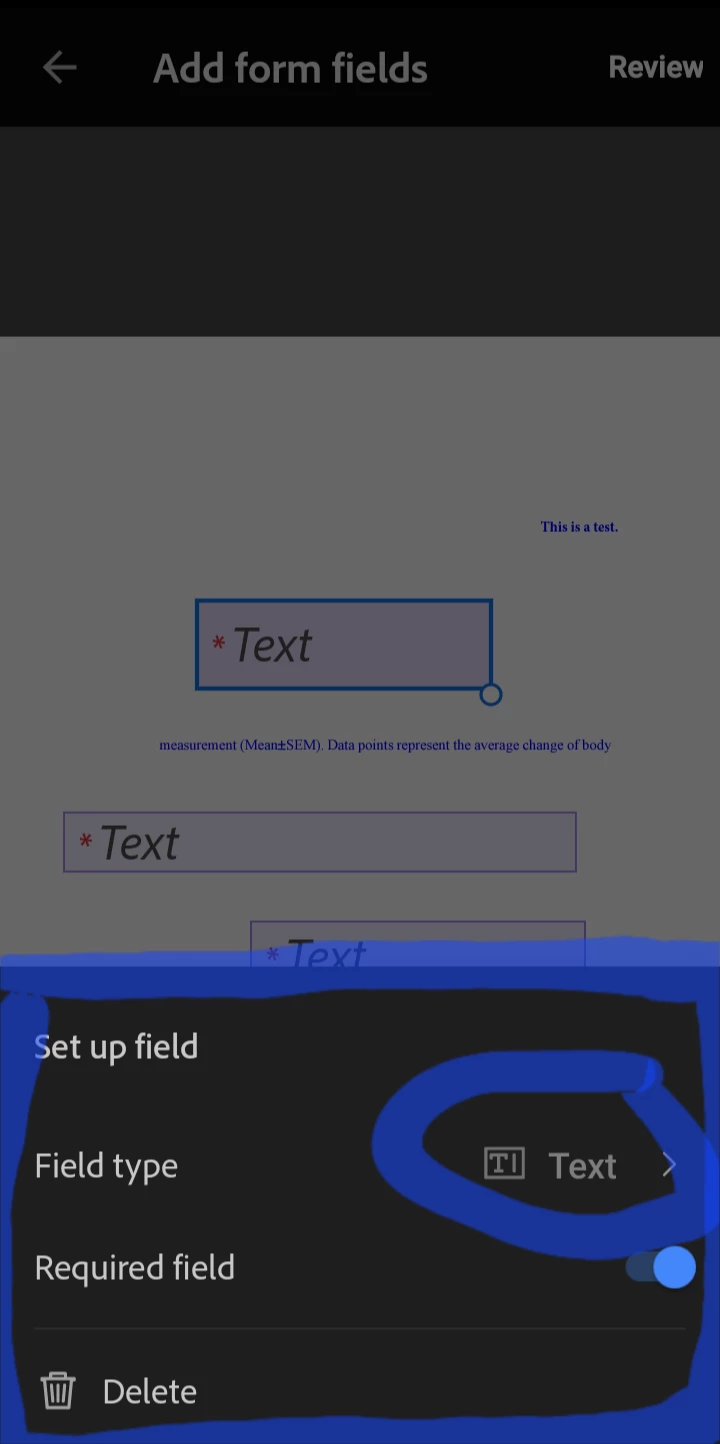
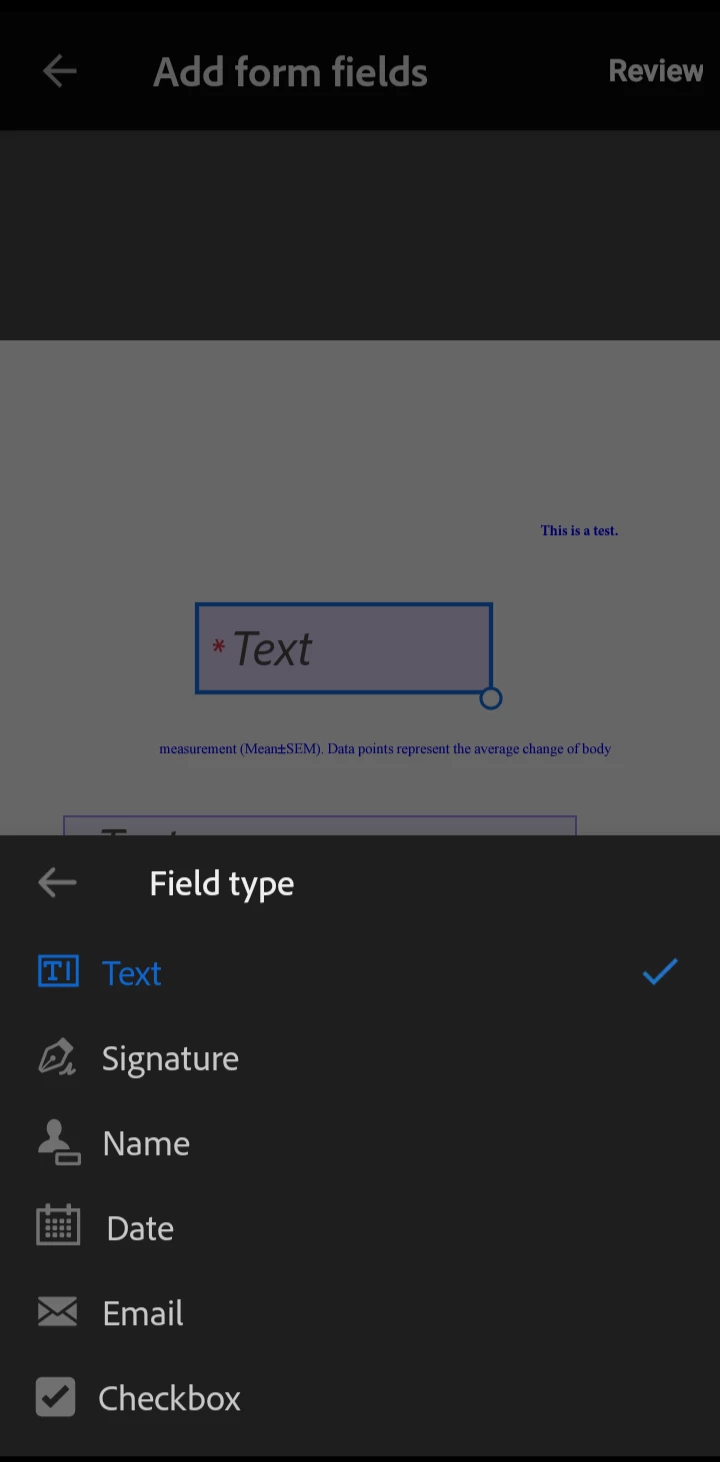
I use my iPad for work, and in this case, I need to open a PDF, add fillable fields and send it to recipients for signatures. This feature does not seem to be supported on a mobile device. Both in the Acrobat and Fill & Sign apps, I only seem to be able to fill the form myself. I am unable to create fillable fields for others and/or request e-signatures. Yet, these articles by Adobe clearly state otherwise:
- https://www.adobe.com/acrobat/hub/how-to/create-fillable-pdf-on-ipad
- https://www.adobe.com/acrobat/hub/how-to/how-to-create-fillable-pdf-on-iphone
Worst case I will subscribe to another service to get this done, however, if possible I would like to stick with Adobe products. There is no other documented instance of this issue that I can find and Adobe support is of no help.
Curious to see what you guys think.

 AdChoices