New Participant
June 6, 2021
Question

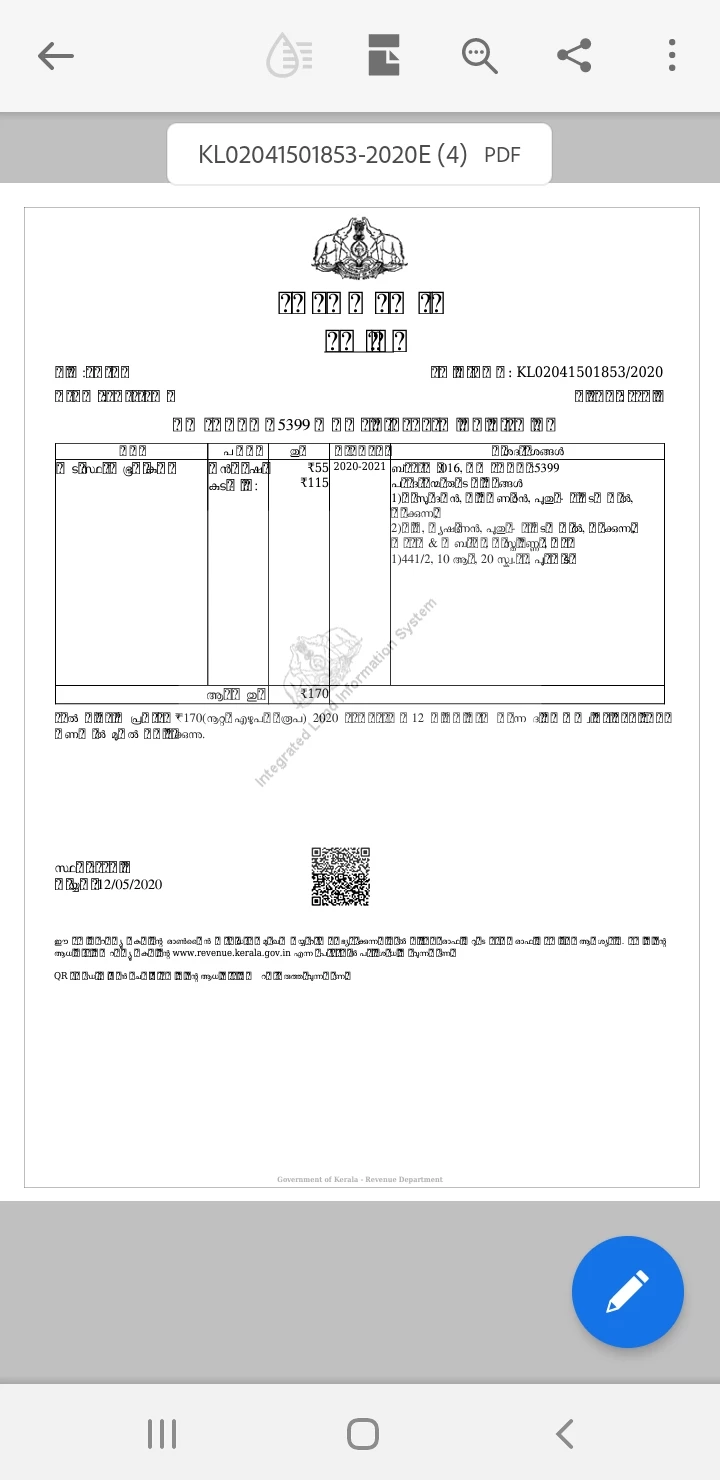
Malayalam font showing special characters like boxes

  • June 6, 2021
  • 4 replies
  • 11960 views
  1. Malayalam font showing special character as boxes and questionmarks..... in android phone
  2. This issue ia not there while opening with other pdf reader apps...


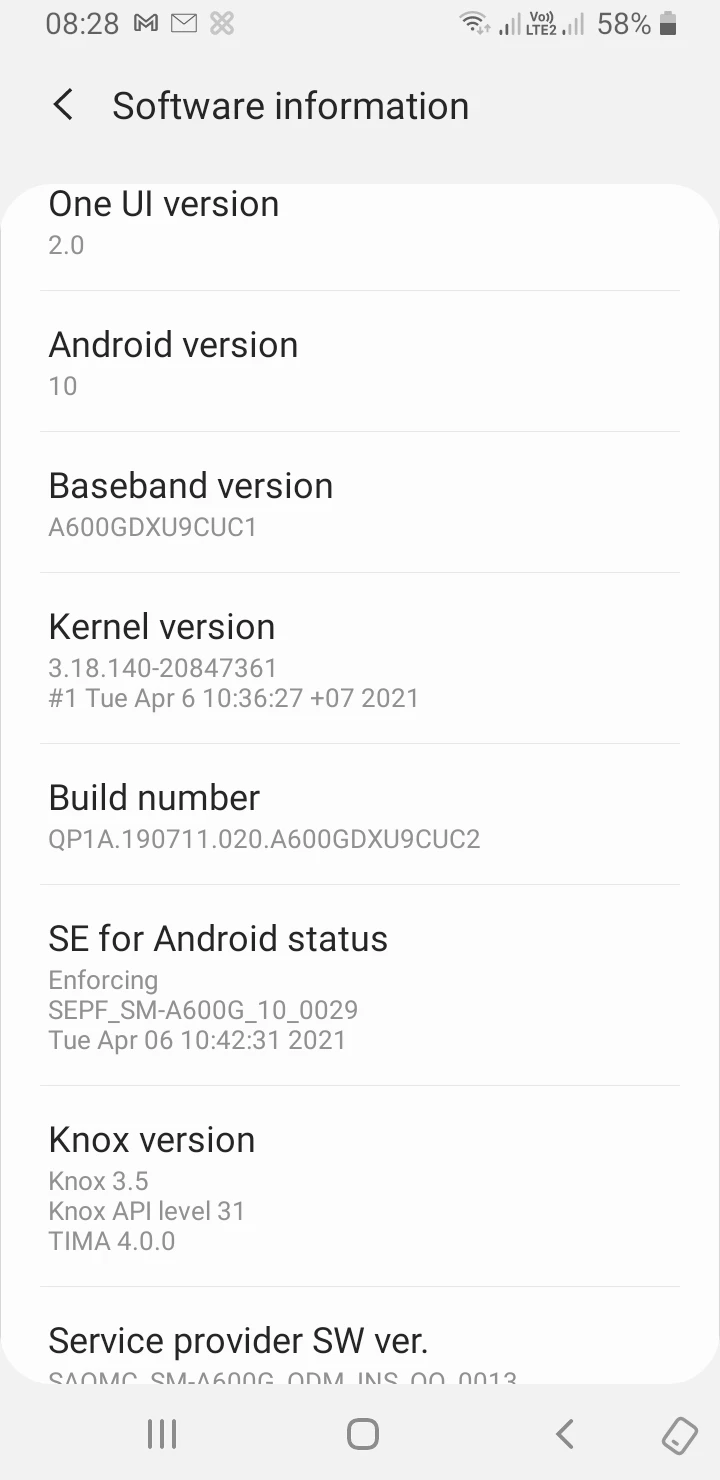
Issue.botices aince 2 days....after my android was updated to latest version


Jibu
This topic has been closed for replies.

4 replies

New Participant
February 19, 2024

I also faced this same problem, and have resolved it by uploading the same file into Google drive. There it shows correctly.

New Participant
April 21, 2024

Just turn off or uninstall adob extention from Google  Chrome. It will work

S_S
Community Manager
Community Manager
May 29, 2024

Hi @firoztk,


Thanks for writing in! 


As asked earlier, would you mind sharing a sample file where you experienced the issue for better investigation and assistance?


-Souvik

New Participant
August 25, 2022

I am having same issue with Adobe only. With other pdf viewers like Samsung note, Google drive, and Microsoft Office it works alright. Updating etc does not work.

S_S
Community Manager
Community Manager
August 25, 2022

@Vijayakumar258009871aei Hi,


Sorry for the trouble. 


Would you mind sharing a sample file with me to try and reproduce the issue on my end?


Thanks,

Souvik.

New Participant
August 11, 2022

I don't know what application you are using to create the pdf file. Does the program  support malayalam unicode fonts? Even If it support malayalam, keep in mind that the Adobe is not designed to deal malayalam fonts. we may have to compromize with it's limitaions.  How to overcome this or create the pdf ? try to print the file in xps format (it is a type of file or extension). Do [ctrl+p > it will list you printers installed on your pc; but don't choose the regular printer you are using to print in a4 /legal paper ; instead of that select microsoft xps from the printer list) the print. This will ask you to show the location. you save it anywhere you like.  then right click on the file and  convert the file as PDF. (you need to have Acrobat (not acrobat reader) installed on your pc). If you don't have Acrobat, try with any online xps to pdf converter. 

S_S
Community Manager
Community Manager
August 15, 2022

@9745957 FACE DTP Hi,


If the fonts are not supported in the mobile application, you can use them directly on the desktop. You will not need to convert it to any other format. You can use the Adobe PDF printer to create a new PDF file if you need to re-create.


You can install the font families. using creative cloud for better working experience. Please refer to the below link to install font packages: Swathanthra Malayalam Computing | Adobe Fonts


Let me know if this helps.


Thanks,

Souvik.

S_S
Community Manager
Community Manager
May 25, 2022

Hello,


I hope you are doing well. I am sorry for the delayed response.


Are you still facing the issue? If yes, please try updating the Android to the latest version and the application too.


Thanks,

Souvik.