



how to submit a document when all signature fields are not required
Our company has created a fillable PDF for various people to sign - typically between two and five. The PDF was created with six signature fields in place, as well as a title, etc. When the PDF was sent via Acrobat DC "Send for Signature" the first person who received the document was required to sign all six fields before being prompted to "Submit" and only then could it be emailed to the next person; said person(s) signature ends up on a second page. This is not the intent. We would like for each individual to sign once in a signature field provided - and be allowed to submit the form so that the next person who needs to sign it can. A snapshot is below. Is there a way to not "require" each of the signature fields to be filled by the first person before submitting?
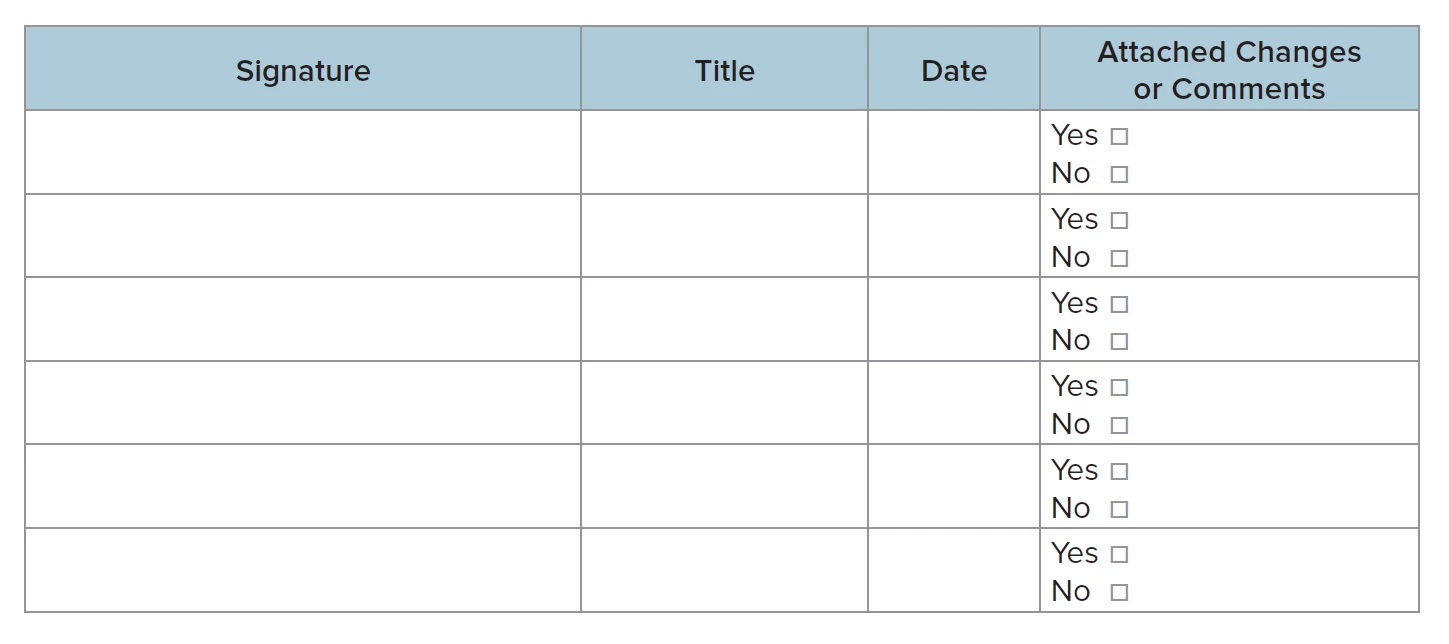
Thanks!
 AdChoices