


Participant
October 13, 2018
Answered

iOS Adobe Sign app; can't sign in person

  • October 13, 2018
  • 1 reply
  • 799 views

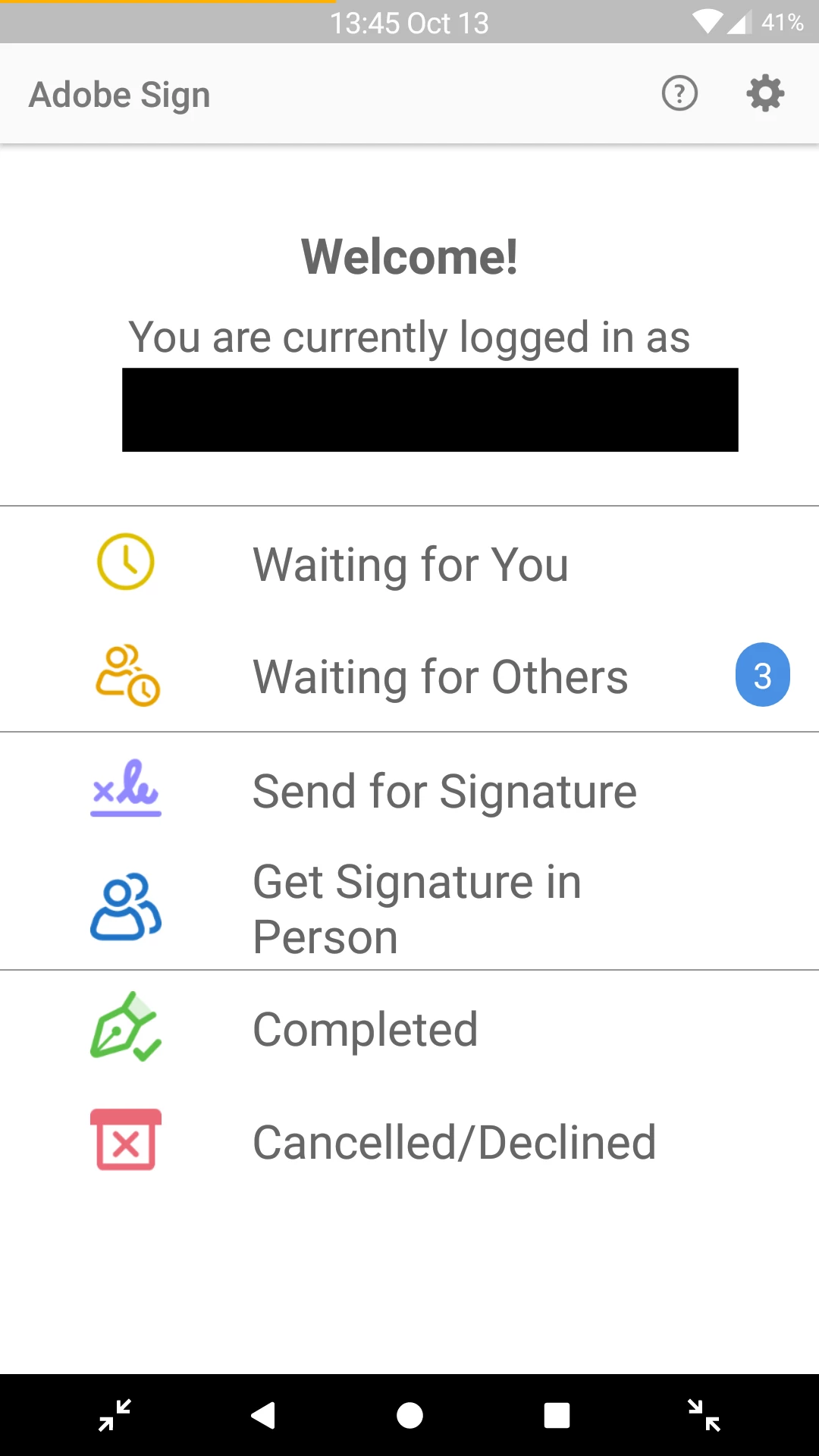
On iOS you cannot access the "sign in person" feature which is available on the Android app.

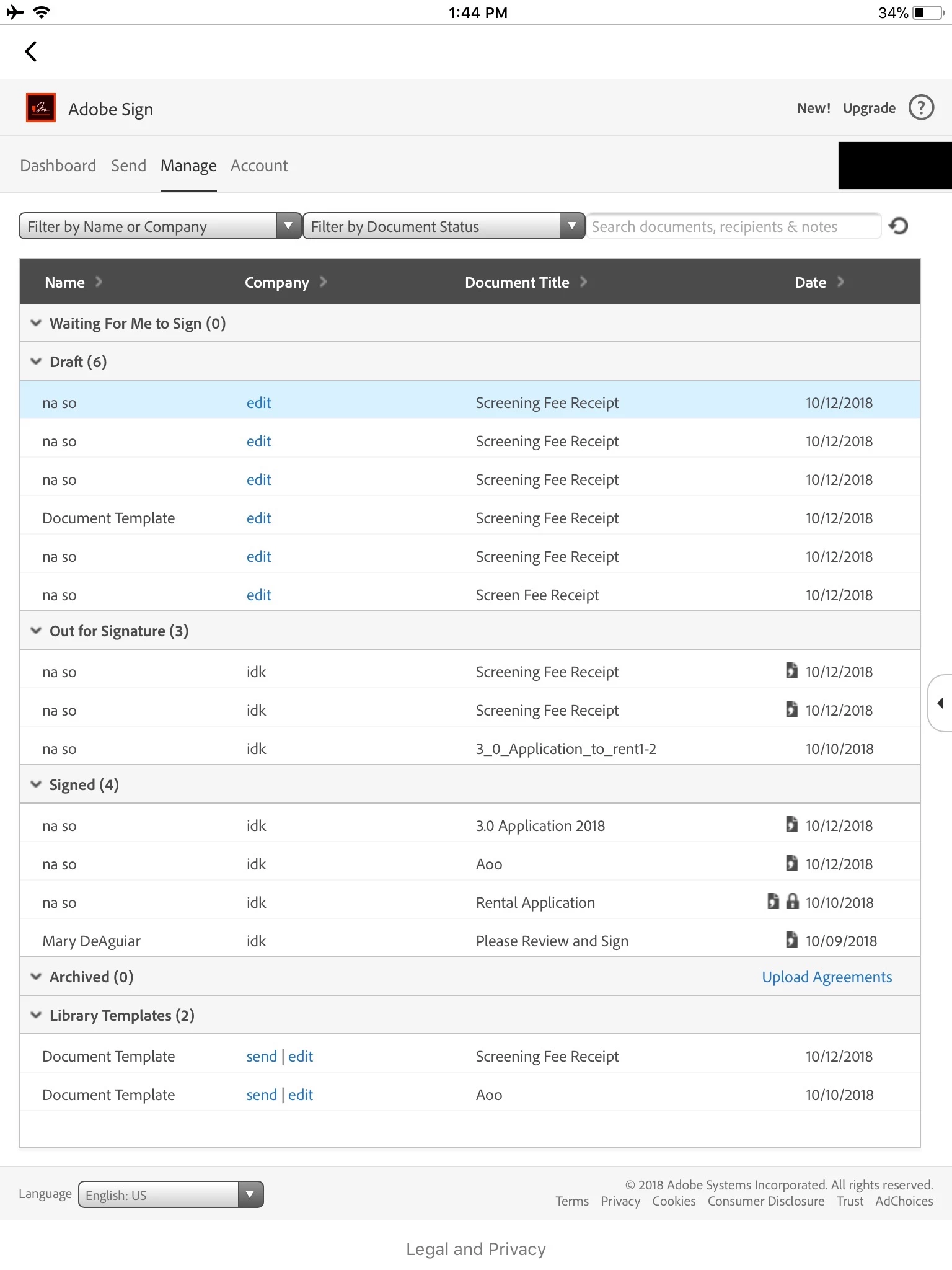
The iOS app displays the same page as you see on a desktop, instead of the app version of Adobe Sign which is found on Android. Please fix

Android Version
iOS version
Thank You

This topic has been closed for replies.
Correct answer Meenakshi Negi

Hi Nathaniels,

Sorry for the delay in response.

The screenshot that you have shared for the iOS version, it is a web interface for the Adobe Sign.

Please use the Adobe Sign mobile application for the "Sign in person".

Refer this help document In-Person Signing in iOS Mobile App | Adobe Sign.

If the application is not installed on the device, you can install it from the App store on the iOS device.

Hope that helps.

Let us know if you still experience any issue.

Regards,

Meenakshi

1 reply

Meenakshi Negi
Community Manager
Meenakshi NegiCommunity ManagerCorrect answer
Community Manager
November 22, 2018

Hi Nathaniels,

Sorry for the delay in response.

The screenshot that you have shared for the iOS version, it is a web interface for the Adobe Sign.

Please use the Adobe Sign mobile application for the "Sign in person".

Refer this help document In-Person Signing in iOS Mobile App | Adobe Sign.

If the application is not installed on the device, you can install it from the App store on the iOS device.

Hope that helps.

Let us know if you still experience any issue.

Regards,

Meenakshi