


Participant
April 22, 2024
Answered

New experience does not allow drag and drop files

  • April 22, 2024
  • 3 replies
  • 1496 views

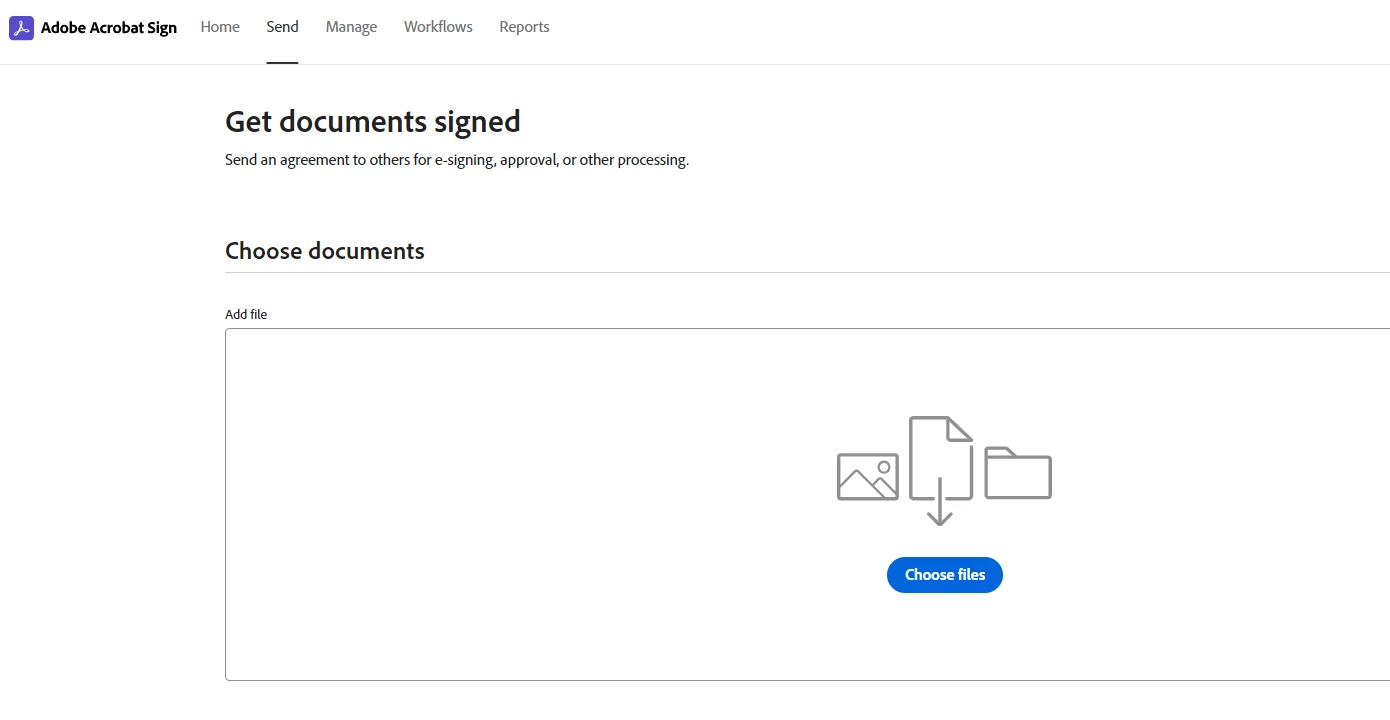
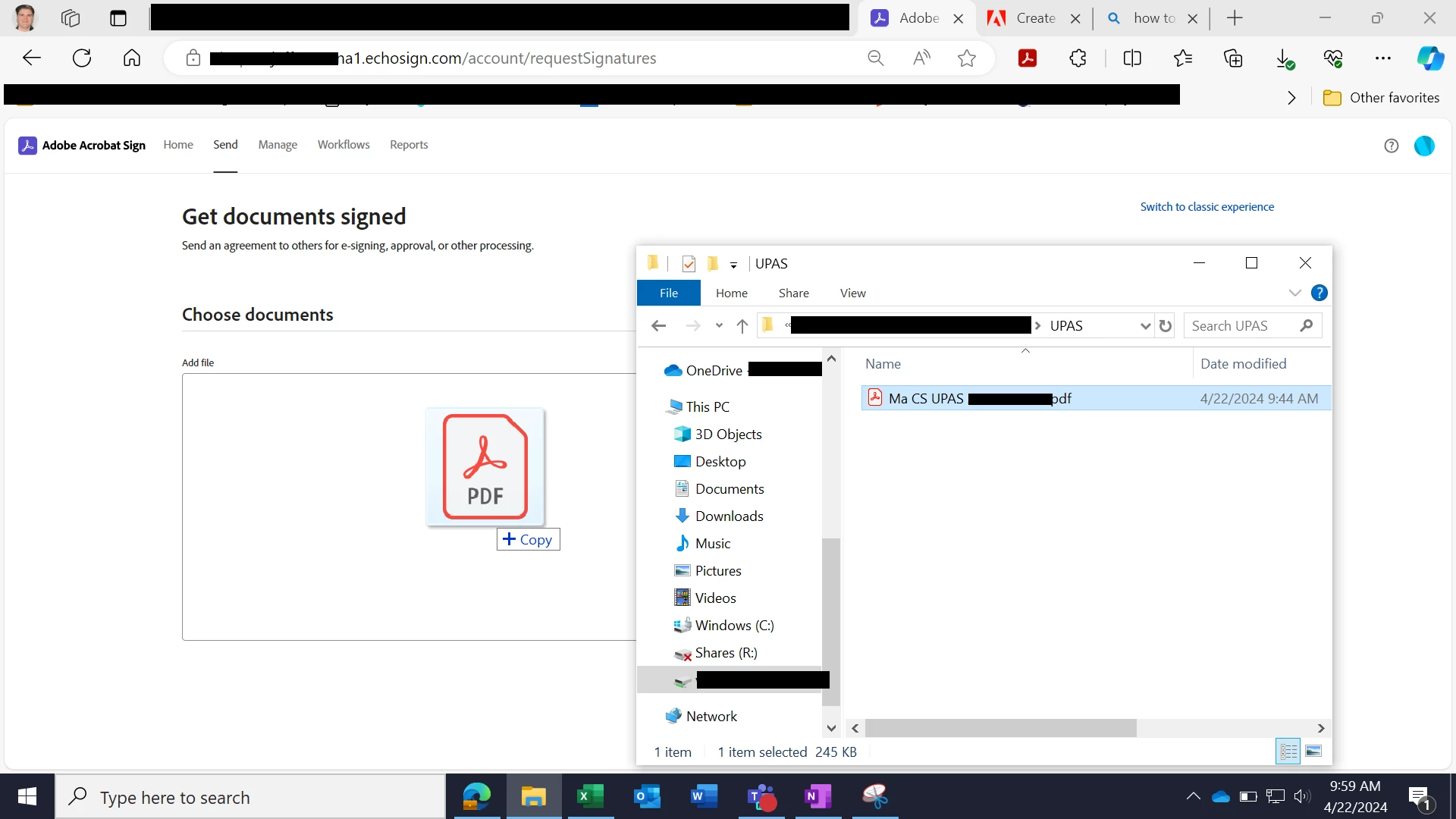
The new experience looks like it should allow for the same drag and drop files for signature as the old experience. However, in Microsoft Edge this is not happening. In the old experience I have no issue. When I switch to new experience the drag option states "copy" which just makes the PDF download to the browser and open through the browser. Very frustrating.
 

Correct answer Meenakshi Negi

Hi winnie_6761,


Thank you for reaching out, and sorry about the delay in getting back to you.


The feature to drag and drop the file in Acrobat Sign works now. Please try sending the document and see if the feature works for you.

Let us know how it goes.


Thanks,

Meenakshi

3 replies

Participant
April 30, 2025

Same here this new feature sucks! I'm using Chrome. Before it works smoothy. Adobe should test it to make sure it is well run in all the operating platform PRIOR to deployment. This is ruining user experience! I'll be looking for alternative and switch if Adobe dont fix this!!! 


Meenakshi Negi
Community Manager
Meenakshi NegiCommunity ManagerCorrect answer
Community Manager
May 9, 2025

Hi winnie_6761,


Thank you for reaching out, and sorry about the delay in getting back to you.


The feature to drag and drop the file in Acrobat Sign works now. Please try sending the document and see if the feature works for you.

Let us know how it goes.


Thanks,

Meenakshi

Participant
June 10, 2024

Same here.  Drag and Drop not available in "new experience" using Chrome.  Will use classic experience until this is resolved b/c I drag and drop many files per day directly from e-mail or other apps, so i do not have to save locally to start signatures.


Meenakshi Negi
Community Manager
Community Manager
April 29, 2024

Hi Aubrey369033254630,


Thank you for reaching out and reporting this.


As mentioned, the drag-and-drop feature is not working in the new experience in Acrobat Sign when using it on Microsoft Edge. To confirm, did you check if the same behavior occurs when using it on alternate browsers? 

In the meantime, we will check this with the team. 


Thanks,

Meenakshi

Participant
April 29, 2024
I cannot test this on other browsers with my work computer, as we are limited just to Edge. I cannot test this on my personal computer, as I do not have Adobe sign on those computers. Sorry.


Aubrey Scheffey, Grant Specialist


The information contained in this transmission contains privileged and confidential information. It is intended only for the use of the person named above. If you are not the intended recipient, you are hereby notified that any review, dissemination, distribution or duplication of this communication is strictly prohibited. If you are not the intended recipient, please contact the sender by reply email and destroy all copies of the original message.

CAUTION: Intended recipients should NOT use email communication for emergent or urgent health care matters.
Meenakshi Negi
Community Manager
Community Manager
May 3, 2024

Hi Aubrey369033254630,


Thank you for the information.


We will check with the team and will update you once we have more information.

We appreciate your patience.


Thanks,

Meenakshi