


New Participant
January 16, 2023
Answered

We were unable to create your agreement because we had a problem processing your document

  • January 16, 2023
  • 1 reply
  • 809 views

I'm getting this error when using Power Automate and the action "Create an agreement from an uploaded document and send for signature"
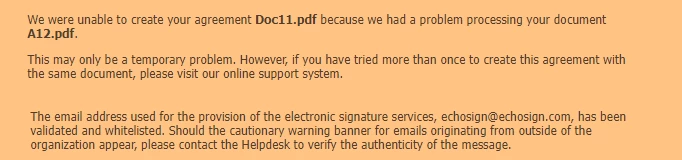
I have tried different PDF documents but always get the same result. There is no error in the flow, just the above error in an email 


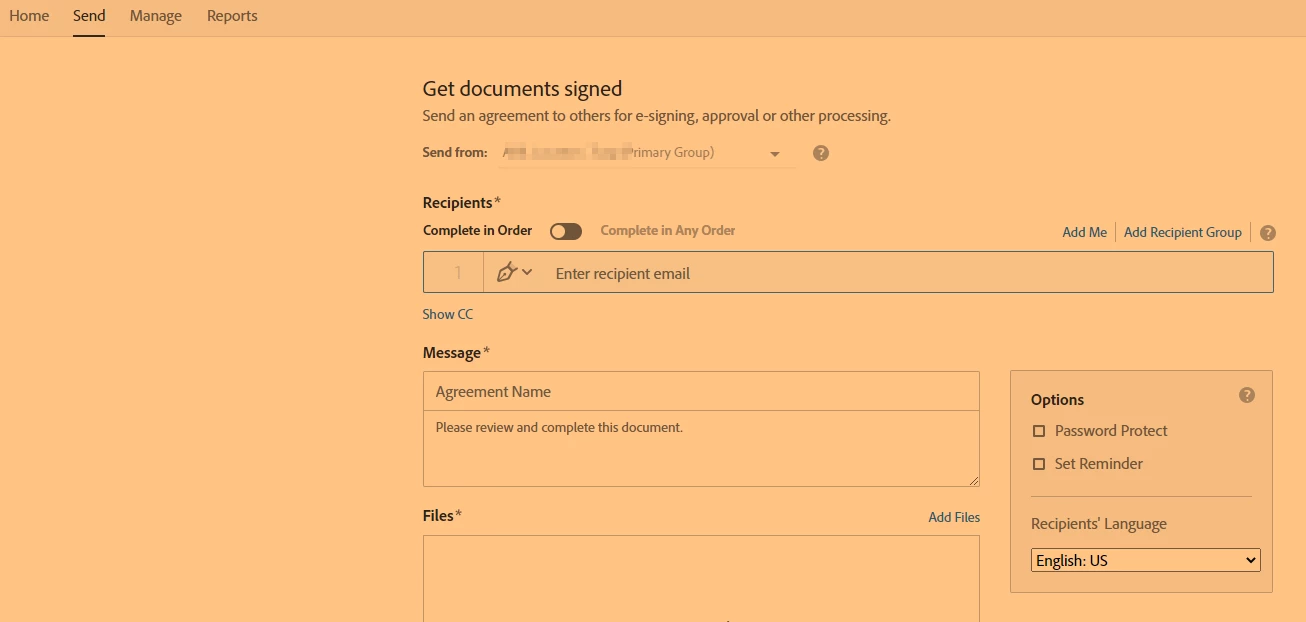
I am able to send and request signatures and all the process using the online version
 

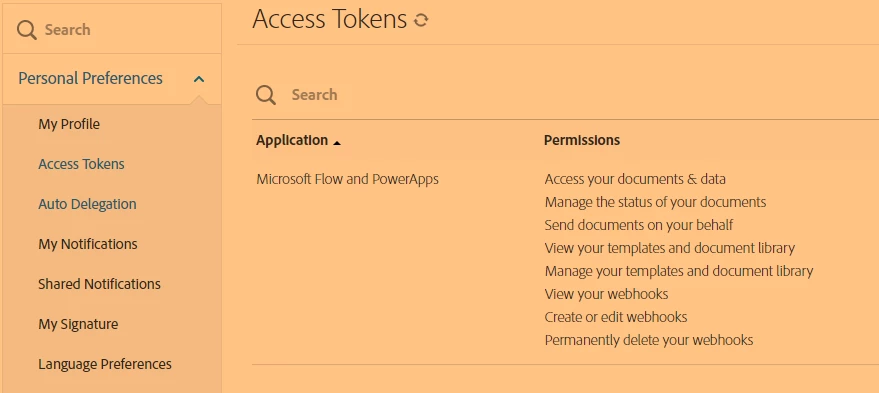
I also seem to have all the necessary permissions for Power Automate configured in my Adobe profile
 

This topic has been closed for replies.
Correct answer CH-TGPowerPla27959618vcov

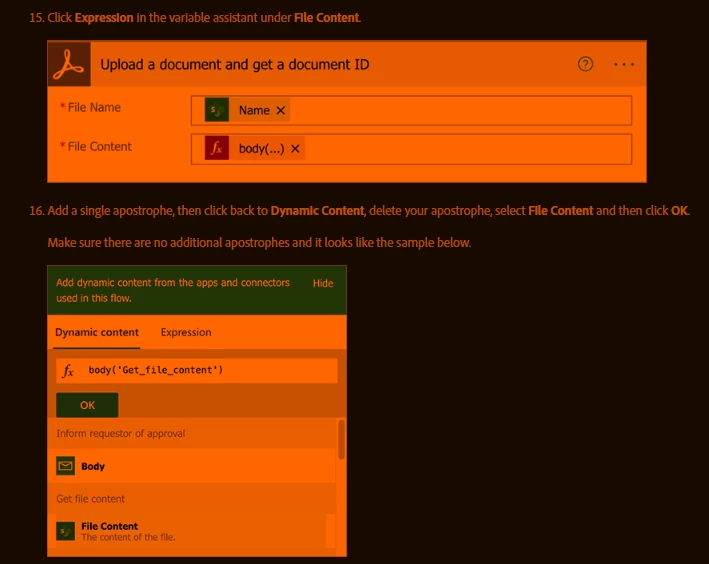
I believe it was a problem with the file content passed to the action "Upload a document and get a document ID"

Following this guide there is an odd way to add an expression

Add a single apostrophe, then click back to Dynamic Content, delete your apostrophe, select File Content and then click OK.


https://experienceleague.adobe.com/docs/document-cloud-learn/sign-learning-hub/integrations/microsoft/documentautomation.html?lang=en


1 reply

CH-TGPowerPla27959618vcovAuthorCorrect answer
New Participant
January 16, 2023

I believe it was a problem with the file content passed to the action "Upload a document and get a document ID"

Following this guide there is an odd way to add an expression

Add a single apostrophe, then click back to Dynamic Content, delete your apostrophe, select File Content and then click OK.


https://experienceleague.adobe.com/docs/document-cloud-learn/sign-learning-hub/integrations/microsoft/documentautomation.html?lang=en