


Inspiring
September 26, 2024
Answered

How to scan photo of a QR code imperfectly unflattened document fitted into mail envelope by folding

  • September 26, 2024
  • 1 reply
  • 579 views

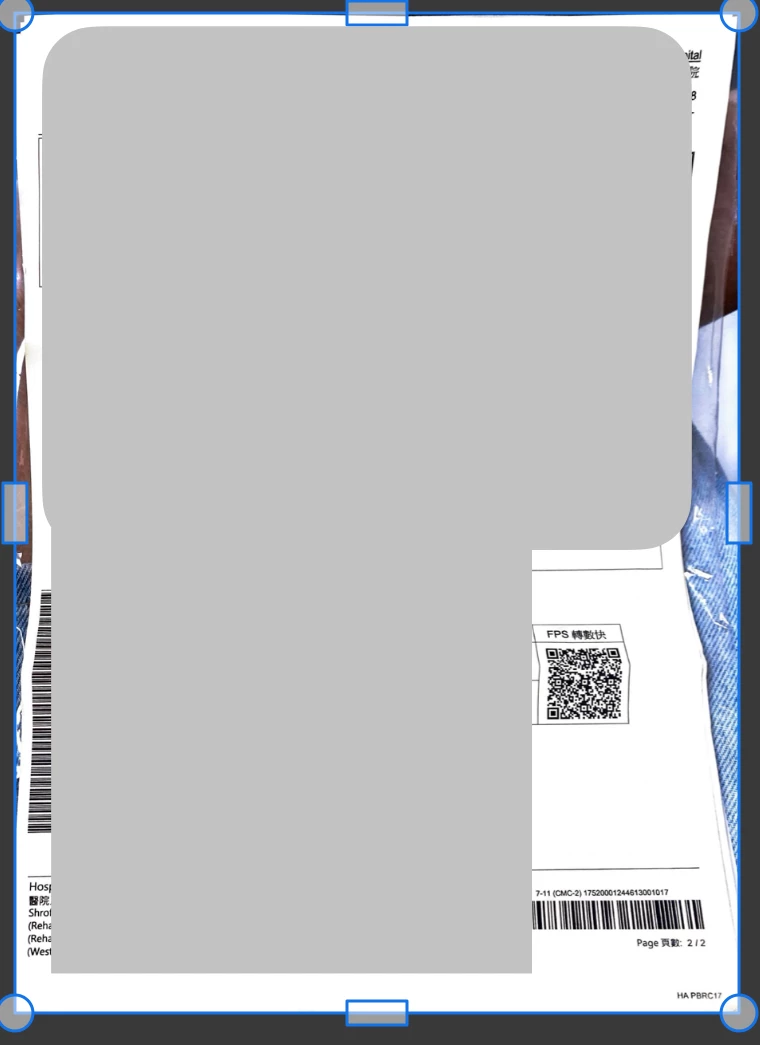
Is it possible to scan photo of document with QR code right on folding line due to mailing within small envelope (document cannot be mailed unfolded). I have not yet found App for it.
 

This topic has been closed for replies.
Correct answer Sunny233119449b32

I used magnetic bulletin board and to flatten document area to scan, on two opposite corners of block of text, I placed left and right magnets that come with Bluetooth headset (turn on/off headset). 
For me, This is more practical than carrying another jig specialized to flatten documents. 

1 reply

Amal.
Community Manager
Community Manager
September 26, 2024

Hi @Sunny233119449b32


I hope you're doing well, and thank you for reaching out!

It sounds like you're experiencing an unusual issue, and I completely understand the frustration that can come with it. In cases where documents are folded or wrinkled, the Adobe Scan app might face difficulties properly detecting and capturing the content.

I recommend carefully unfolding the document and smoothing it out as much as possible before scanning. This can help the app recognize the edges and text more accurately. Additionally, ensure that you're scanning the document in a well-lit area to avoid shadows or distortions that could impact the scan quality.

Once you've unfolded and straightened the document, please try scanning it again using the Adobe Scan app.

Let me know if this resolves the issue, and feel free to reach out if you encounter any further challenges


~Amal

Inspiring
September 26, 2024

Unfortunately I lost document and replacement is month away. 

Amal.
Community Manager
Community Manager
October 1, 2024

Hi there


I understand this situation is a bit unusual, and I can imagine how frustrating it must be. Unfortunately, given the specific circumstances, there's not much we're able to do to resolve this issue directly from our end.


~Amal