



Character amount limits in text fields in Adobe Sign
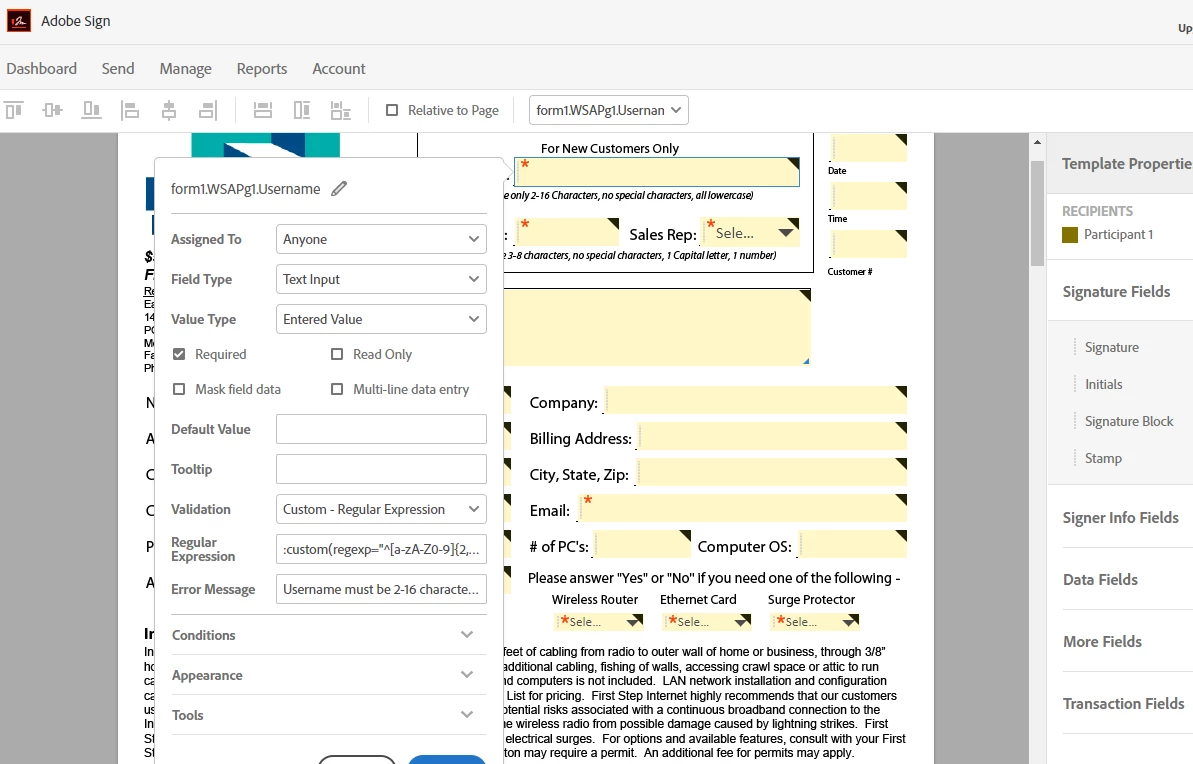
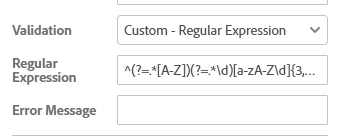
I am trying to limit the amount of characters a person can fill in a text field. I am having issues with the errors still showing up after the right amount of characters are filled in on the forms text field. I am using the Validation - Regular Expression to limit the amount of characters. The person filling out the form can only use 2-16 characters in length which will be a username. Then I have one for a password text field that is giving me errors too. The password has to be 3-8 characters with 1 capital letter and 1 number minimum. Here is my regexp formulas -
Username -
:custom(regexp="^[a-z0-9](?=.{1,15}$)\w+$")
Password -
:custom(regexp="^(?=.*[A-Z])(?=.*\d)[A-Za-z0-9](?=.{2,7}$)\w+$")
Any help would be greatly appreciated. The reason for this is to have a tech in the field with a tablet that can sign up a customer right there on said tablet and fill out the information to get them installed.
The error that is happening is that it is not accepting the proper input when someone fills the text fields out. It still shows them being red and giving the error message.
 AdChoices