



Animated Environmental Lights—Available Now in After Effects Beta
Hi beta users!
Version 25.2.0.098 of After Effects Beta introduces support for Animated Environment Lights.
Illuminate your Advanced 3D compositions by choosing a composition, video or image layer as an Environment light source.
Getting Started
Previously, Environment lights were limited to HDR and EXR still-image files as sources. Now, you can use any 2D layer to light your 3D scene.
Environment Lights turn their source into a sphere to light the scene from all angles, so they will treat the selected layer or composition as if it is equirectangular – a 2:1 360-degree projection where the pixels at the top and bottom are stretched. Thus, using equirectangular video (e.g. footage from an Insta360 video camera or equivalent) will provide great results. However, for many scenes, using a flat video source will still provide convincing results that are “good enough”.
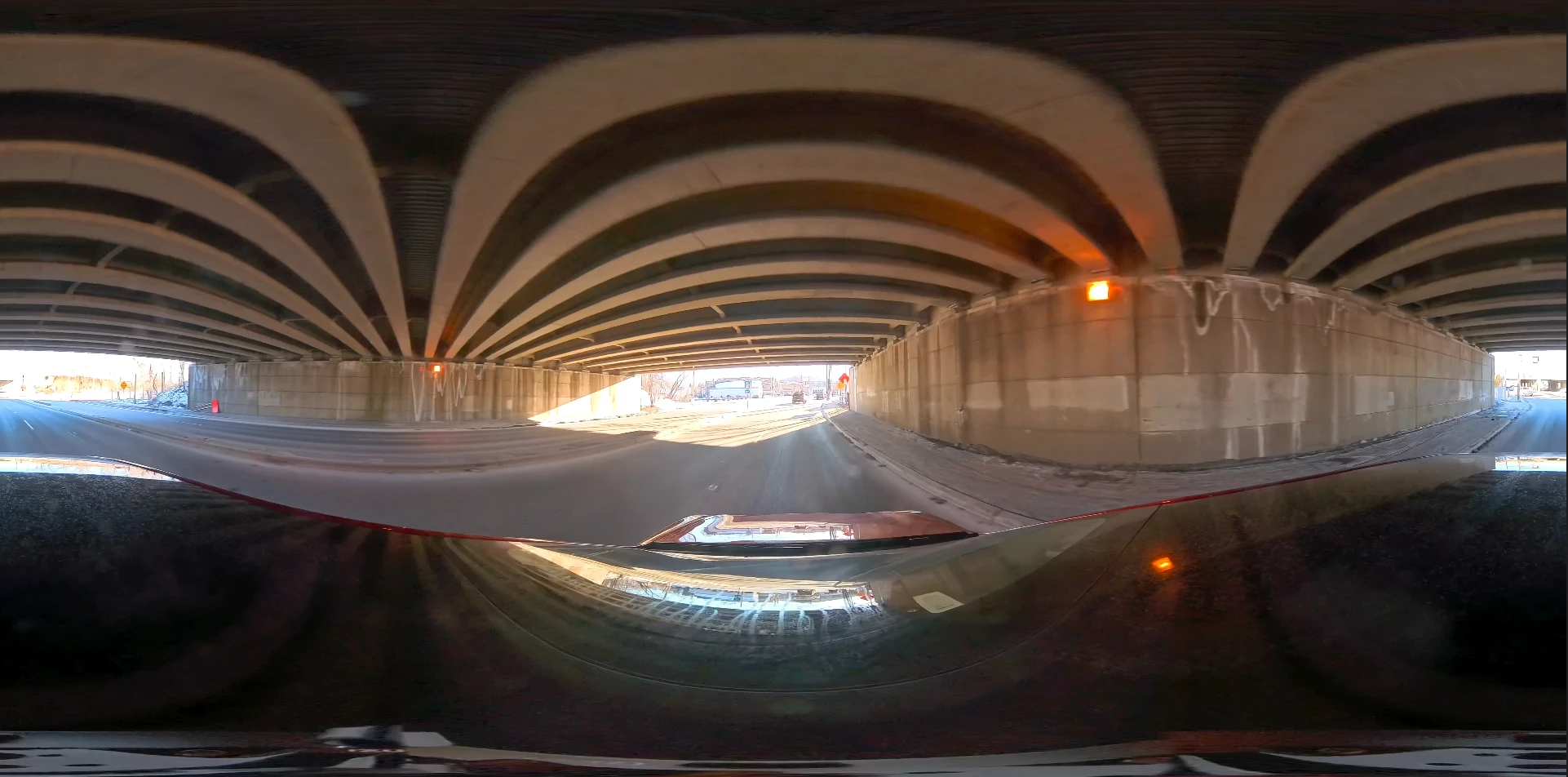
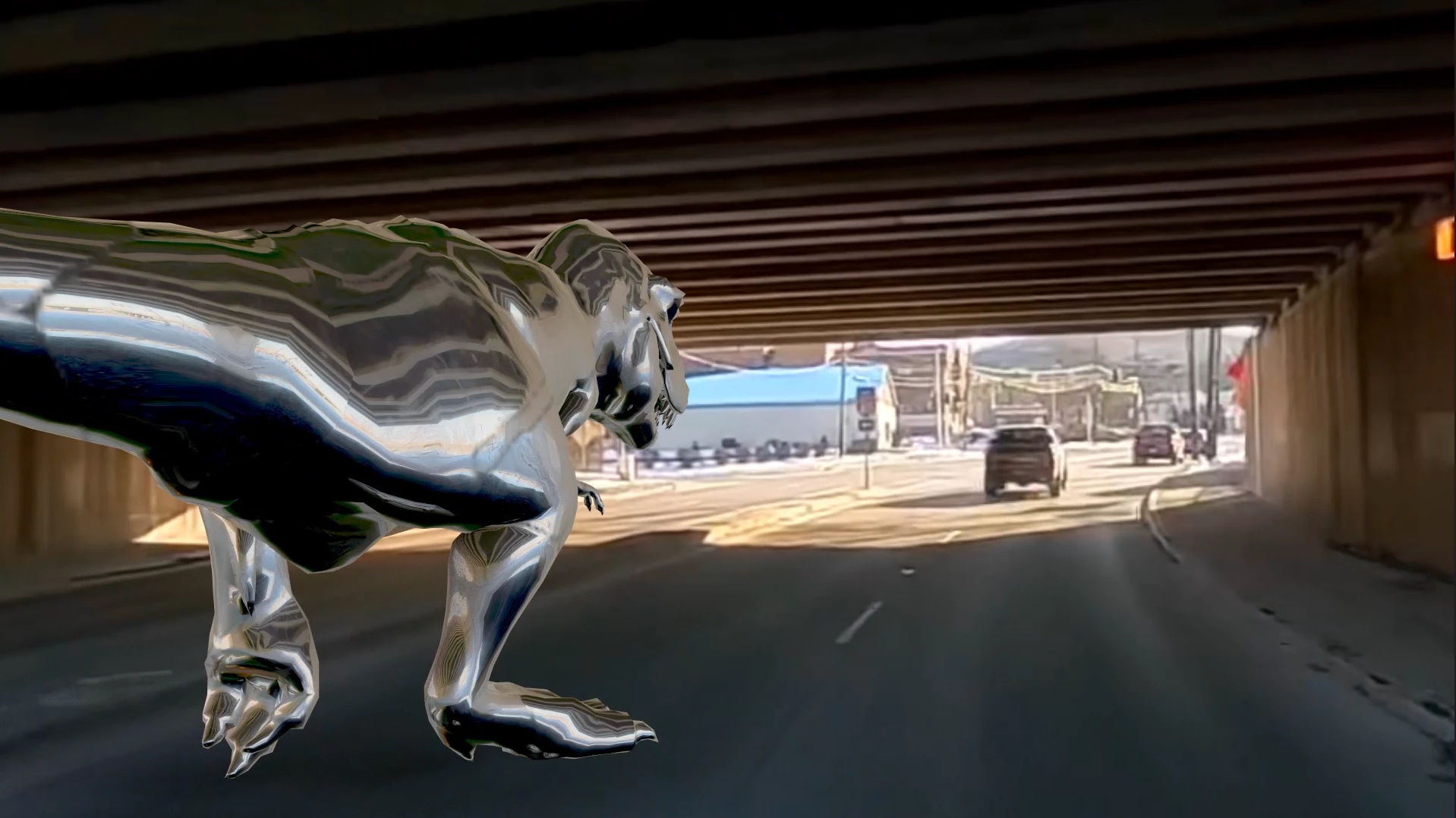 Environment lights will respect the overbrights and darks that can exist in HDR footage. NOTE: While HDR and EXR still images will take advantage of expanded dynamic range even in an 8-bit comp, to use expanded range with imported video clips or comps you’ll currently need to work in a 32-bit project.
Environment lights will also provide accurate reflections on objects with reflective materials. For sharper reflections, use high-resolution footage for your Environment Light source.
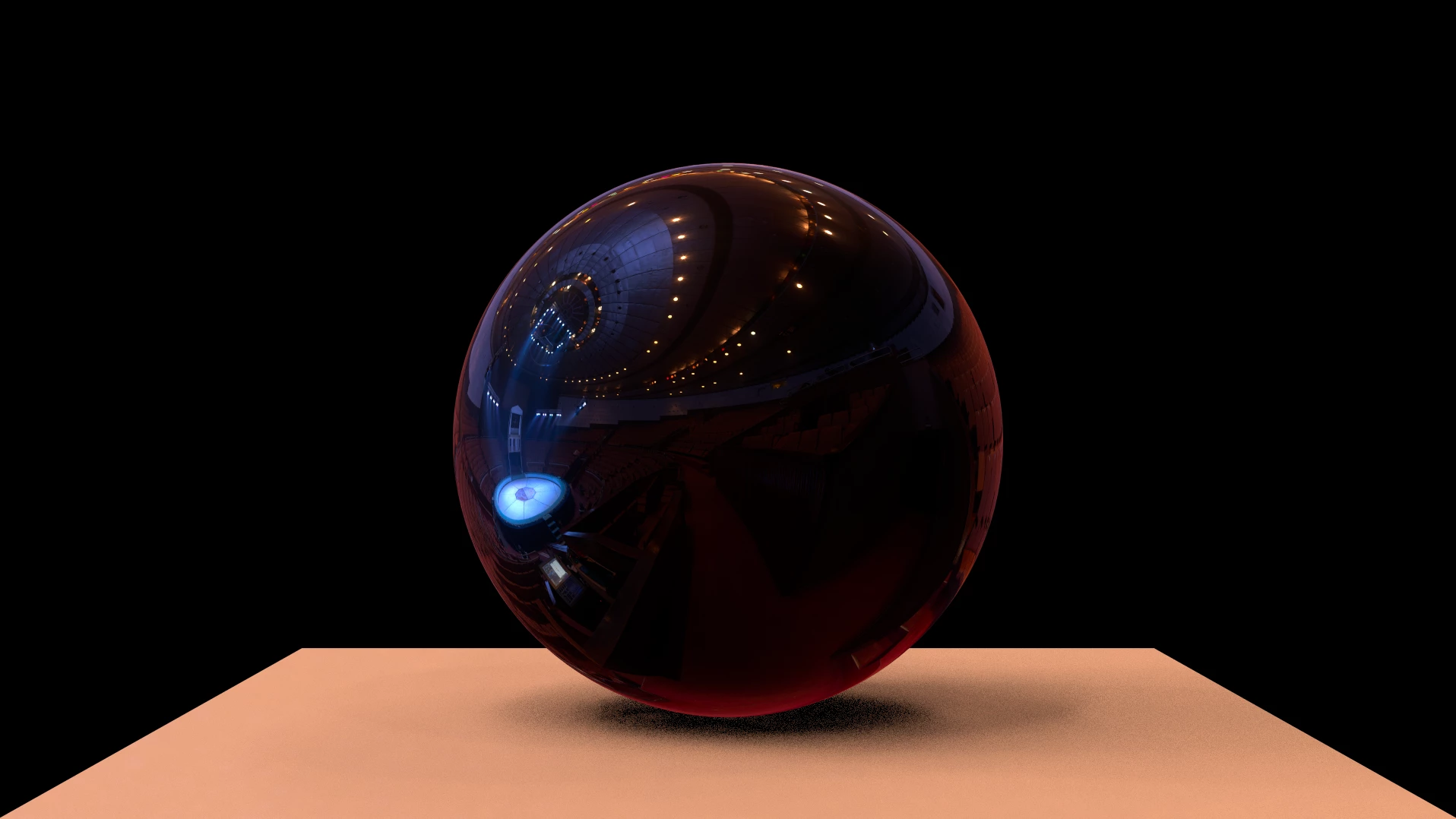
Many bundled effects, such as those found in the Immersive Video category as well as the CC Environment effect, are very useful to help you create and interact with suitable animated environments. Effects like VR Color Gradients or VR Fractal Noise create seamless results when the layer is selected as an Environment light source.
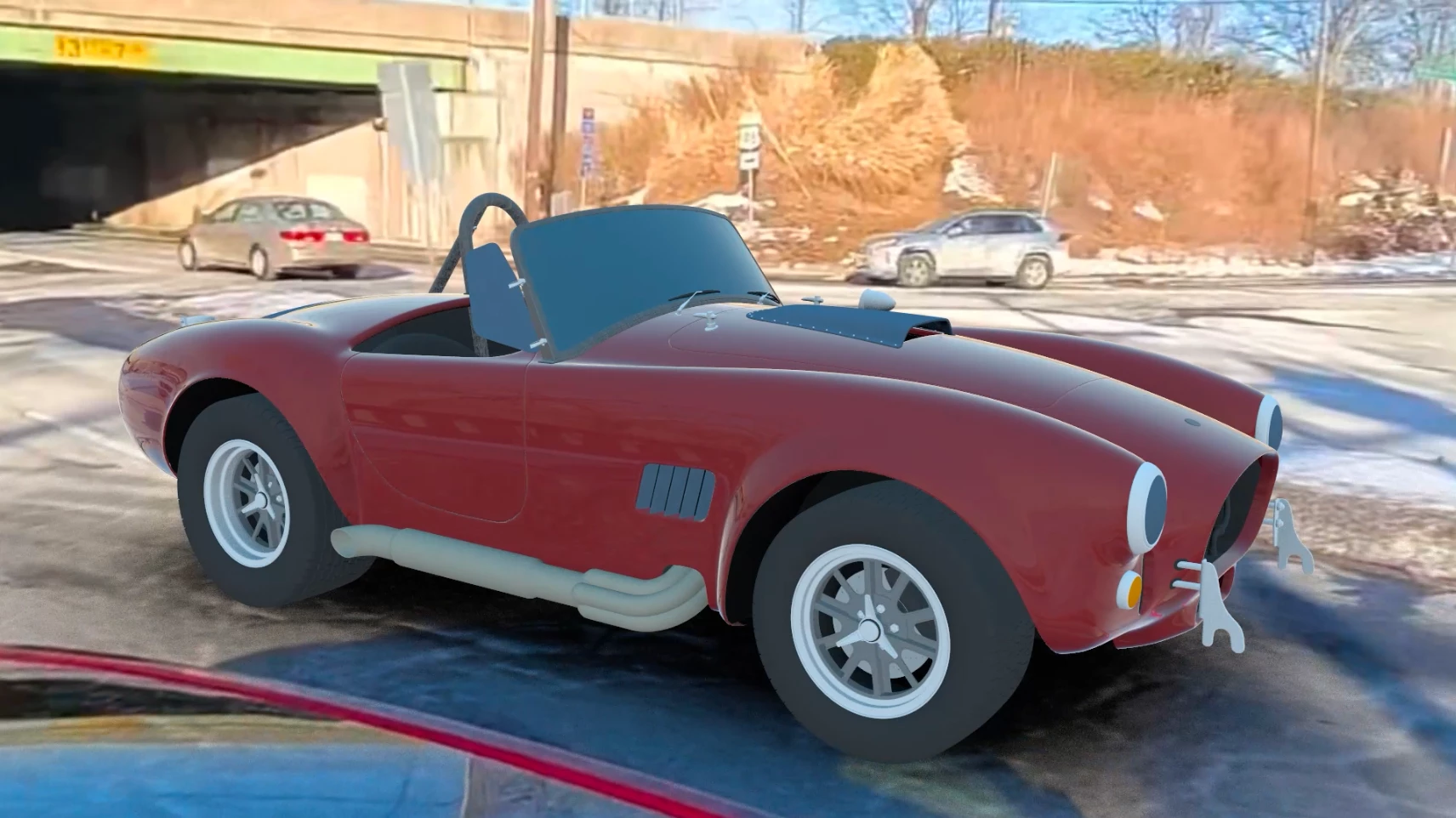
Tips for Testing
- If you are using a precomp as a source, remember that details near the top and bottom of the comp will be “squeezed” by the projection and may have less effect than elements in the center of the scene. Keep this in mind when designing your custom maps.
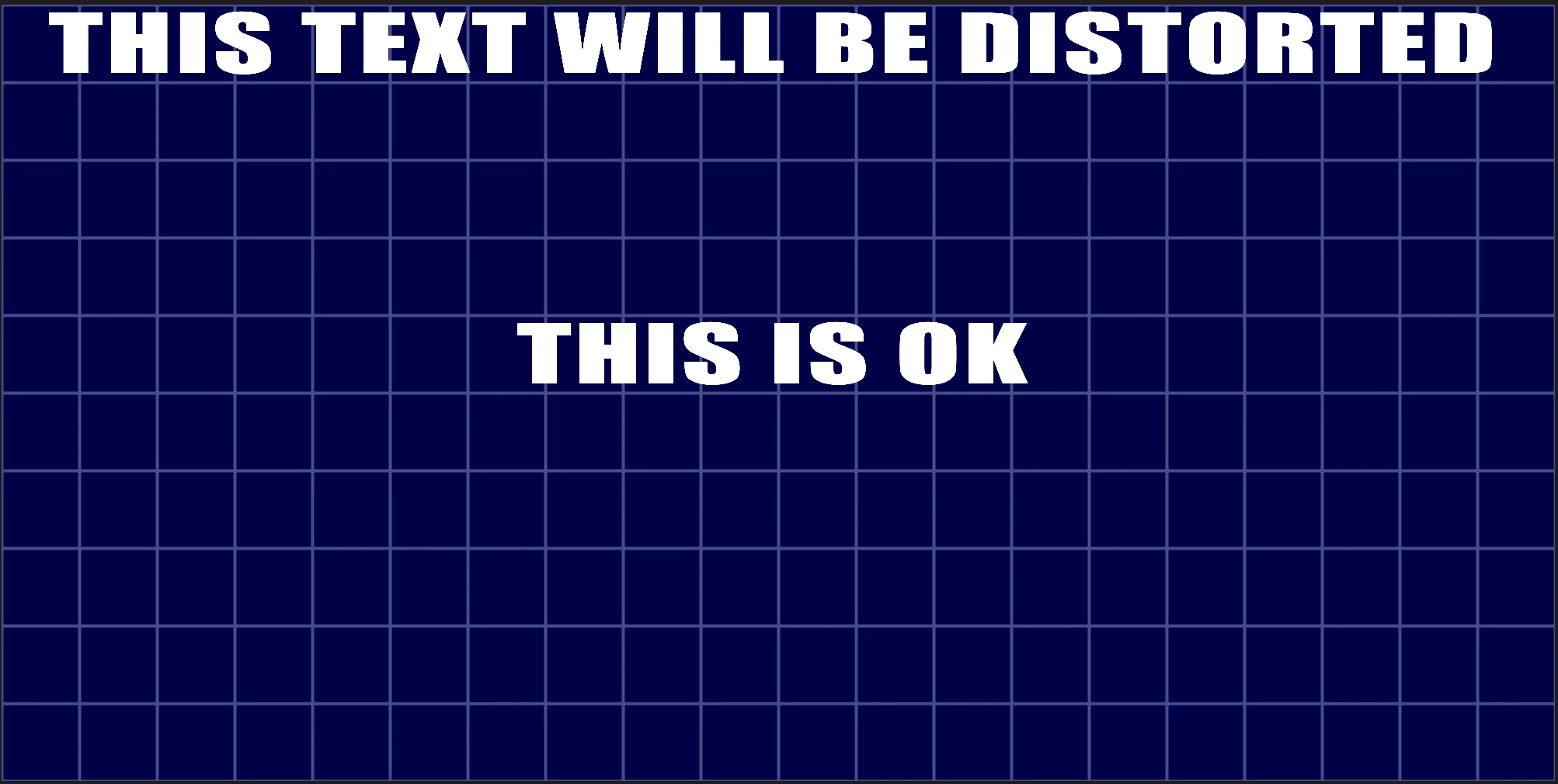
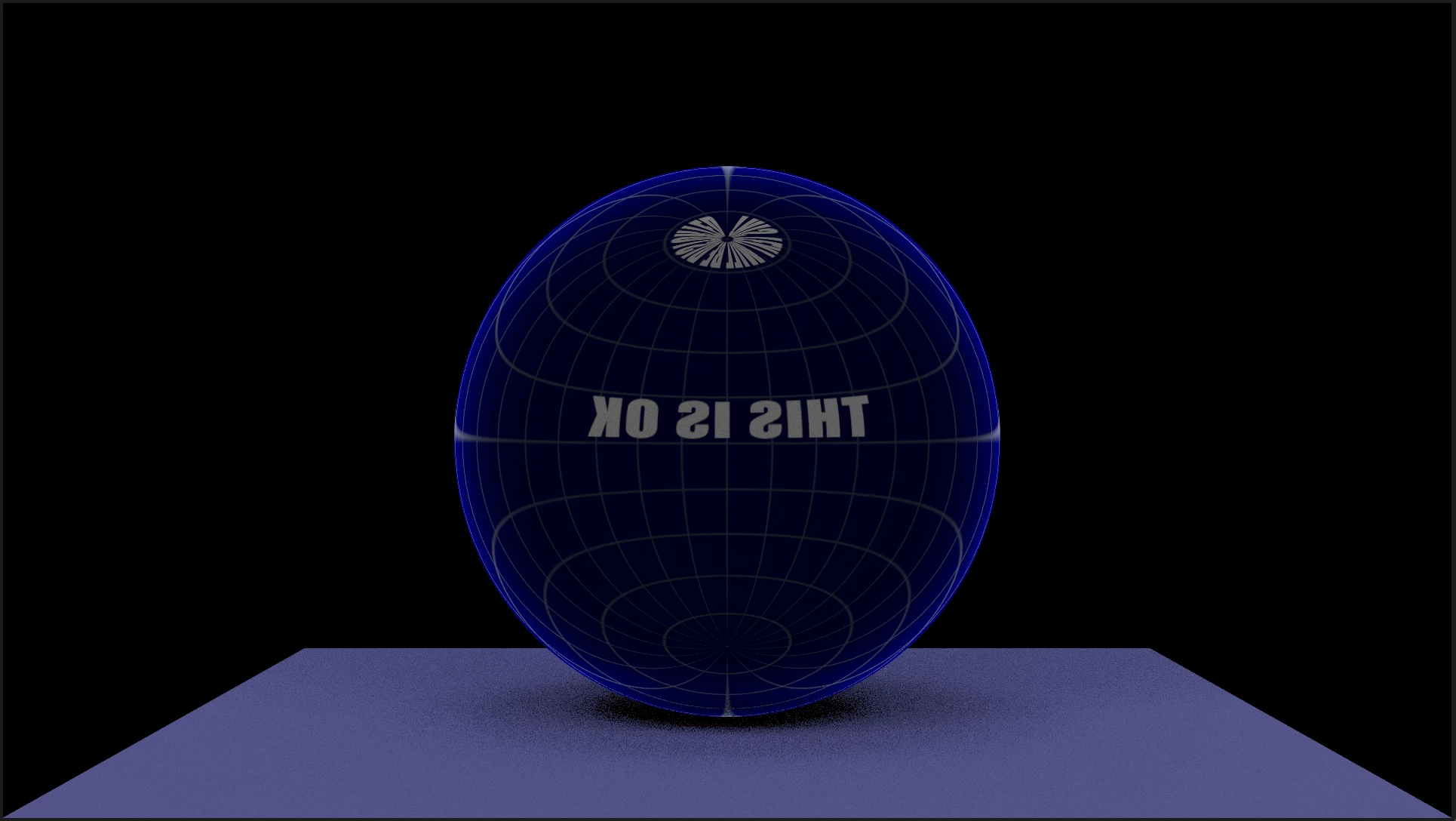
- If you are working in a 32-bit project, you can boost the brightness (and darkness) of elements past the visible range, to amplify the lighting effect on the scene. You can also adjust the Environment light’s intensity directly.
- Environment lights will respect effects that are applied in the light source layer in the local comp. For example, if your source is black and white but you want your light to appear red, you can apply a color correction effect to the source layer and modify the effect accordingly.
We’d love to see and hear your experiences with a variety of media sources for Environment Lights!
Known Issues and Feature Limitations
- If a layer is a 3D object, a light, a camera, a 3D null, or a normal layer with the 3D switch applied, you cannot choose it as a source for an Environment light.
- We have discovered some effects (for example Checkerboard) that are not showing up properly in a reflection map when applied over transparency (adding a solid black background resolved this particular issue). Please report any other effects that are not behaving themselves when used as Environment Lights.
Please give this new functionality a try and let us know how it’s working for you.
 AdChoices