




Feature Focus: New and Improved Null Creation Commands
Hello everyone,
We're excited to unveil Create Nulls for Positional Properties, a new command for easily creating simple animation rigs for positional properties. This new command is available in After Effects (Beta) 25.2.0.93 and later. After selecting a point property in the Timeline, you can use Create Nulls from Positional Points from either the Layer > Create menu or the Keyframe Assistant menu.
Much like Create Nulls from Paths (which we'll talk about more in a minute), this new command allows you to instantly create linked Nulls from any positional point in After Effects. Shape gradient points, Puppet Pins, effect points...the list of compatible properties and creative possibilities is extensive.
Linking positional points to Nulls has many benefits, including:
- Attach any point to any layer through layer references or parenting without writing expressions yourself
- Parent Puppet Pins to each other for character rigs
- Bring 2D effect points into 3D space
- Separate the dimensions on resulting Null layers for finer control of any point
- Use parenting to animate the position of layers through scale and rotation
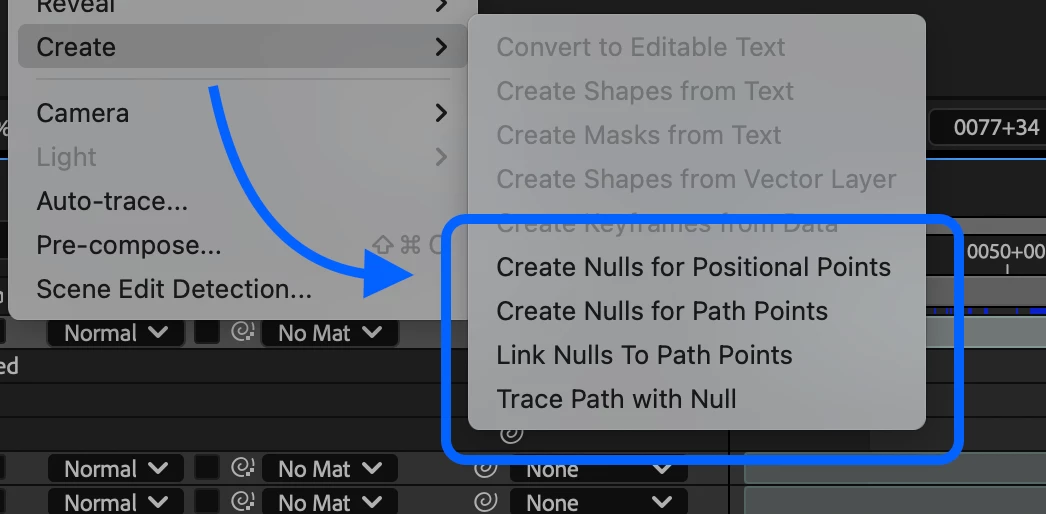
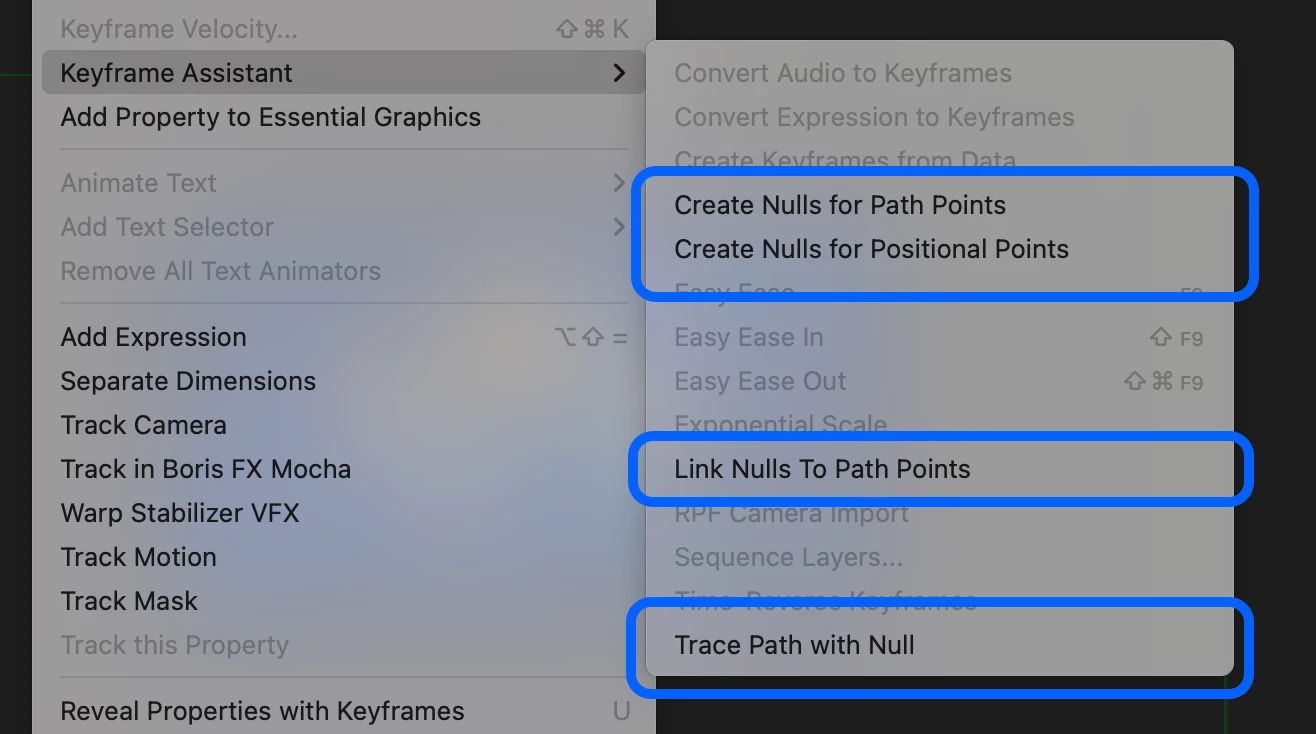
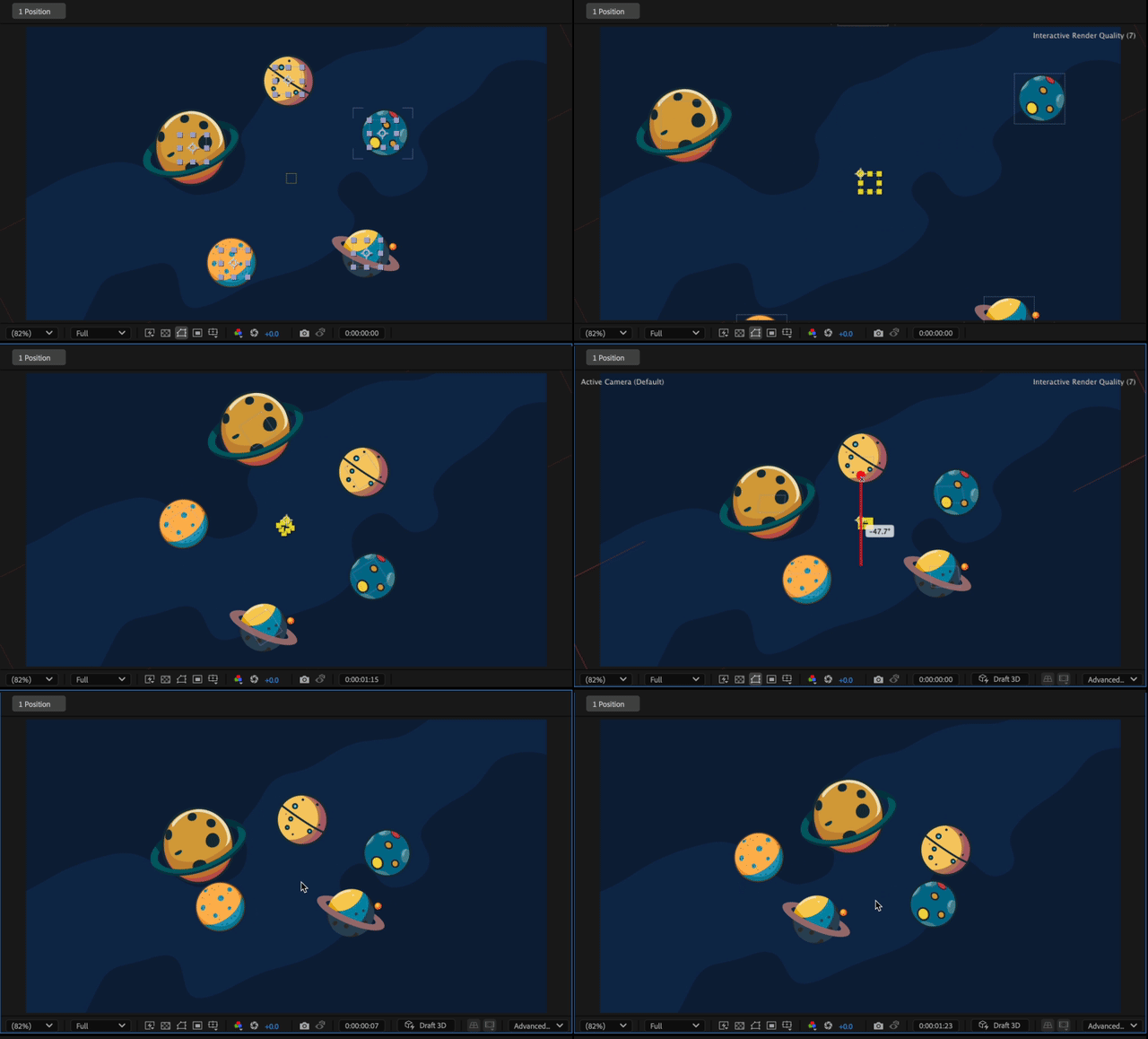
In addition, the three commands for linking Path points to Nulls can also be accessed through the same menus as the new Create Nulls for Positional Properties. The linking for Path points has been updated for better handling of Shape paths inside nested Shape groups, so the Nulls can be placed more accurately, even when the Shape group transforms are offset or animated.
Note: The Nulls can still become offset from the Shape Path points if Skew or non-uniform Scale are used.
What we would love to hear from you
- Are these new commands useful in your workflow?
- Which menu location do you find more intuitive? (Create menu vs Keyframe Assistant)
- Are you encountering any positional points that aren't linked correctly to a Null?
- What similar improvements might be useful?
Any other insights you can provide are greatly appreciated. We'd love to hear how this new feature is working for you in the Beta builds!
Thanks again for your feedback.
 AdChoices