




Now in Beta: Per-character Text and Paragraph Styling in Expressions
Hi everyone!
We're excited to announce that starting in version 24.5.0x41 of After Effects Beta introduces support for per-character control of text and paragraph styling in Expressions.
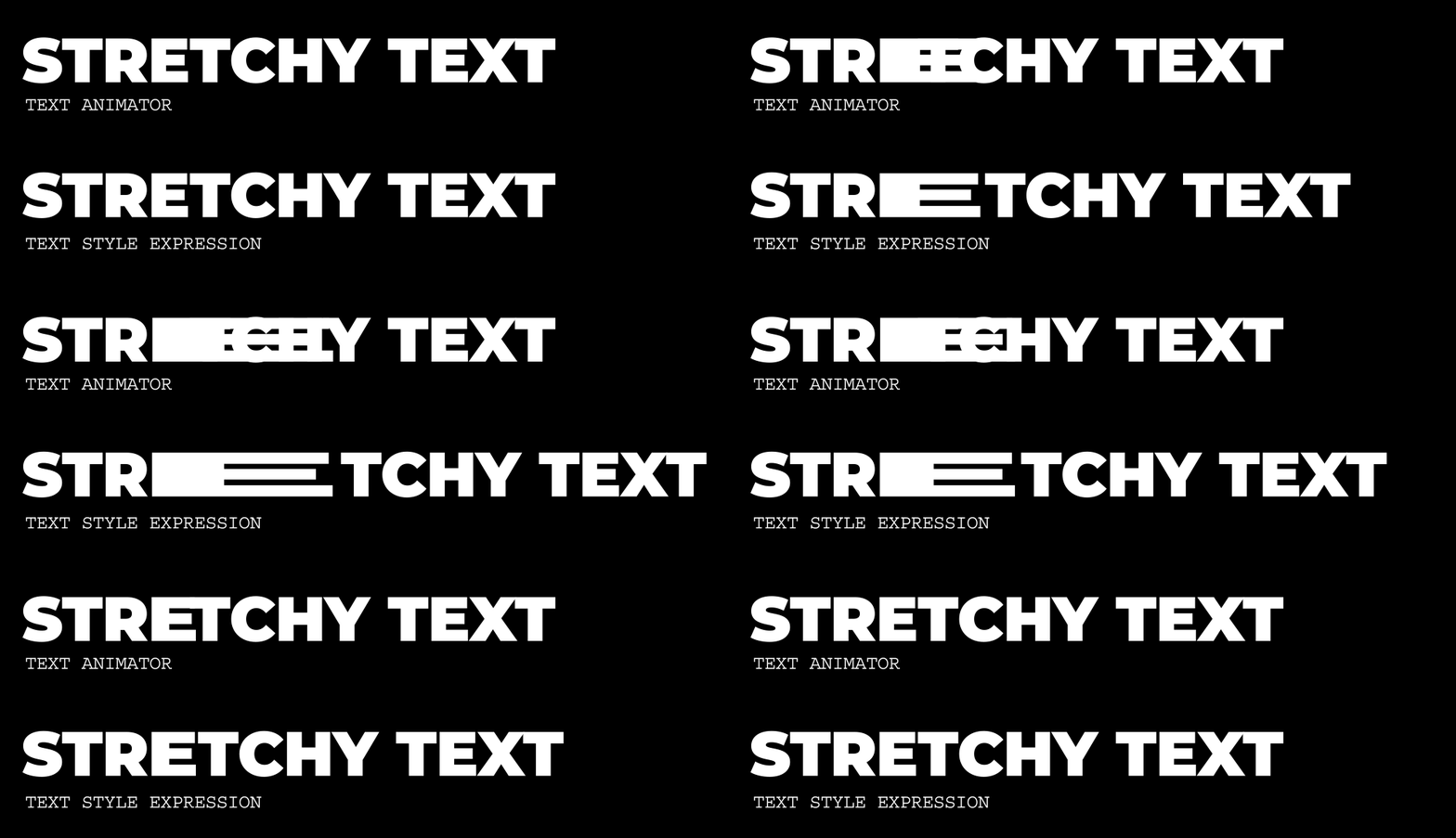
This long-requested addition to Expressions builds on recent per-character scripting API updates to unlock powerful text styling capabilities that are able to respond to changes in text content and can be saved and shared as presets. These new options can also streamline template design by making it possible to configure alignment and paragraph styling in a single layer rather than turning on and off multiple synced copies of a layer.
A benefit of per-character control is automatic reflowing of text such as when scaling letters, using superscript, and using a different font, just as you would expect from using substring styling from the Character panel.
Getting Started
Make sure you have your expression engine set to Javascript.
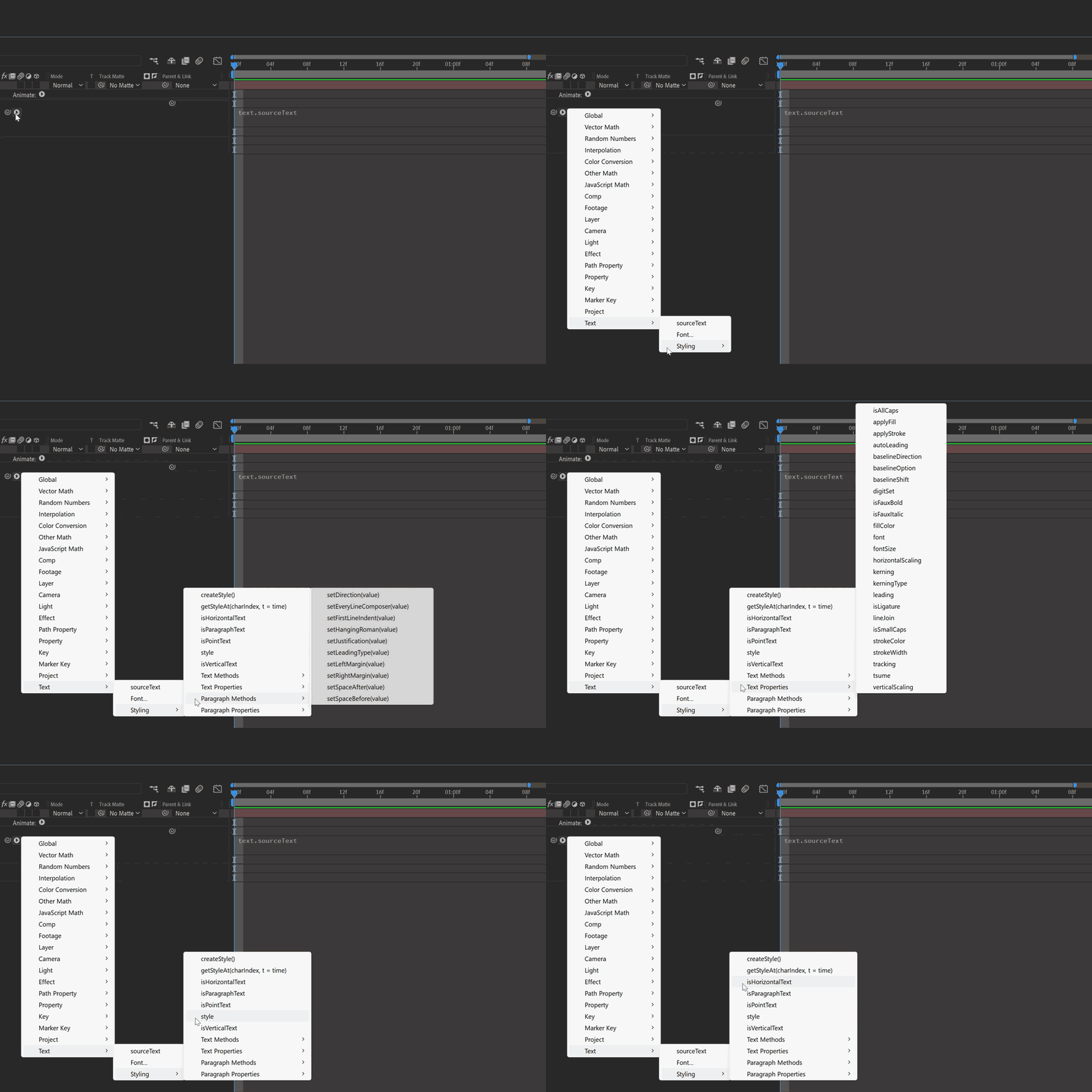
The Expression reference flyout menu provides an overview of available methods in the updated Text > Styling submenu; see the attached document for the full API.
Sample Expressions
Change the font for certain words

Using the string: “Change the fonts of some words” apply the following to the Source Text
text.sourceText.style
.setFont("Montserrat-Light")
.setFont("Gigantic", 0, 6).setFont("Gigantic", 10, 6).setFont("Gigantic", 20)
To customize this for yourself, change the font from the Text Expression flyout menu, and target the character index and amount of characters to make a different font.
Set the first line of a text layer to bold and make it larger

Using the string: “Change the first line of text to bold and make it larger” apply the following to the Source Text
text.sourceText.style.setFontSize(100, 0, 30).setFauxBold(true, 0, 30)
Set superscript for characters

Using the string: “1st and 2nd Place” apply the following to the Source Text
text.sourceText.style.setBaselineOption("superscript",1,2).setBaselineOption("superscript", 9, 2)
Try passing character index values and character amounts to expression sliders and using keyframes to create animation!
Known Issues
- There is a difference in behavior when using .setJustification between Left to Right text and Right to Left text. To justify text to the left when using RTL, use .setJustification("alignRight"), and to justify to the right, use .setJustification("alignLeft").
- When exporting a mogrt, using .setFontSize() and enabling Font Size adjustment in Font Properties causes unexpected behavior in Premiere Pro. It’s recommended to use one or the other, but not both together.
Limitations
The style object always returns the first character's style information, not the characters' individual substyles. Therefore, when reading the style of a Text layer containing multiple styles, you must use getStyleAt() with a character index to specify which character's style you need.
We've built an example AEP with the above expressions and few extras to get you started. Please give all of these new expressions a try and let us know how they’re working for you!
 AdChoices