



Question
Problem with bit depth when importing Prores 4444 and HEVC 10bit files
Hello!
I noticed, that when i'm importing these types of files
mov ProRes 4444 10bit
mov ProRes 4444 XQ 10bit
mp4 HEVC 444 10bit/16bit
Adobe After Effects interprets them as 8bit and shows Millions of colors instead of Trillions and unwanted banding appears.
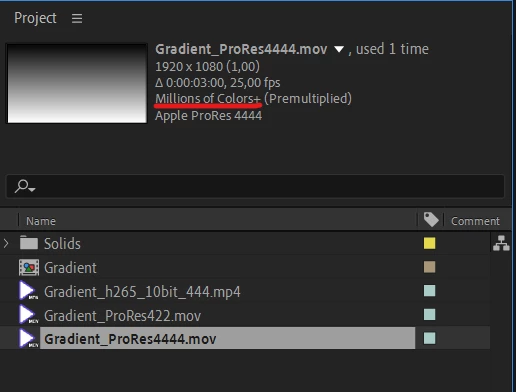
There is no way to change import settings, but i'm definitely sure, that these files have more bit depth (checked using Nuke, ffprobe, PotPlayer).
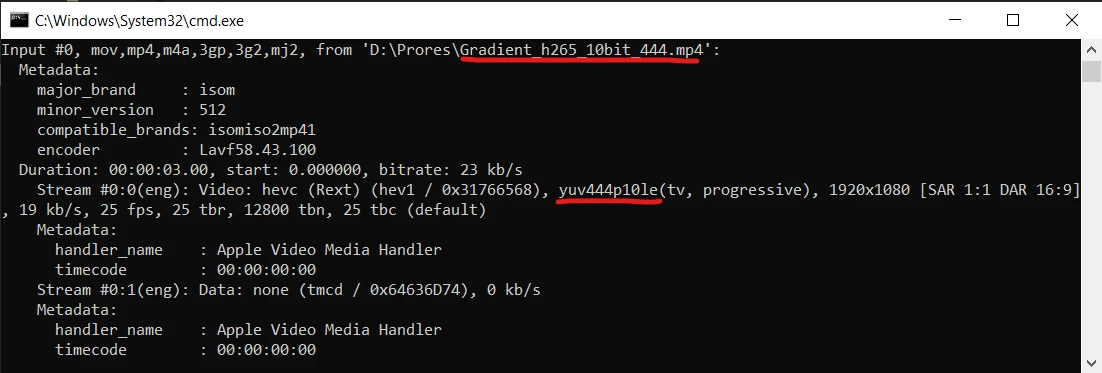
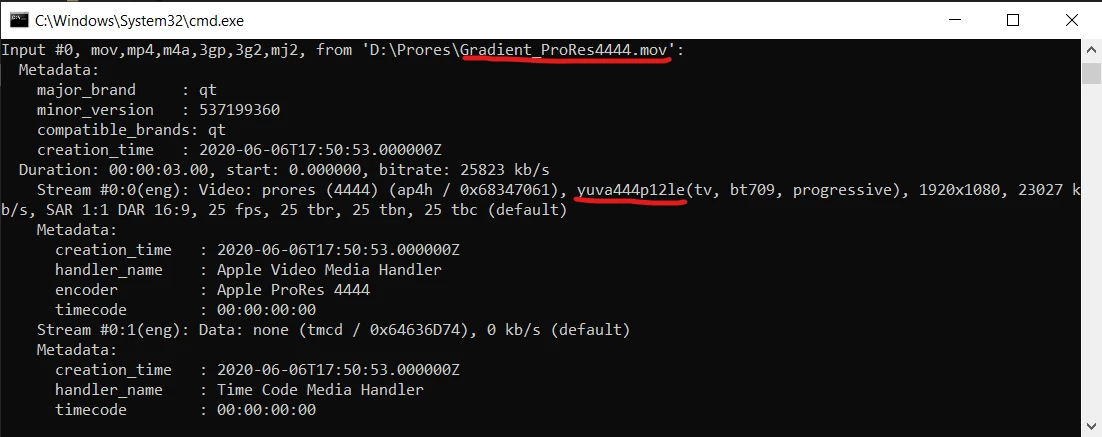
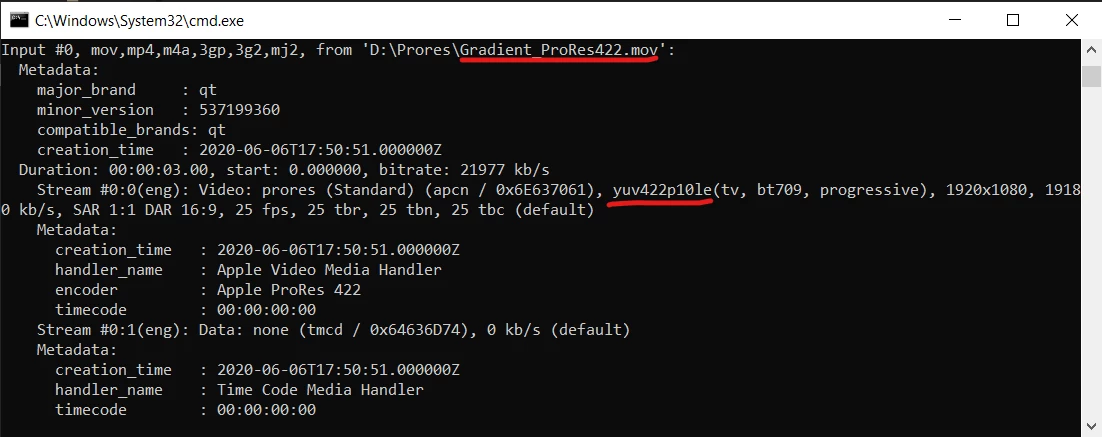
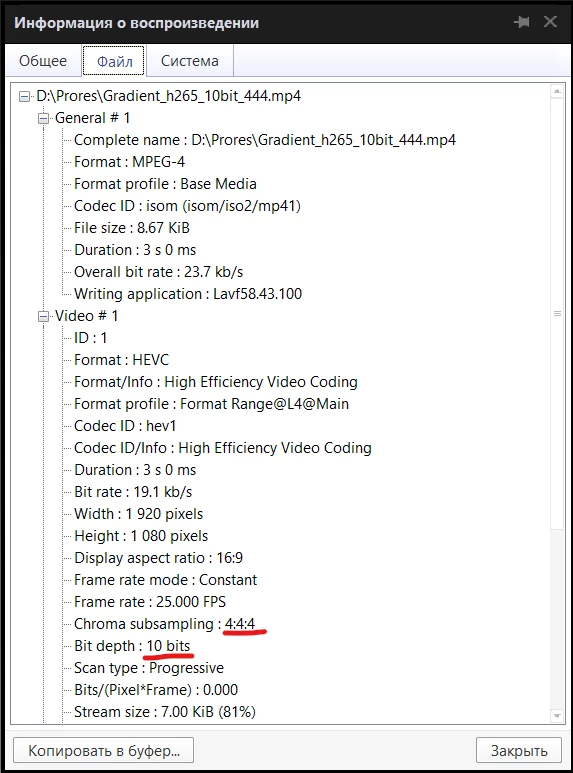
When i'm trying to use ProRes/HEVC with 422/420 chroma subsampling - AE imports them correctly.
I've attached project files and sample videos.
ProRes files rendered inside After Effects (Beta) 17.1.2
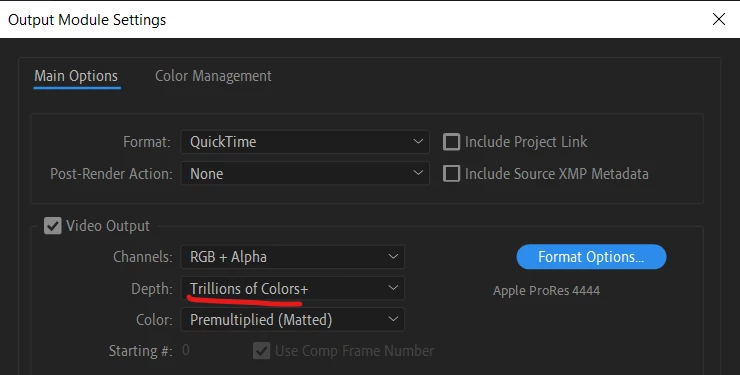
10/16bit mp4 h265 with 444 chroma transcoded using ffmpeg.
mp4 HEVC 422 10bit
"ffmpeg.exe" -n -i "D:\Prores\Gradient_ProRes4444.mov" -c:v libx265 -preset slow -pix_fmt yuv422p10le -q 0.18 "D:\Prores\Gradient_h265_10bit_422.mp4"
mp4 HEVC 444 16bit
"ffmpeg.exe" -i "D:\Prores\Gradient_ProRes4444.mov" -c:v hevc_nvenc -preset slow -pix_fmt yuv444p16 -q 0.18 "D:\Prores\Gradient_h265_10bit_444.mp4"
 AdChoices