


Participant
February 28, 2023

MacOS - After Effects version 23.2.1 - unable to use "Control + Command" for customised shortcuts

  • February 28, 2023
  • 2 replies
  • 214 views

Previously, After Effects allowed us to use the keyboard modifiers combo "Control + Command" for the customized shortcuts, but now it does not work.
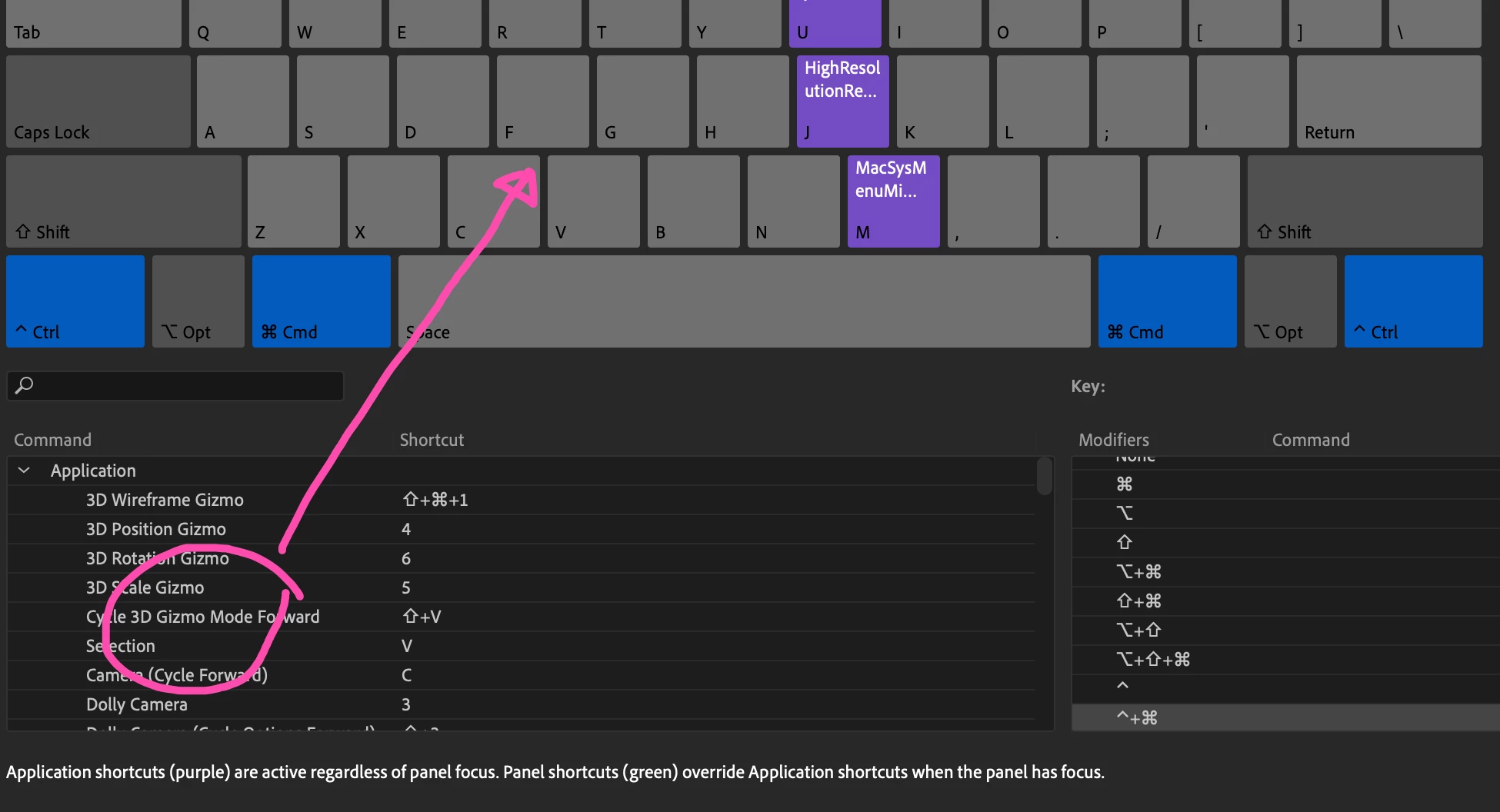
 

I tried dragging an extension or a script from the command section to the keyboard layout, but this will not work. The temporary workaround will be editing the shortcut text file directly.


Is this a known issue?

This topic has been closed for replies.

2 replies

TedNg852Author
Participant
March 17, 2023

Thanks for the quick reply, John. The custom keyboard shortcut preset is created from the After Effects Default preset using the Save As function, and I am using the regular laptop keyboard. Not sure if this issue only happens on ARM-based Macs.


I tried to switch to the default preset and assign Control + Command + 1, for example, but it still does not work.


However, these shortcut combinations work:

Shift + Command

Option + Command

Shift + Option


I think the Control key is the modifier that has the issue.

JohnColombo17100380
Community Manager
Community Manager
February 28, 2023

Hi @TedNg852,

Thank you for reporting this issue. In testing this on two Macs (running macOS 12 and 13, respectively), I'm able to drag-assign keyboard commands with Control + Command modifier keys.  


Are you using an existing custom keyboard shortcut preset or a non-QWERTY keyboard? Either of those factors could impact how the shortcuts are edited. If you are using an existing custom keyboard layout preset, please try temporarily switching to a default layout and try assigning the Control + Command shortcut again.


Thanks for reporting this issue and for any further information you can provide, 

- John, After Effects Engineering Team