
About the render queue
Hi all.
I'm trying to write a composition frame rendering script
Project state when the script is run
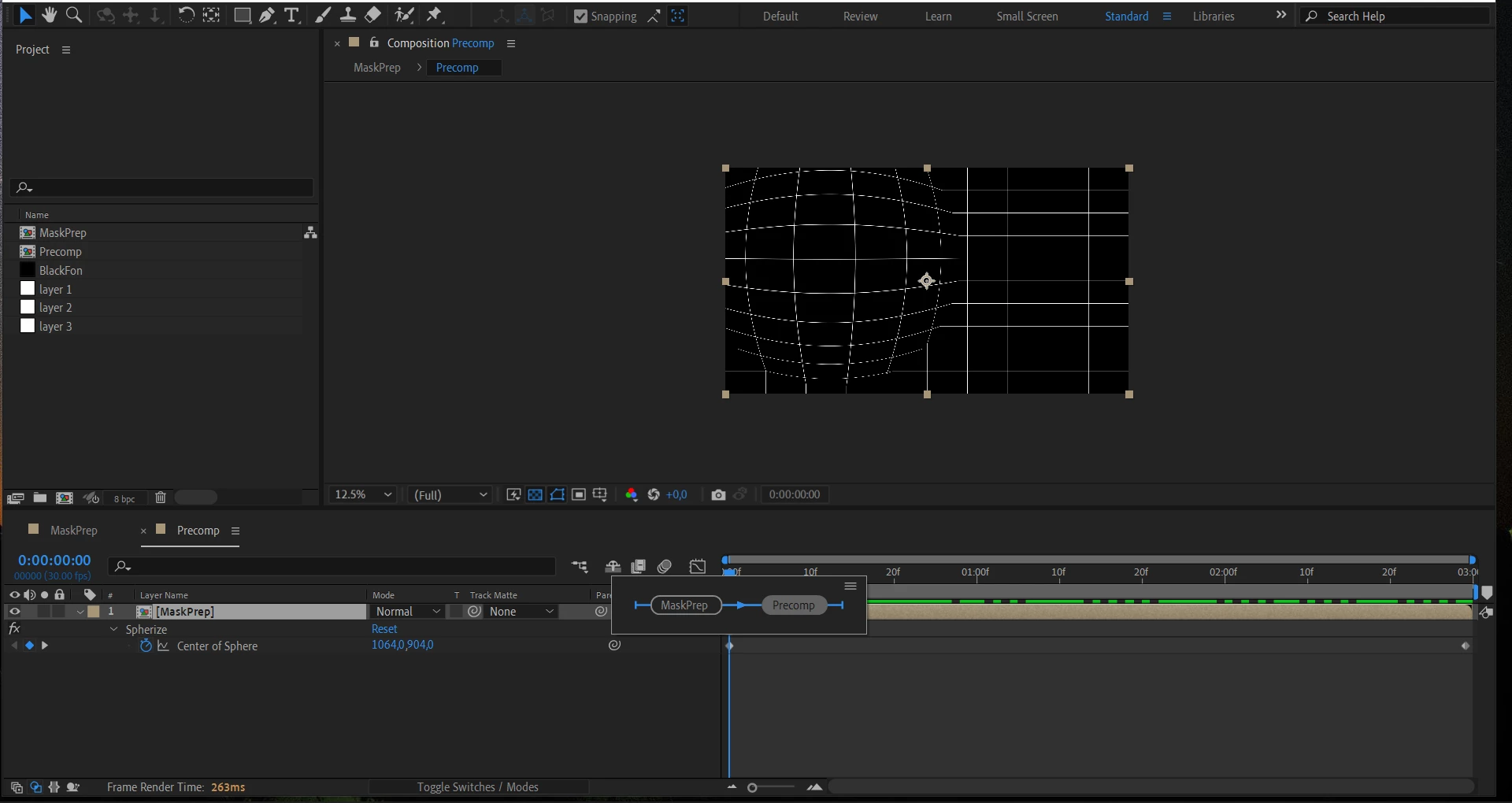
The "MaskPrep" comp contains the "Precomp" comp layer, with the "Spherize" filter applied
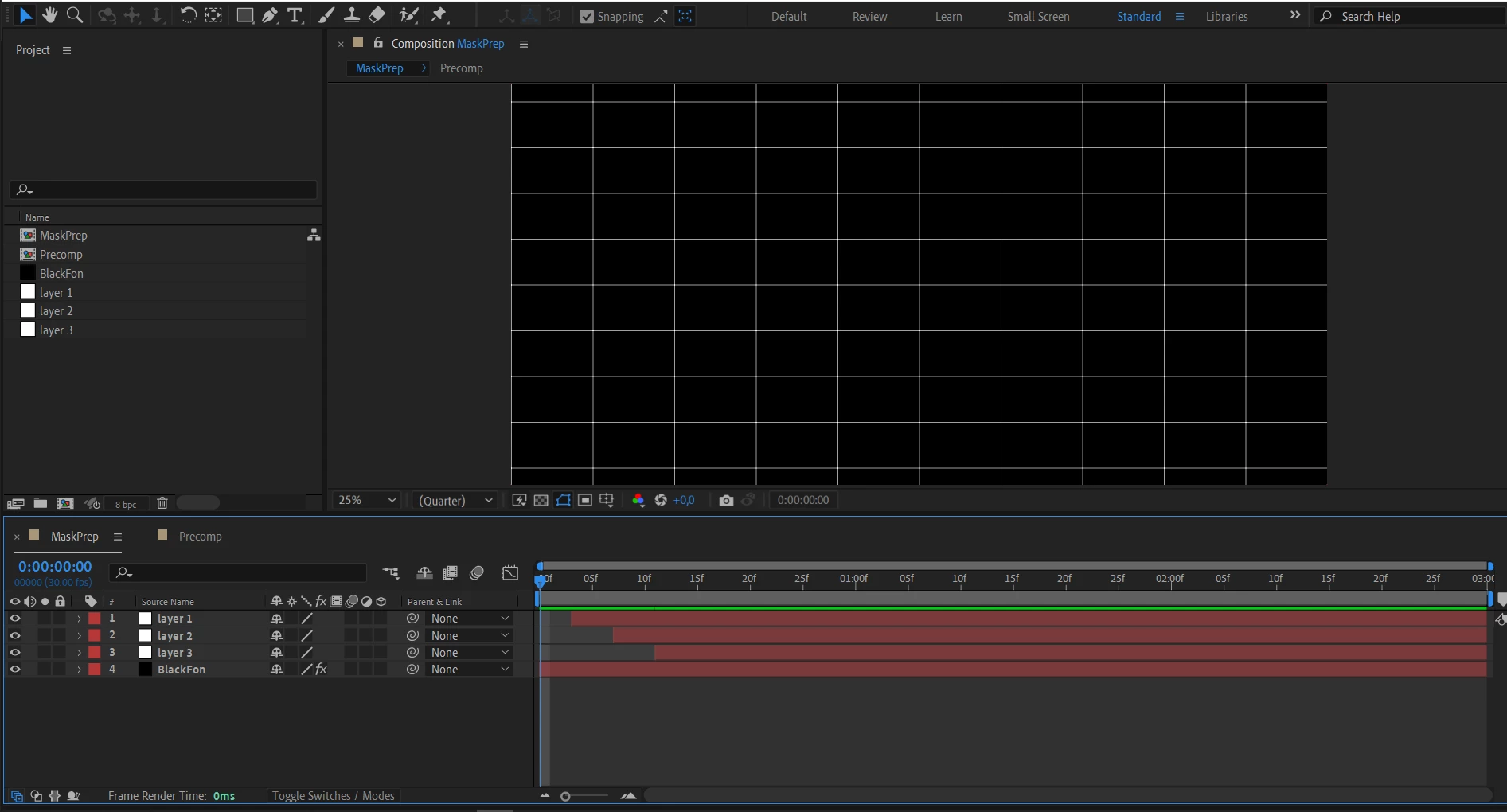
The composition "Precomp" has layers "Layer *" (layers with arbitrary masks) and a layer "BlackFon" with a filter "Gride"
The script should get the frames of the "MaskPrep" composition at which the "Layer *" layers of the "Precomp" composition begin and import them into the project.
var compMain = f_findCompItemByName("Precomp");
var compMaskPrep = f_findCompItemByName("MaskPrep");

compMaskPrep.openInViewer();

app.beginUndoGroup('Test')

var oneFrameDuration = currentFormatToTime(1, 30)
var arrayLayersInTime = []
compMaskPrep.openInViewer()

// getting an array of starting points of the layers of the composition compMaskPrep
for (var i = 1; i <= compMaskPrep.layers.length - 1; i++) {
    arrayLayersInTime.push(compMaskPrep.layer(i).inPoint)
}

// clearing the render queue
f_clearRenderList();

// changing the duration of layers
for (var i = 1; i < compMaskPrep.layers.length; i++) {
    compMaskPrep.layer(i).outPoint = compMaskPrep.layer(i).inPoint + oneFrameDuration
}


compMain.openInViewer()
for (var i = 0; i < arrayLayersInTime.length; i++) {
    app.beginUndoGroup('ImagePrerear')
    var k = i + 1
    compMain.time = arrayLayersInTime[i];

    //  setting parameters of the working area of the project
    compMain.workAreaStart = arrayLayersInTime[i];
    compMain.workAreaDuration = oneFrameDuration

    // adding to the queue
    var activeComp = app.project.activeItem;
    var item = app.project.renderQueue.items.add(activeComp);

    var outputModule = item.outputModule(1);

    //setting the output renderer template
    outputModule.applyTemplate("PNG"); // The output template has the option to import a picture into the project
    var FileName = "/d/temp/Mask" + "/" + "Layer" + " " + k + "_" + "[#####].png"
    outputModule.file = File(FileName);
    app.endUndoGroup();

    // frame render
    try {
        app.project.renderQueue.render();
    } catch (e) {
        alert(e.toString())
    }
}
// clearing the render queue
f_clearRenderList()

app.project.renderQueue.showWindow(false);

function f_clearRenderList() {
    for (var i = app.project.renderQueue.items.length; i > 0; i--) {
        app.project.renderQueue.item(i).remove();
    }
}

function f_findCompItemByName(Name) {
    for (i = 1; i <= app.project.numItems; i++) {
        if ((app.project.item(i).name == Name) && (app.project.item(i) instanceof CompItem)) {
            return app.project.item(i);
        }
    }
}
After executing the script, the following errors occur.
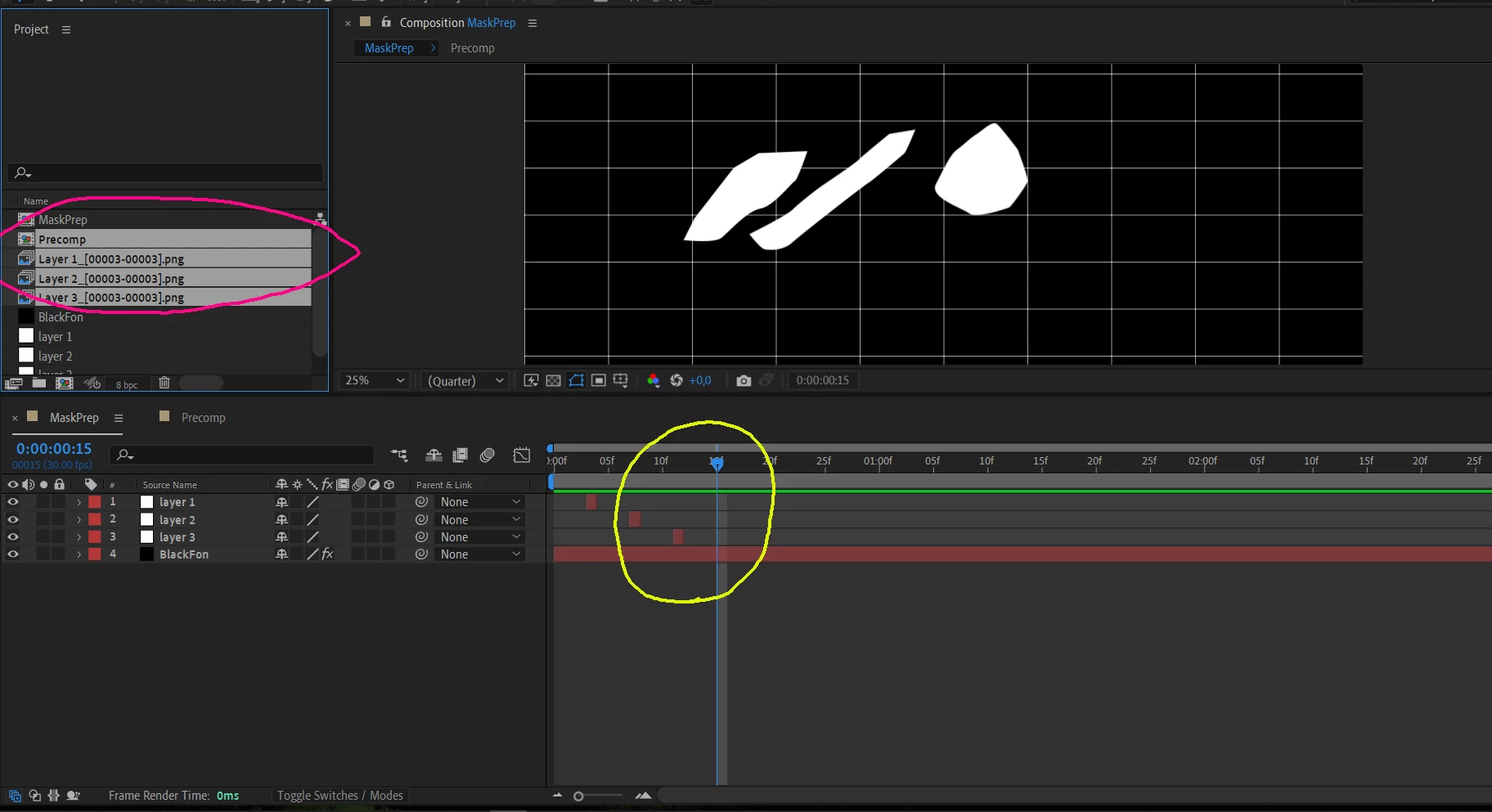
1. It is assumed that the received frame will contain a separate layer "Layer 1" or "Layer 2" or "Layer 3", but instead only the state of the first layer "Layer 1" is displayed in each frame
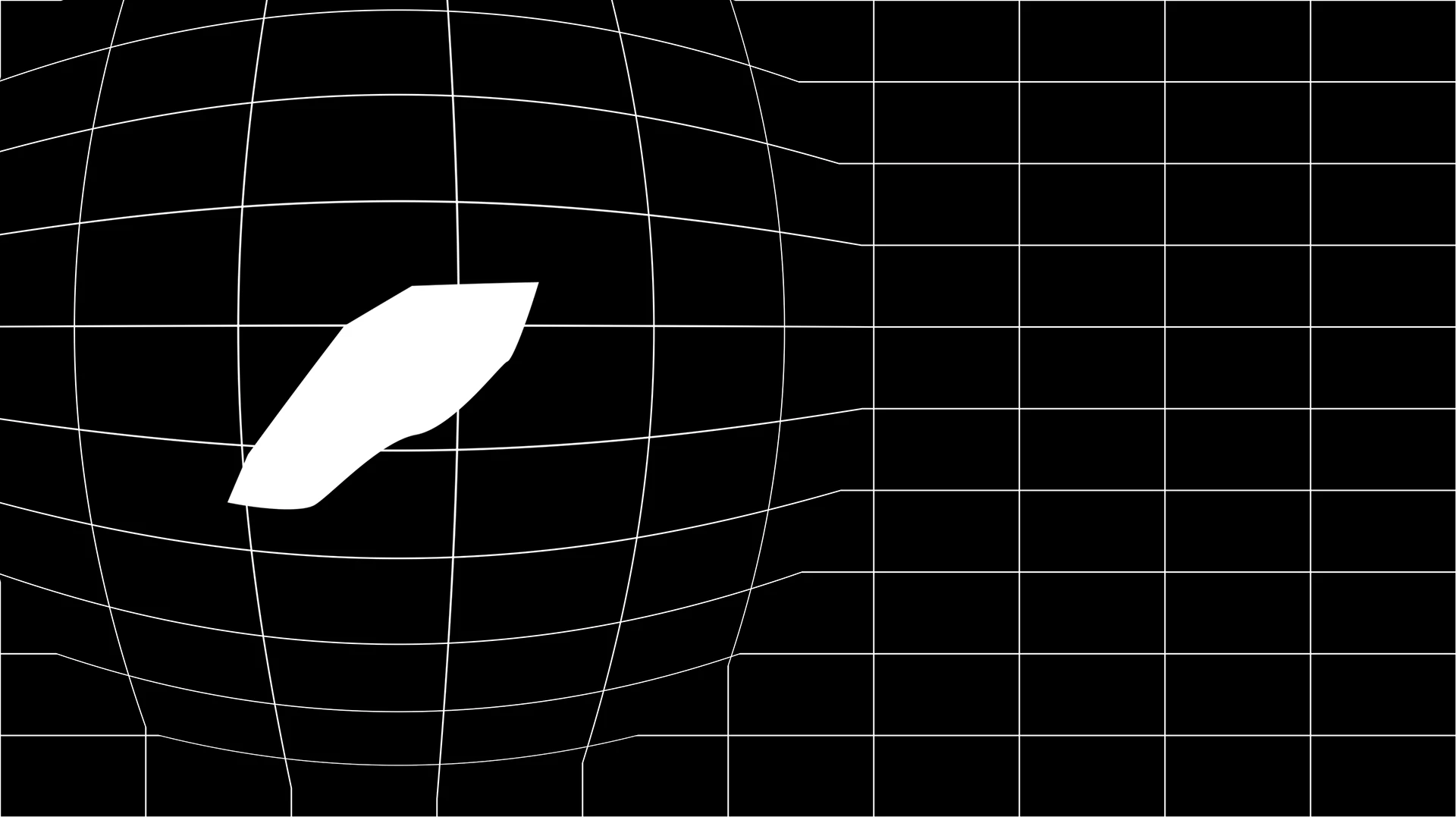
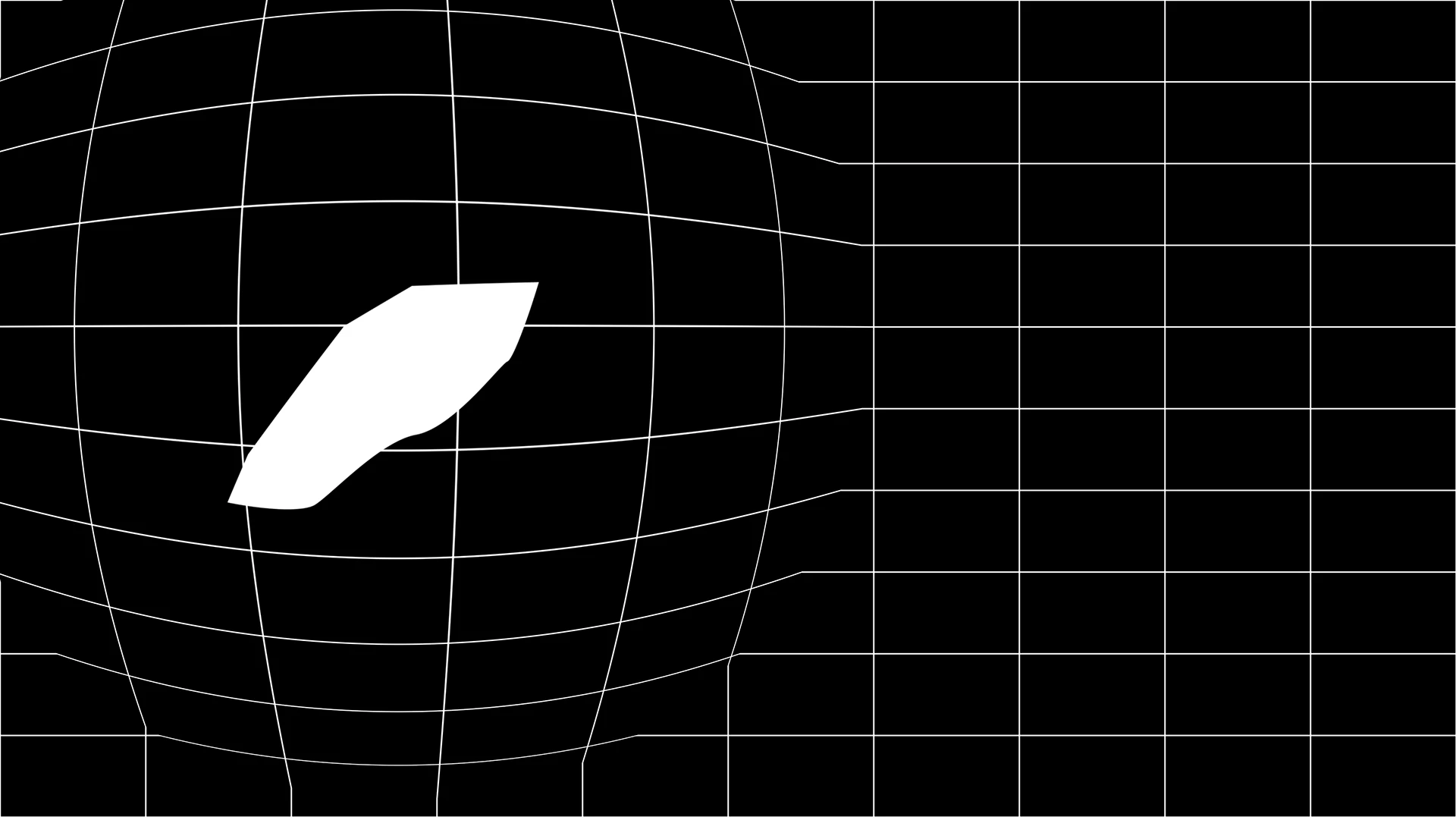
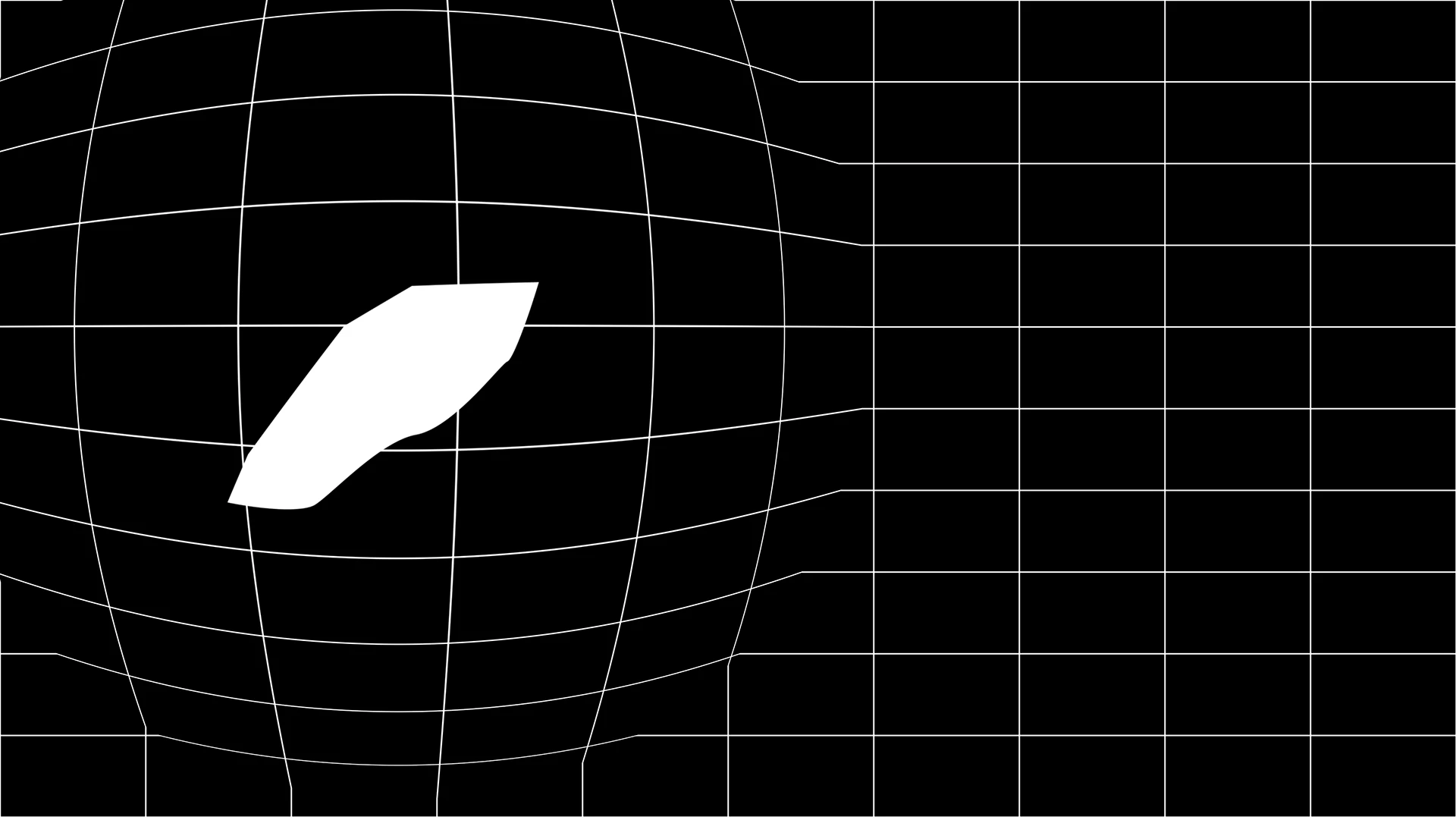
2. The name of the imported picture must contain the frame of the composition in which this layer begins [00003, 00006, 00009]
and i get 00003 in every frame
3. The file name of the created file is Layer 1_00003.png , but in the project the display name is Layer 1_[00003_00003] .png .
4. Pay attention to the current animation frame in the "Precomp" composition. It is assumed that all "Layer *" layers will be hidden,
but they are visible..!?!
AE version: 23.0.0 (Build 59)
 AdChoices