

Answered
Add Motion Blur To 3D Renderer
So I've done a cube of 6 Shape Layers. Got them into 3D Space (using Cinema 4D Renderer), Pre-Comped them and I am still not able to use Motion Blur on them.. why?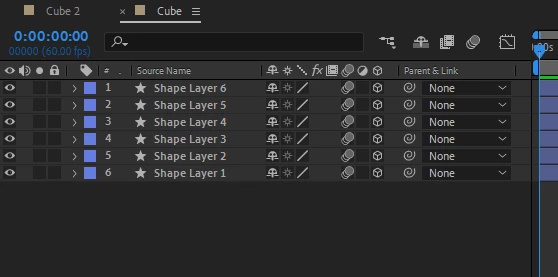
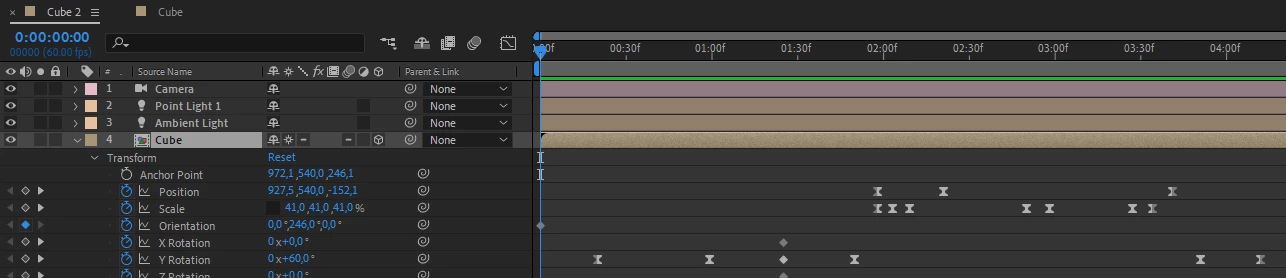

So I've done a cube of 6 Shape Layers. Got them into 3D Space (using Cinema 4D Renderer), Pre-Comped them and I am still not able to use Motion Blur on them.. why?
Collapse Transformations prevents you from enabling Motion Blur on the Nested Comp.
You would have to enable it on the layers in the nested comp.
Is there a reason you are using the C4D renderer for cube layers?
Already have an account? Login
Enter your E-mail address. We'll send you an e-mail with instructions to reset your password.
 AdChoices